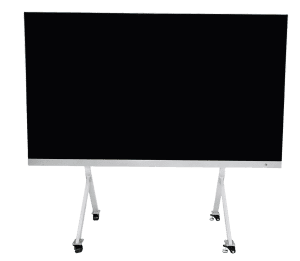
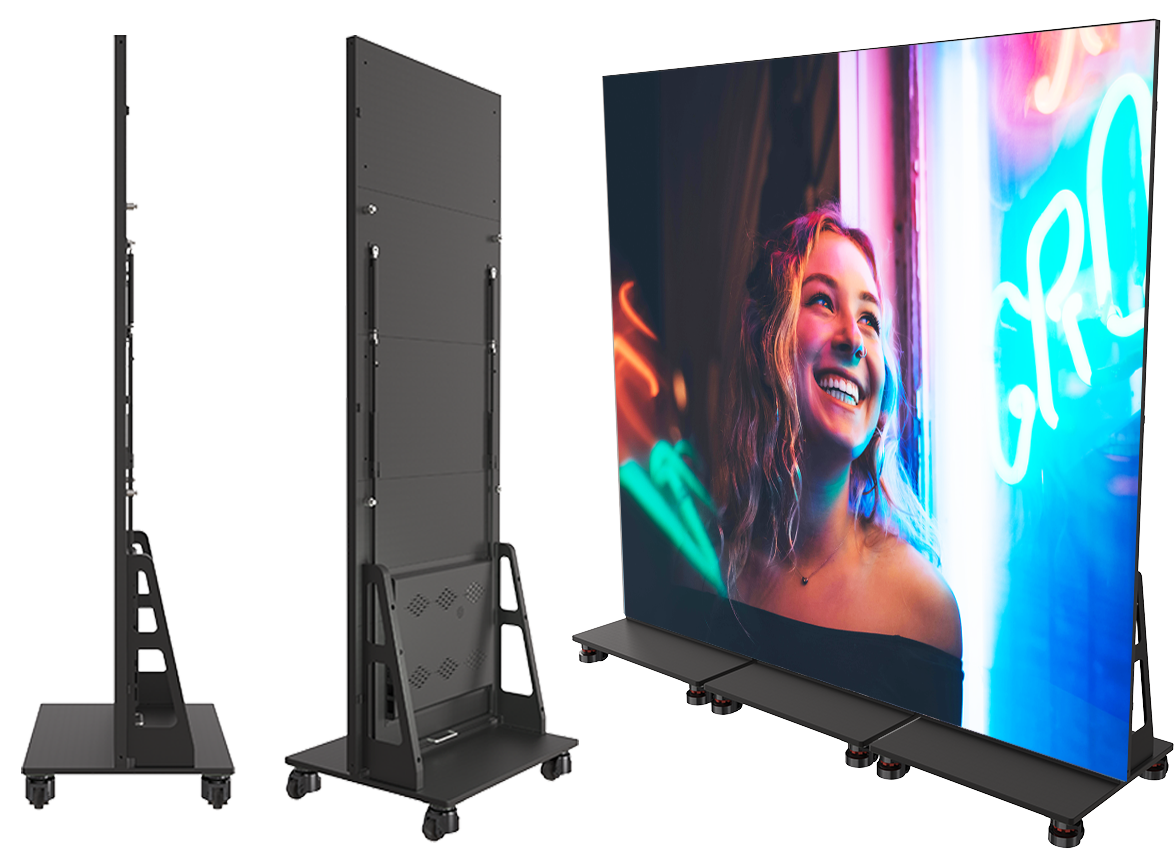
Communicate worship schedules and sermon messages while engaging your congregation with visual technology.
View More
LED displays in transportation settings, such as airports, train stations, and bus terminals, serve as dynamic platforms for real-time information, advertising, and wayfinding, enhancing passenger experience with clear, up-to-date travel details and announcements.
View More
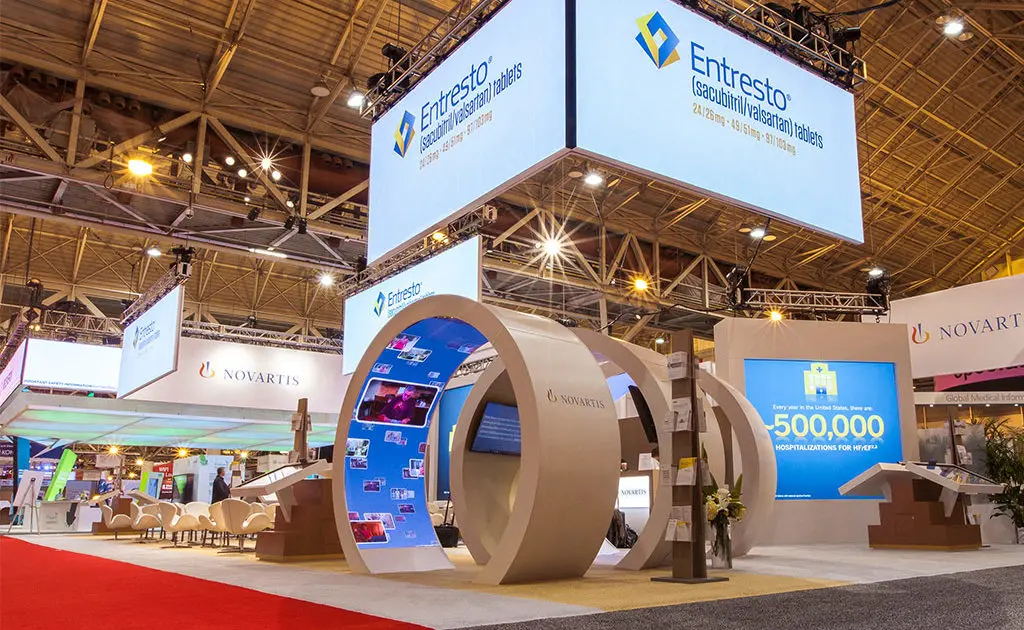
Differentiate yourself from the competition by incorporating a digital experience in your booth with our trade show LED displays.
View More
Communicate your brand’s message, stand out from the competition and engage your target market with LED digital signage.
View More
We offer creative solutions at cost-effective rates. You will be able to deliver your sermons more effectively and engage your congregation through one-of-a-kind lyric video walls and house of worship LED displays.
View More
Enhance ambiance, display interactive directories and wayfinding displays, and promote amenities and events to elevate the guest experience.
View More
Incorporate digital displays to enhance your students’ learning experience and market to prospective students and donors.
View More
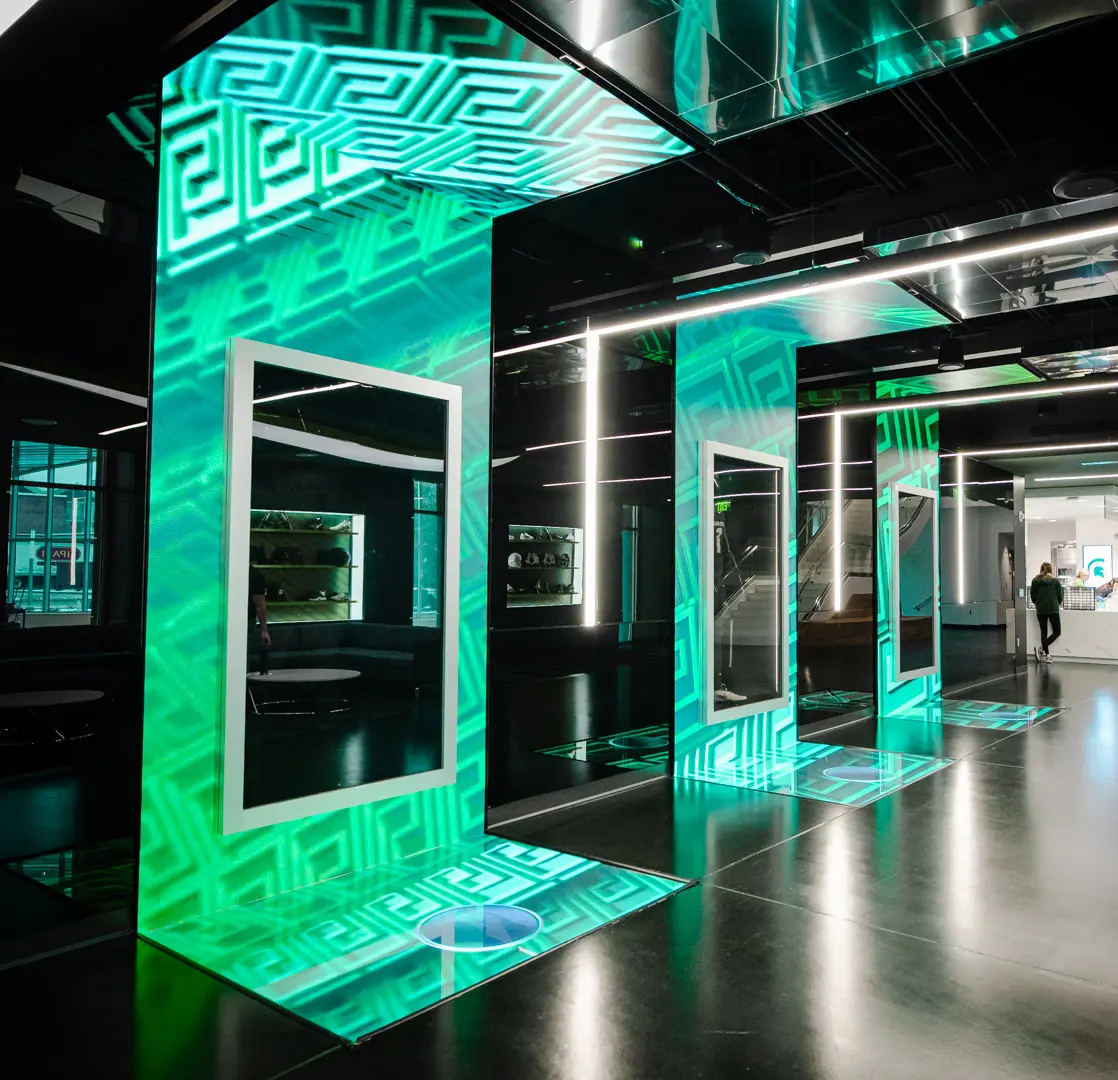
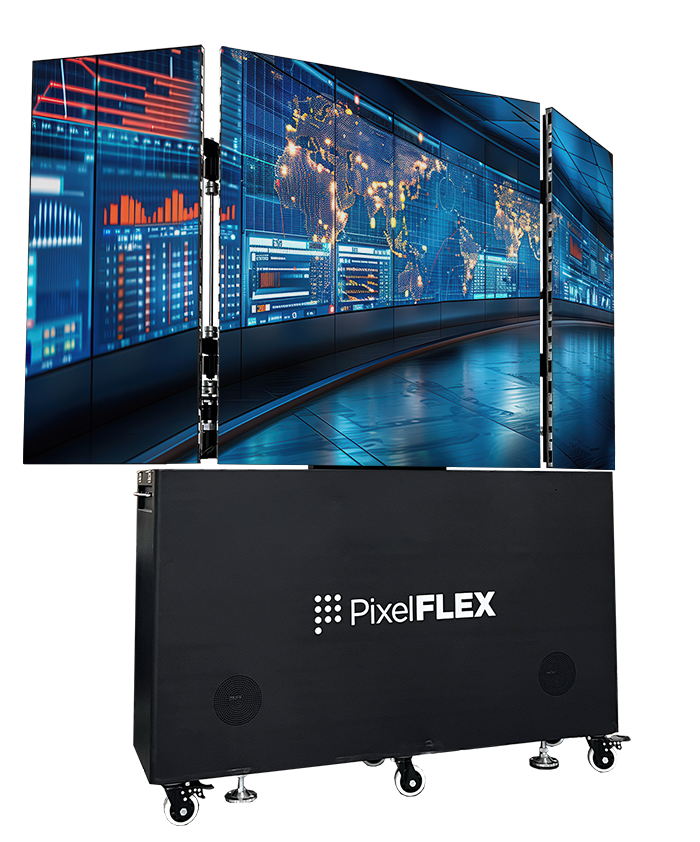
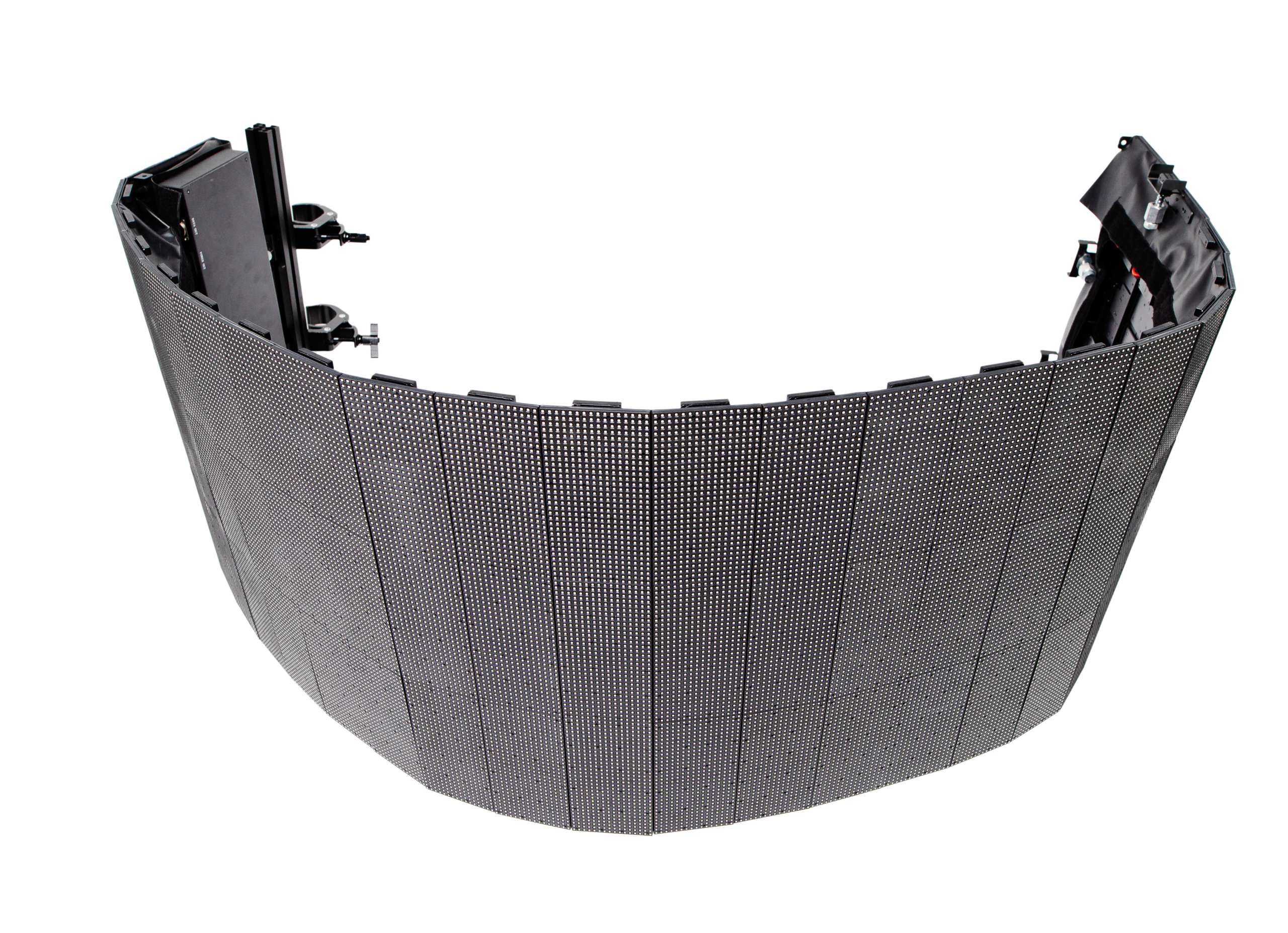
Transform your corporate spaces with PixelFLEX LED video displays. Enhance communication, elevate branding, and create dynamic environments.
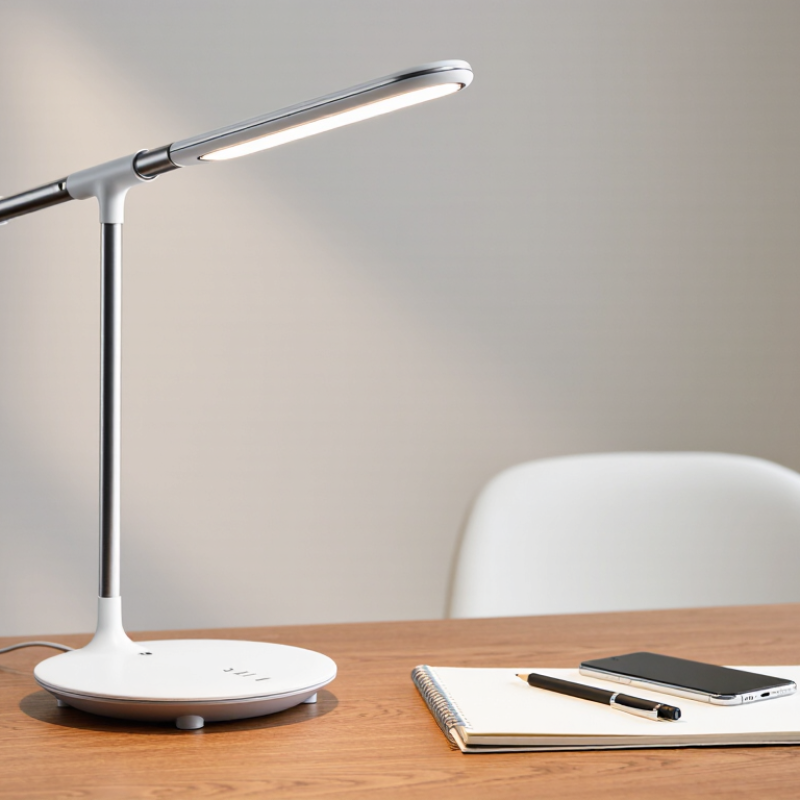
View MoreChoosing a Cordless Led Desk Light is not simply about finding the brightest product. It involves comfort, battery performance, color quality, stability, and safe daily use. A small lamp can affect reading, sketching, video calls, and late-night work. The wrong model may create glare, uneven shadows, or frequent charging interruptions.
The U.S. Department of Energy reports that LED lighting can use up to 75% less energy than incandescent lighting and last much longer. ENERGY STAR also emphasizes verified efficiency, color quality, and product durability when evaluating lighting products. These findings support a practical point: efficiency matters, but it should not replace visual comfort. A lamp with strong output can still feel harsh beside a white notebook.
Standards provide another useful reference. The International Commission on Illumination discusses glare, color appearance, and visual conditions in professional lighting guidance. Meanwhile, IEC 62471 offers a framework for evaluating photobiological safety. These references do not choose a lamp for you, but they improve the questions you ask.
This guide presents seven practical tips for comparing cordless desk lights. It considers brightness control, color temperature, battery capacity, charging methods, arm adjustment, base stability, and material quality. Check the details.
Some advertised battery figures may use the lowest brightness setting. Real performance can differ. Room color, reading distance, and personal sensitivity also change the experience. I have found that a warm, dim setting often works better at night, while neutral white light supports detailed daytime tasks. Your needs may differ. That is worth considering.
Choosing a cordless LED desk light starts with the task, not the lamp’s appearance. For reading, writing, and detailed computer work, aim for about 500 lux on the desktop, following the guidance commonly associated with ISO 8995-1. Measure at the actual work plane, roughly where your notebook or keyboard rests. A brighter lamp is not automatically better.
Use a basic lux meter, place it under the main beam, and check several points across the desk. The center may reach 500 lux while the edges remain noticeably dim. That imbalance can cause eye strain and frequent head movement. Look for adjustable brightness, a wide beam, and a diffuser that reduces sharp reflections. A color temperature near 3500–5000K often feels practical during daytime work, but personal comfort still matters.
Battery capacity deserves equal attention. A light that delivers 500 lux for only two hours may disappoint during a long study session. Check runtime at the brightness level you actually use, not only the lowest setting. USB charging can be convenient, especially in shared spaces. Stable positioning matters too; a heavy base or flexible arm prevents small bumps from changing the beam.
I once preferred maximum brightness. That was a mistake.
Test the lamp after sunset, with nearby room lighting switched on and off. Observe shadows, glare on screens, and how your eyes feel after thirty minutes. ISO guidance supports informed decisions, but real desks are imperfect. Your measurements may reveal that 450 lux feels better than 500.
7 Tips to Choose the Best Cordless LED Desk Light
Compare lumens per watt before comparing brightness. DOE solid-state-lighting assessments commonly place practical LED performance near 80–150 lm/W. A lamp producing 800 lumens at 8 watts reaches 100 lm/W. That figure is useful, but it is not the whole story. DOE’s Energy Savings Forecast of Solid-State Lighting in General Illumination Applications also distinguishes source efficacy from complete-luminaire performance. Covers, diffusers, and heat can reduce delivered light.
Check the measured lumens, not only LED chip claims. Then inspect battery capacity, charging time, and expected runtime at the chosen brightness. A highly efficient lamp may still disappoint if its battery is small. Look for a color-rendering index around 90 for reading, stable color temperature, and a diffuser without sharp glare. Touch the housing after thirty minutes. Excessive heat can suggest weak thermal management. I once trusted a 140 lm/W claim and ignored optical losses. The desk looked dimmer than expected. DOE test methods emphasize controlled measurements, while home use includes shadows, angled placement, and battery decline. Compare independent test results when available. Some specifications remain incomplete. That deserves caution.
7 Tips to Choose the Best Cordless LED Desk Light
For detail work, choose a cordless LED desk light with CRI 90 or higher. CRI describes how naturally a lamp reveals colors. The CIE general color rendering index uses eight test colors, but it does not fully represent saturated reds. That limitation matters when reading charts, inspecting skin tones, or comparing colored materials. A high CRI rating helps, but it is not the whole story.
Choose a color temperature between 4000K and 5000K. This neutral-to-cool range can make printed text, small components, and handwritten notes appear clearer. Check the product specification, not only the package image. A lamp may look bright while producing uneven color across the desk. The Illuminating Engineering Society’s TM-30 method evaluates 99 color samples and reports fidelity and gamut separately. This offers more detail than CRI alone.
Try the light over white paper and a red object. Look for gray shadows, greenish skin tones, or muddy reds. Those signs suggest weak spectral quality. Also inspect the beam at arm’s length. A narrow hotspot can create glare, even with excellent CRI. I have found that real desk testing often challenges the label. Battery convenience can distract from visual comfort. Check flicker information when available, because brightness alone cannot reveal every problem.
| Tip | Selection Dimension | Recommended Target | Why It Matters | Practical Check |
|---|---|---|---|---|
| 1 | Color Rendering Index (CRI) | CRI ≥ 90 | A higher CRI generally makes colors appear more accurately, which is useful for drawing, design, crafts, reading color samples, and other detail work. | Confirm that the specification states CRI or Ra, rather than relying only on terms such as “daylight” or “natural white.” |
| 2 | Color Temperature | 4000–5000 K | This neutral-to-cool white range provides clear visual contrast without the strongly yellow appearance of warmer light. | Choose adjustable color temperature if the lamp will be used for both focused work and relaxed reading. |
| 3 | Illuminance at the Work Surface | About 500 lux for general desk tasks | Adequate light on the desk helps improve visibility for writing, reading, keyboard work, and handcrafts. | Check the claimed lux value at a stated distance, because illuminance decreases as the lamp moves farther from the surface. |
| 4 | Brightness Control | At least 3 levels or continuous dimming | Adjustable output allows the same lamp to accommodate different tasks, room conditions, and times of day. | Look for memory of the last setting and controls that remain easy to use without moving the lamp. |
| 5 | Battery Capacity and Runtime | USB-C charging; 6+ hours at a moderate setting | A cordless lamp should support a meaningful work session while remaining convenient to recharge. | Compare runtime at the same brightness level and check whether the lamp can operate while charging. |
| 6 | Flicker and Visual Comfort | Low-flicker or flicker-free design | Rapid light modulation may be uncomfortable for some users, especially during long periods of reading or screen-adjacent work. | Prefer products with a documented flicker test or clear low-flicker specification across all brightness levels. |
| 7 | Optical and Mechanical Design | Diffused shade; adjustable head and stable base | Diffusion reduces harsh bright spots, while directional adjustment helps place light on the task area and limit distracting reflections. | Check for visible glare from normal seating positions, smooth hinge movement, and a base that does not tip during adjustment. |
Quick recommendation: For detail-oriented desk work, prioritize CRI ≥90, a color temperature of 4000–5000 K, approximately 500 lux on the work surface, low-flicker performance, and a cordless runtime of at least 6 hours at moderate brightness.
A cordless LED desk light is only as useful as its battery runtime. To predict that runtime, check the battery’s watt-hours (Wh) and the lamp’s power draw in watts (W). Use this formula: runtime equals battery Wh divided by LED power W. For example, a 20 Wh battery powering a 4 W LED offers five hours under ideal conditions. That is the ideal figure. Real use differs.
In practical testing, charging circuits and battery protection consume some energy. Allow for losses. A safer estimate removes 15 to 25 percent from the result. Therefore, a 20 Wh battery may provide roughly 3.75 to 4.25 hours at 4 W. Brightness settings also change the calculation. A lamp rated at 4 W might draw only 2.5 W at medium brightness. A USB power meter can reveal the actual draw during use.
Match the estimate to your desk routine. For two hours of evening reading, a 10 Wh battery may be sufficient. Longer work sessions need more capacity or lower brightness. My early estimates were too optimistic because I ignored standby consumption. Battery age also reduces available capacity over time. Leave a practical margin. A light promising six hours may deliver less after months of charging, especially at maximum brightness.
Choosing a cordless LED desk light involves more than brightness and battery life. Safety and comfort matter during long reading or screen sessions. Check whether the light has been evaluated under IEC 62471, which addresses photobiological risks from optical radiation. Ask for test information, not just a general safety claim. The report should identify the assessment conditions and risk group clearly.
Flicker also deserves careful attention. IEEE 1789 offers guidance on reducing health risks linked with temporal light modulation. Look for measured flicker data, including modulation percentage and frequency across different brightness levels. A lamp may appear steady but still perform poorly through a phone camera or during slow dimming. These simple checks are useful, though they cannot replace proper laboratory measurements.
In daily use, place the lamp slightly to the side, avoiding reflections on your notebook or monitor. A broad diffuser, stable arm, and gradual dimming can reduce eye strain. I once chose a bright lamp that felt harsh after thirty minutes. The specifications looked impressive. My comfort test was not. Check the lowest setting, touch the housing after extended use, and notice whether the battery weakens the light near empty. IEC 62471 and IEEE 1789 improve decision-making, but neither standard measures every comfort issue. A test report can be reliable, yet your workspace still needs personal evaluation.