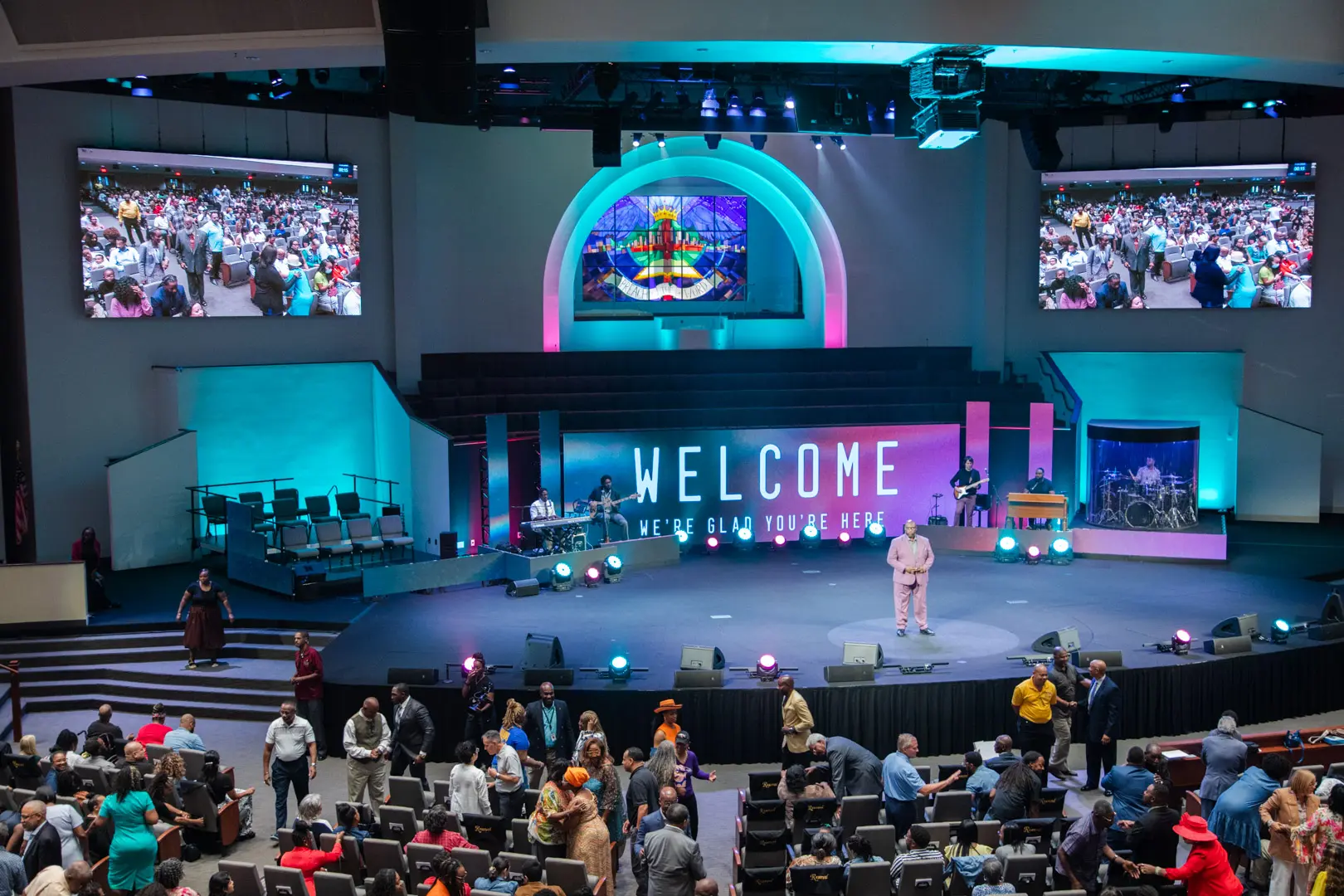
Communicate worship schedules and sermon messages while engaging your congregation with visual technology.
View More
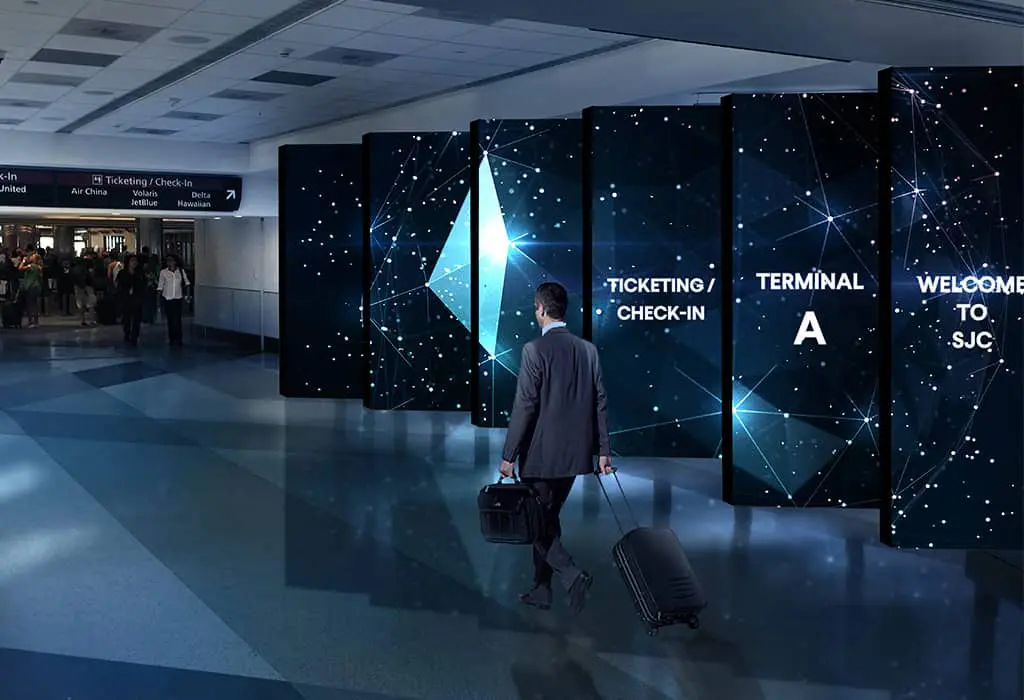
LED displays in transportation settings, such as airports, train stations, and bus terminals, serve as dynamic platforms for real-time information, advertising, and wayfinding, enhancing passenger experience with clear, up-to-date travel details and announcements.
View More
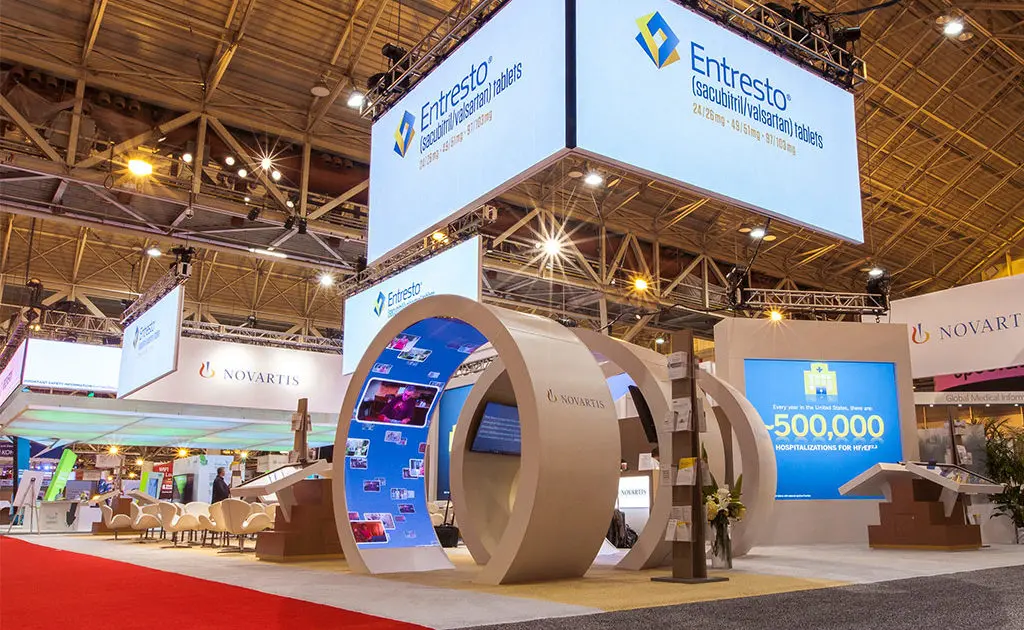
Differentiate yourself from the competition by incorporating a digital experience in your booth with our trade show LED displays.
View More
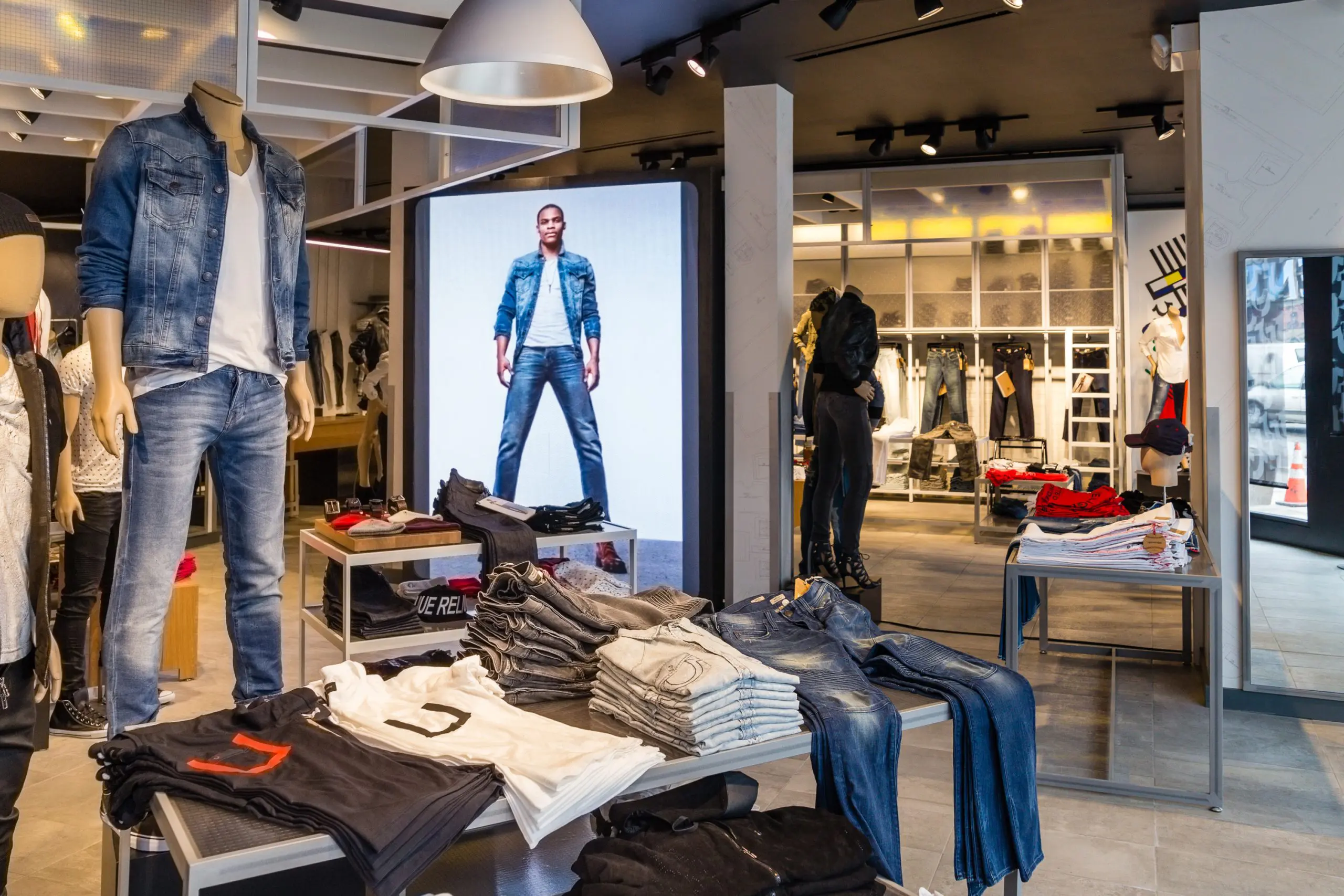
Communicate your brand’s message, stand out from the competition and engage your target market with LED digital signage.
View More
We offer creative solutions at cost-effective rates. You will be able to deliver your sermons more effectively and engage your congregation through one-of-a-kind lyric video walls and house of worship LED displays.
View More
Enhance ambiance, display interactive directories and wayfinding displays, and promote amenities and events to elevate the guest experience.
View More
Incorporate digital displays to enhance your students’ learning experience and market to prospective students and donors.
View More
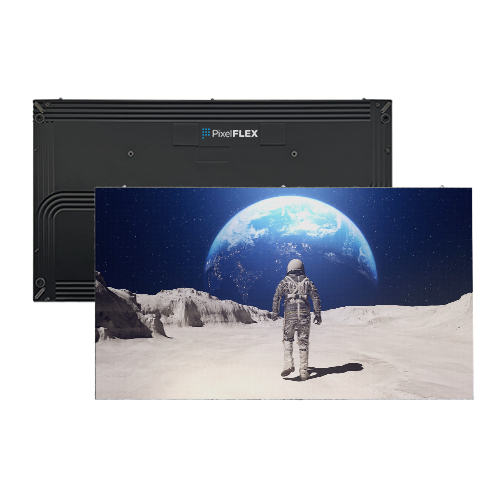
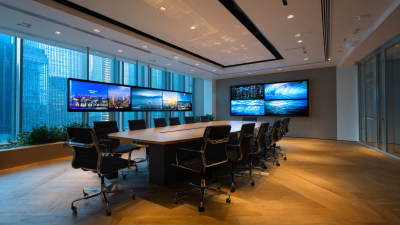
Transform your corporate spaces with PixelFLEX LED video displays. Enhance communication, elevate branding, and create dynamic environments.
View MoreChoosing the best video wall software from China depends on more than a polished product page. The right platform should match your screens, media players, network, and daily operating routine. A control room may need dependable, low-latency monitoring, while a retail display network may prioritize scheduled campaigns across multiple locations. The difference becomes clear during real use.
This guide examines practical criteria for comparing China-based options, including display compatibility, content scheduling, remote device management, user permissions, and technical support. It also considers how clearly vendors document system requirements and handle updates. Those details matter. A dashboard that looks simple in a sales demo may become harder to manage when dozens of screens need different content. Ask how the software responds to a disconnected player, whether operators can preview layouts, and what diagnostic information is available when a screen goes dark. Small tests reveal a lot.
No single product is best for every installation. Your shortlist should reflect the number and resolution of displays, the skills of your operators, and the support available in your region. Request a live demonstration using representative media, then test scheduling and recovery under ordinary network conditions. Vendor claims are useful, but they are not proof. Some evaluation steps take time, and even a strong platform may have limitations. A careful comparison helps identify the software that fits your actual deployment, rather than the one with the most impressive feature list.
Video wall software coordinates the screens, signal sources, and layouts that make a large display behave like one workspace. It maps each screen’s position, bezel width, and resolution, then distributes a chosen image across the wall. An operator can show one camera feed across every panel, or place several sources in separate windows. It is not magic. The software depends on compatible processors, stable network connections, and correctly configured displays.
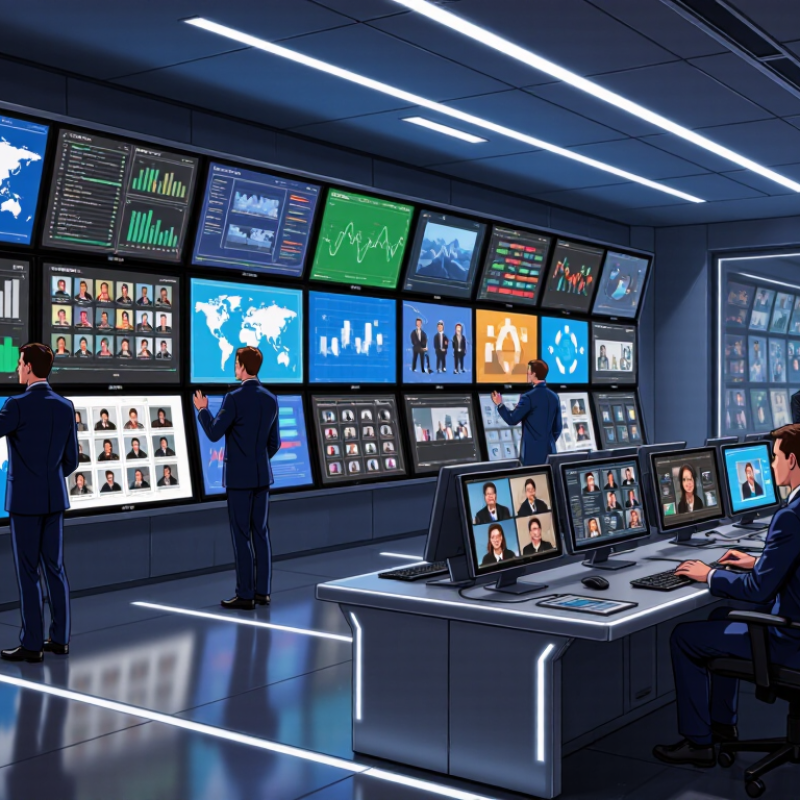
At a control desk, an operator might drag a map into the upper-left corner, enlarge a live camera view, and save that arrangement as a preset. Monitoring tools can flag a lost signal or an offline screen, though they cannot fix every physical fault.
AVIXA’s 2024 Industry Outlook and Trends Analysis projected global professional audiovisual revenue at about $325 billion for 2024, rising to $402 billion by 2029. That scale signals growing demand for visual systems, not proof that any software performs well.
The ITU’s Facts and Figures 2023 estimated that 5.4 billion people used the internet, increasing the volume of content teams may need to manage.
A practical evaluation should test source switching, recovery after a screen drops out, and whether staff can understand the controls. Small details matter: one mislabeled input can send the wrong feed to the wall.
Choosing video wall software is less about a crowded feature list than predictable control across real displays. Check whether it supports your panel resolution, orientation, bezel gaps, and mixed screen layouts without awkward workarounds. Ask how sources are added: browser windows, cameras, desktops, and media players may each behave differently. Then test switching speed and image delay with the actual network and content you expect to use. Small delays matter.
Useful comparison also includes monitoring and recovery. Can an operator see a failed input, a disconnected display, or a frozen image from one dashboard? Look for event logs, role-based access, scheduled layouts, and clear restore steps after a power interruption. These details reduce guesswork during a busy control-room shift. For software sourced from China, check documentation quality, language options, update policy, and support availability in your time zone. Request a hands-on trial using your own wall dimensions, sources, and operating system. Do not rely on a polished demo. Published specifications rarely show how confusing setup can feel to a new operator, a detail that is easy to underestimate. Record setup time and note any manual steps.
| Comparison Dimension | What to Check | Why It Matters | Practical Evaluation |
|---|---|---|---|
| Display Layouts and Presets | Support for flexible screen arrangements, saved layouts, and quick switching between viewing modes. | Operators can adapt the wall to different workflows without rebuilding layouts each time. | Create and switch between several layouts during a demonstration; check whether transitions are reliable and easy to manage. |
| Source Management | Supported source types, source naming, preview, cropping, scaling, and placement on the wall. | Clear source handling helps operators display the right content and reduces setup errors. | Test the actual devices and signal formats used on site, including the expected number of simultaneous sources. |
| Scheduling and Automation | Options for scheduling layouts or content and automating routine actions, where required. | Automation can simplify recurring operating procedures and reduce manual work. | Confirm time-zone handling, schedule editing, and behavior after a restart or temporary loss of connectivity. |
| Compatibility and Integration | Compatibility with the intended operating systems, display controllers, video sources, and control systems. | Software capability depends on the complete system, not just the application interface. | Request a compatibility list and verify critical connections in a proof of concept using the planned hardware. |
| Performance and Scalability | Supported display outputs, source count, resolution, and system expansion limits. | Capacity limits can affect smooth operation and future growth. | Test with a representative workload and confirm the vendor's documented limits for the proposed configuration. |
| Reliability and Recovery | Monitoring, alerts, reconnect behavior, backup or recovery options, and handling of application interruptions. | Control rooms and other continuously operated environments need predictable recovery procedures. | Simulate a network interruption or application restart and observe how quickly the system returns to the intended state. |
| Remote Control and Permissions | Remote operation options, user roles, access controls, and audit capabilities. | Role-based access can help limit accidental changes and support accountable operations. | Check whether different users can be assigned appropriate permissions and whether administrative actions can be reviewed. |
| Usability and Training | Clarity of the interface, ease of common tasks, and availability of practical documentation and training. | A straightforward interface can reduce operator training time and routine mistakes. | Ask intended operators to complete common tasks without assistance and note where instructions or extra training are needed. |
| Security and Maintenance | Update process, account management, network requirements, and security documentation. | Security and maintenance practices are important for systems connected to organizational networks. | Review deployment requirements, update procedures, and the measures available for restricting access to the system. |
| Support and Total Cost | Support hours, service scope, software updates, licensing terms, and any recurring fees. | The purchase price alone may not reflect the long-term cost or level of operational support. | Request a written quote covering the intended configuration, support period, updates, and any optional services. |
Selection tip: There is no single best solution for every installation. Compare software against your required display configuration, operating workflow, integration needs, support expectations, and total cost, then validate the shortlisted option with a representative test.
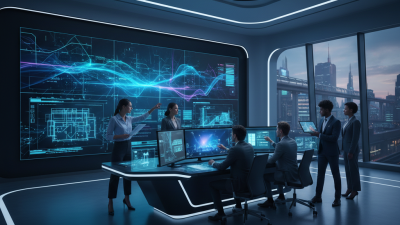
China’s video wall software market is shaped by demand for clear, coordinated displays in control rooms, transport hubs, retail spaces, and factories. Many projects combine software with LED or LCD panels, processors, and network equipment. The software typically manages layouts, schedules, device status, and content across multiple screens. That matters. Operators may need to switch from a city map to live camera feeds within seconds, while keeping text readable across a large wall.
The market includes locally developed platforms as well as solutions built for specific industries. Buyers often compare compatibility, deployment options, user permissions, and the speed of technical support—not just the number of display features. Some systems run on local servers; others support remote management, subject to network and security requirements. A practical test is to check whether the software handles the intended screen arrangement and source formats without extra workarounds. Yet the picture is not perfectly neat. Product descriptions can make integration sound simpler than it is, and older equipment may limit what a new platform can do. A small on-site trial can reveal delays, confusing controls, or gaps in maintenance procedures before a full installation.
Chinese video wall platforms often combine screen management, content scheduling, and device monitoring in one interface. Their capabilities vary, so compare functions rather than relying on a broad “all-in-one” claim. Look for support for common display inputs, flexible layouts, and clear controls for changing content across multiple screens. A useful system should show which panels are online and flag signal or connection problems. Small details matter. For example, can an operator restore yesterday’s layout without rebuilding it?
Some platforms also offer remote management, user permissions, and integration options for existing control systems. These tools can help teams manage displays across several sites, but performance depends on network quality and hardware compatibility. Test the software with your actual screens, media players, and network conditions before deployment. Ask for a trial using a realistic layout, such as a control room with mixed screen sizes. Documentation and responsive technical support are useful signals of reliability. Yet interfaces can still feel crowded, and setup may take longer than expected.
Tips: Check whether the system supports your required resolution and screen arrangement. Test recovery after a device disconnects. Keep one spare layout. It may save time, though it is easy to overlook.
What Is the Best Video Wall Software from China?
How to Choose Software for a Video Wall Project
Choosing software for a video wall project starts with the room, not a feature list. Measure the display dimensions, bezel gaps, viewing distance, and ambient light. A control room with mixed screen sizes has different needs from a wall of matching panels. Check supported resolutions, canvas scaling, window layouts, and saved scene controls. Ask what happens when a signal drops. Test it. A one-pixel alignment error may be hard to notice in a menu but obvious across a row of text.
Confirm compatibility with the actual display controller and sources, such as computers, cameras, or network streams. Check latency, refresh rates, monitoring tools, user permissions, and event logs. During a demonstration, use your own content and a demanding layout rather than polished sample footage. For software developed in China, review documentation, support hours, update policies, and configuration backup options. Compare training and integration costs, too. Specifications help, but they cannot show every behavior in your room. A second site test may be inconvenient, yet skipping it can leave important questions unanswered.