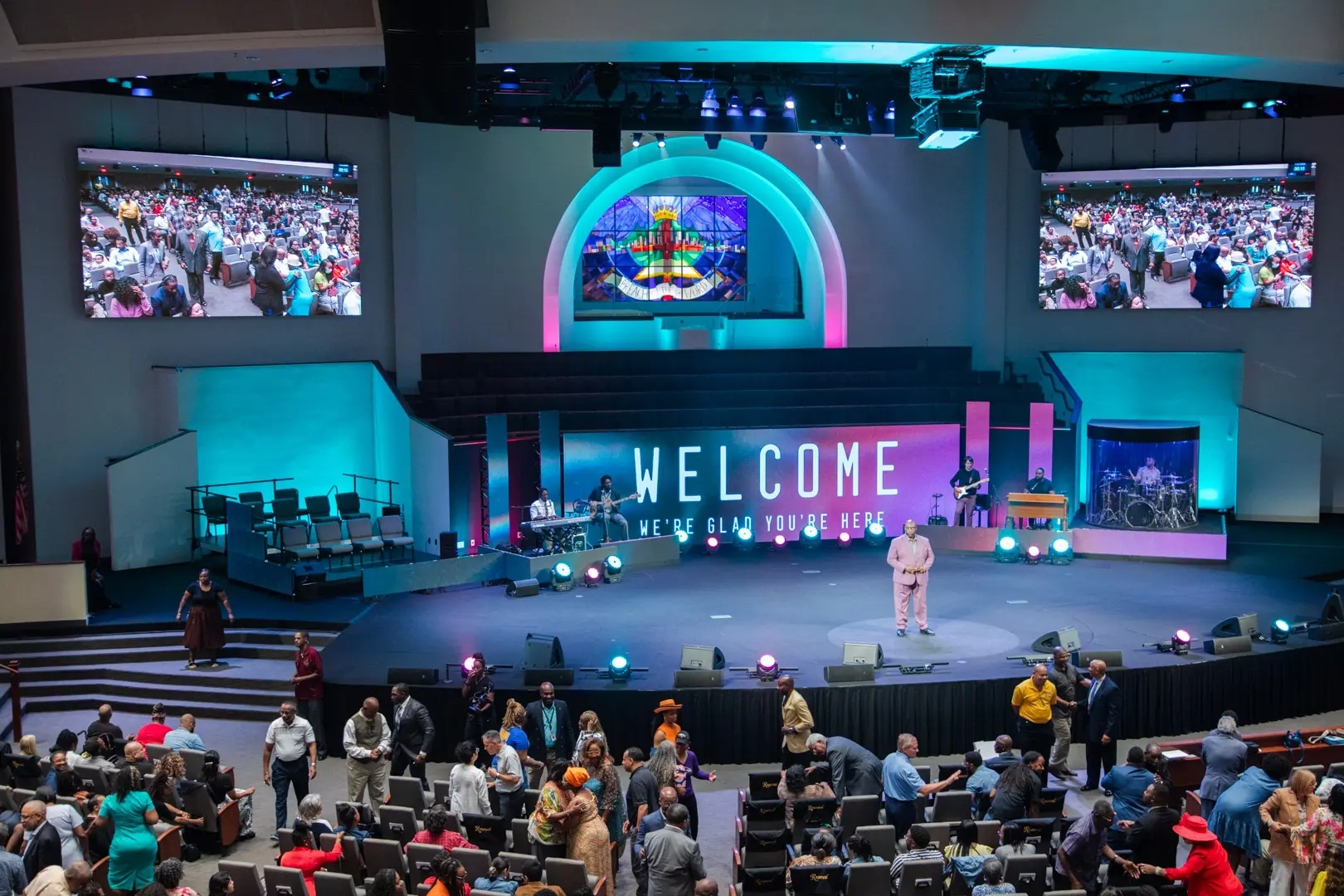
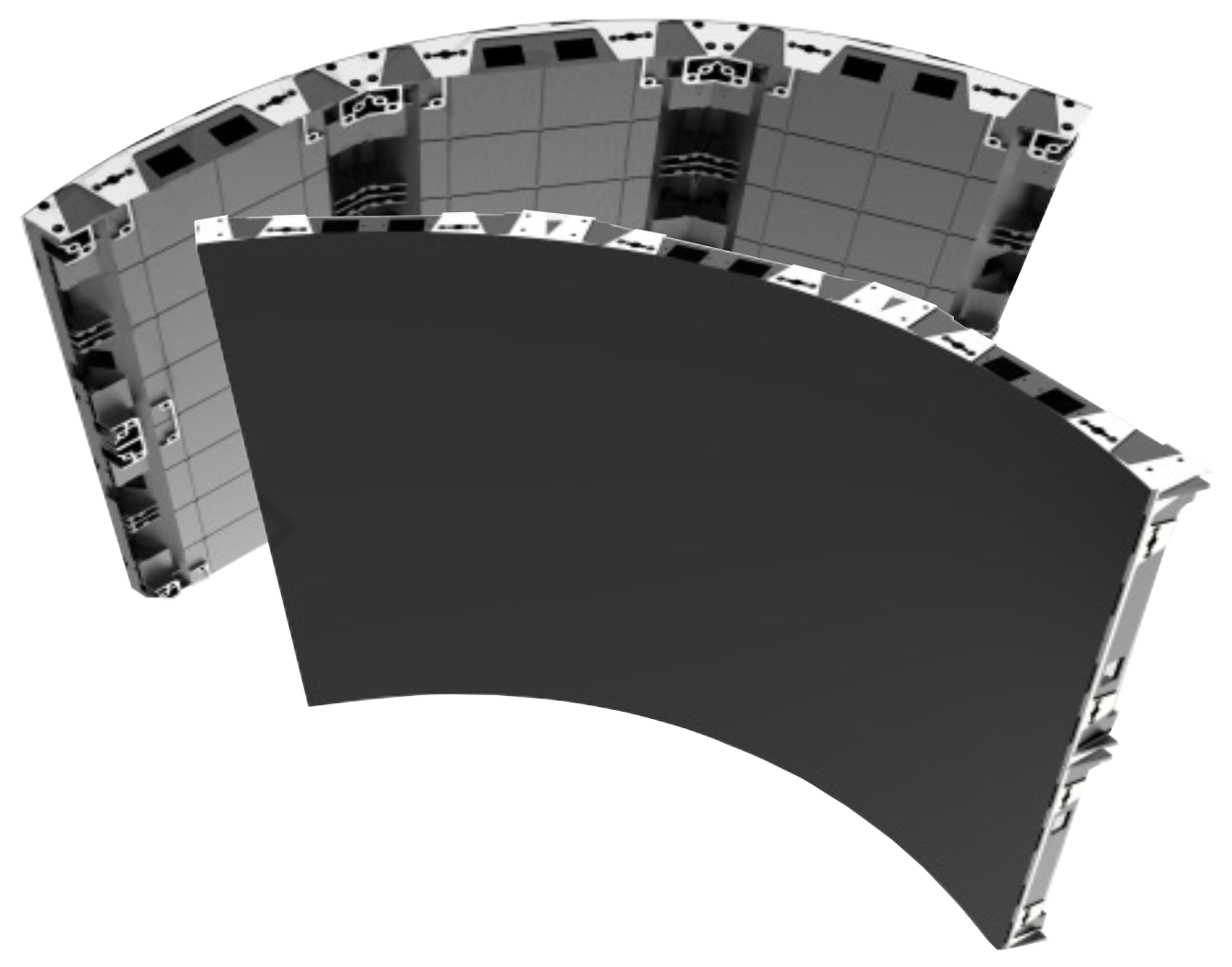
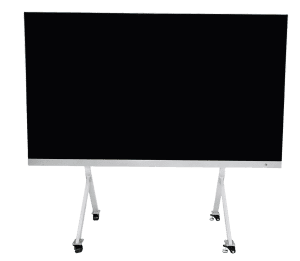
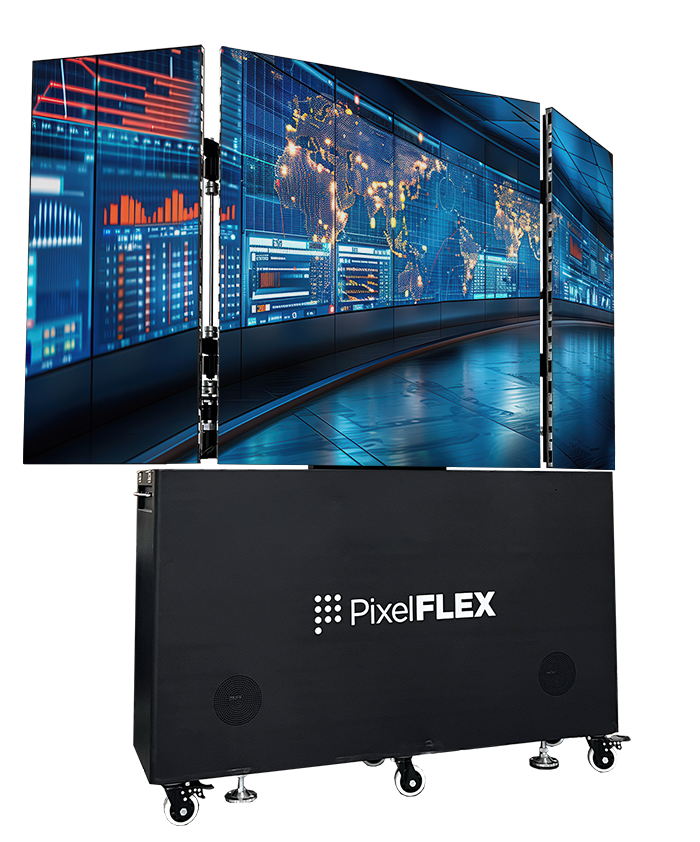
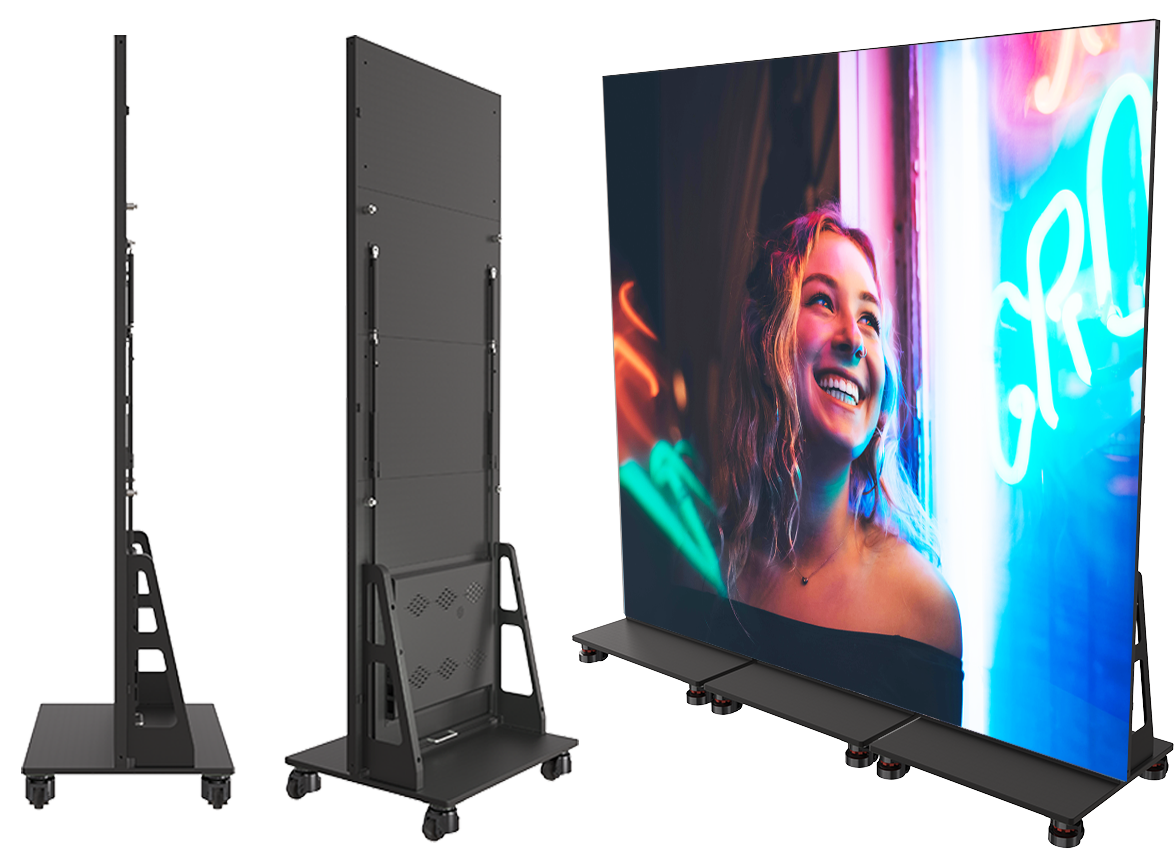
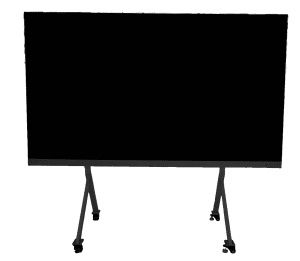
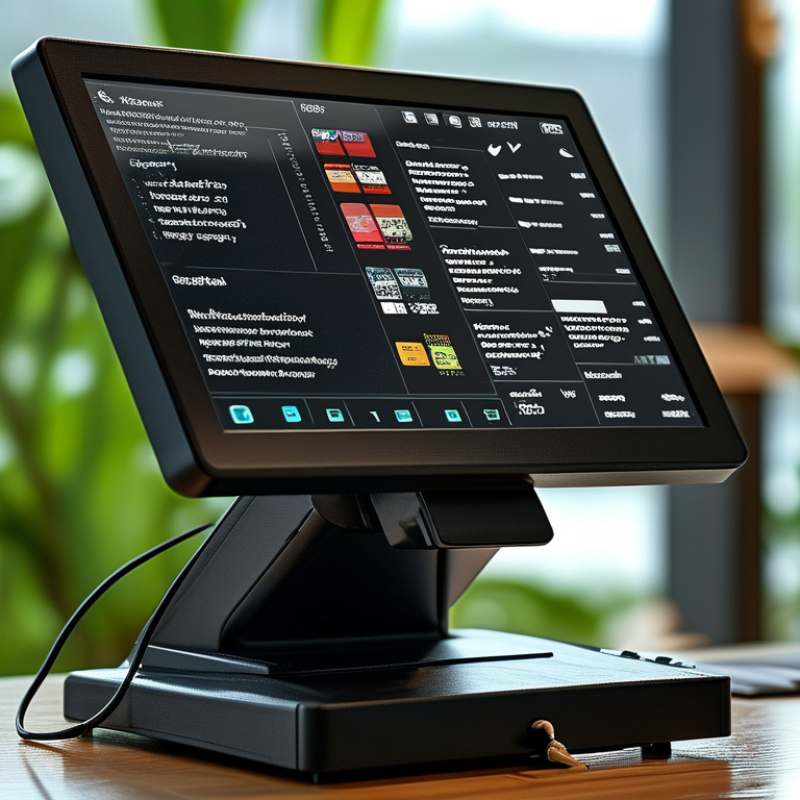
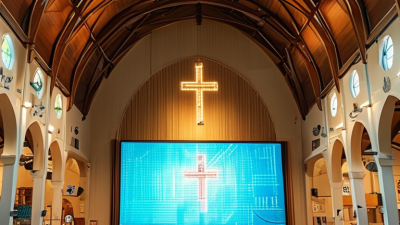
Communicate worship schedules and sermon messages while engaging your congregation with visual technology.
View More
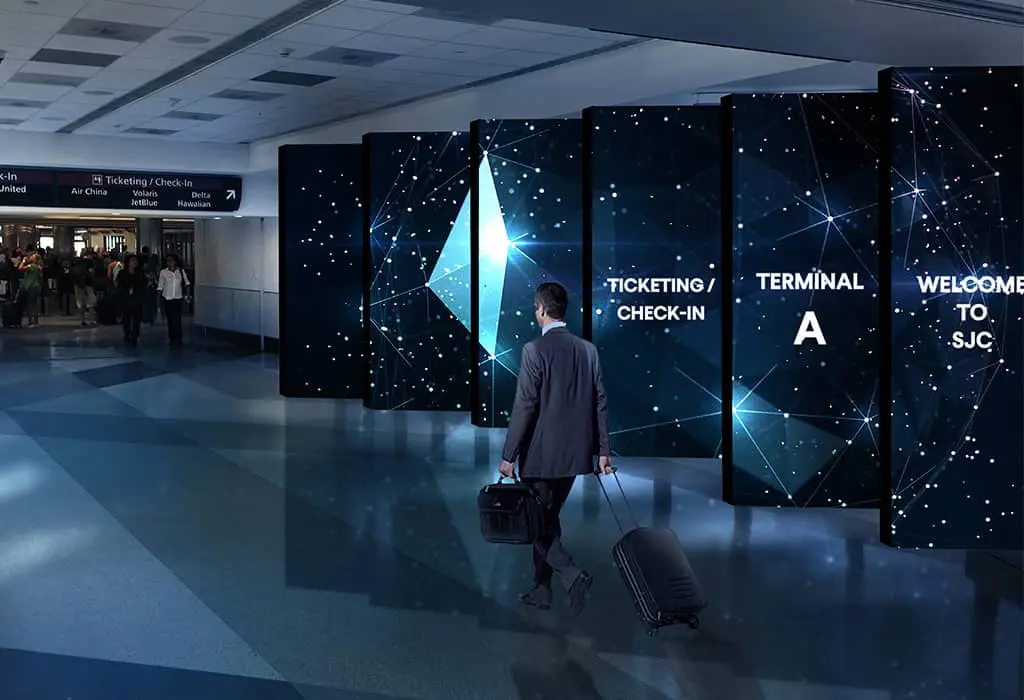
LED displays in transportation settings, such as airports, train stations, and bus terminals, serve as dynamic platforms for real-time information, advertising, and wayfinding, enhancing passenger experience with clear, up-to-date travel details and announcements.
View More
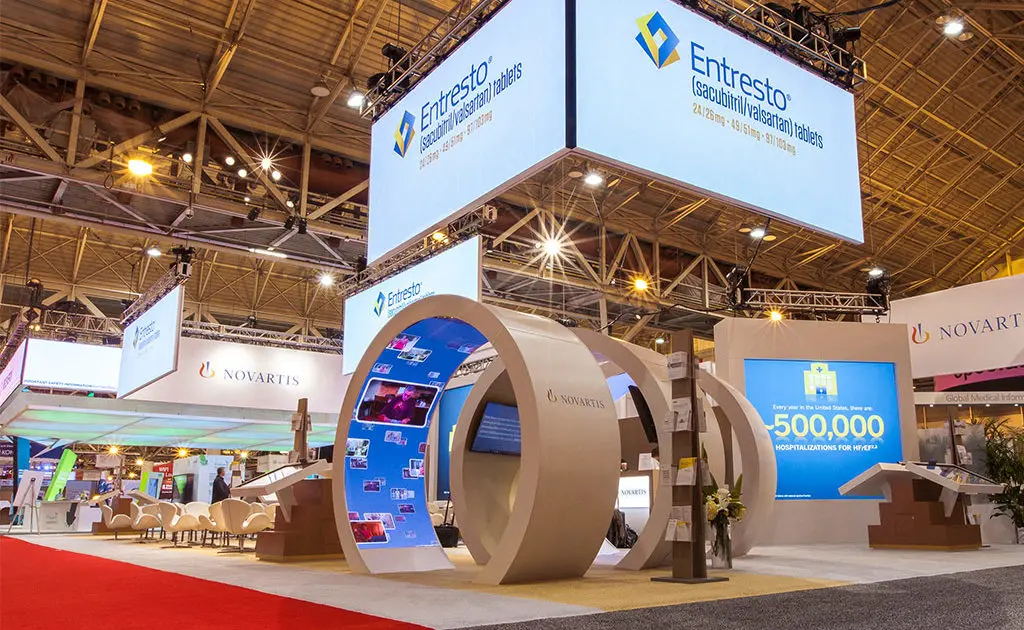
Differentiate yourself from the competition by incorporating a digital experience in your booth with our trade show LED displays.
View More
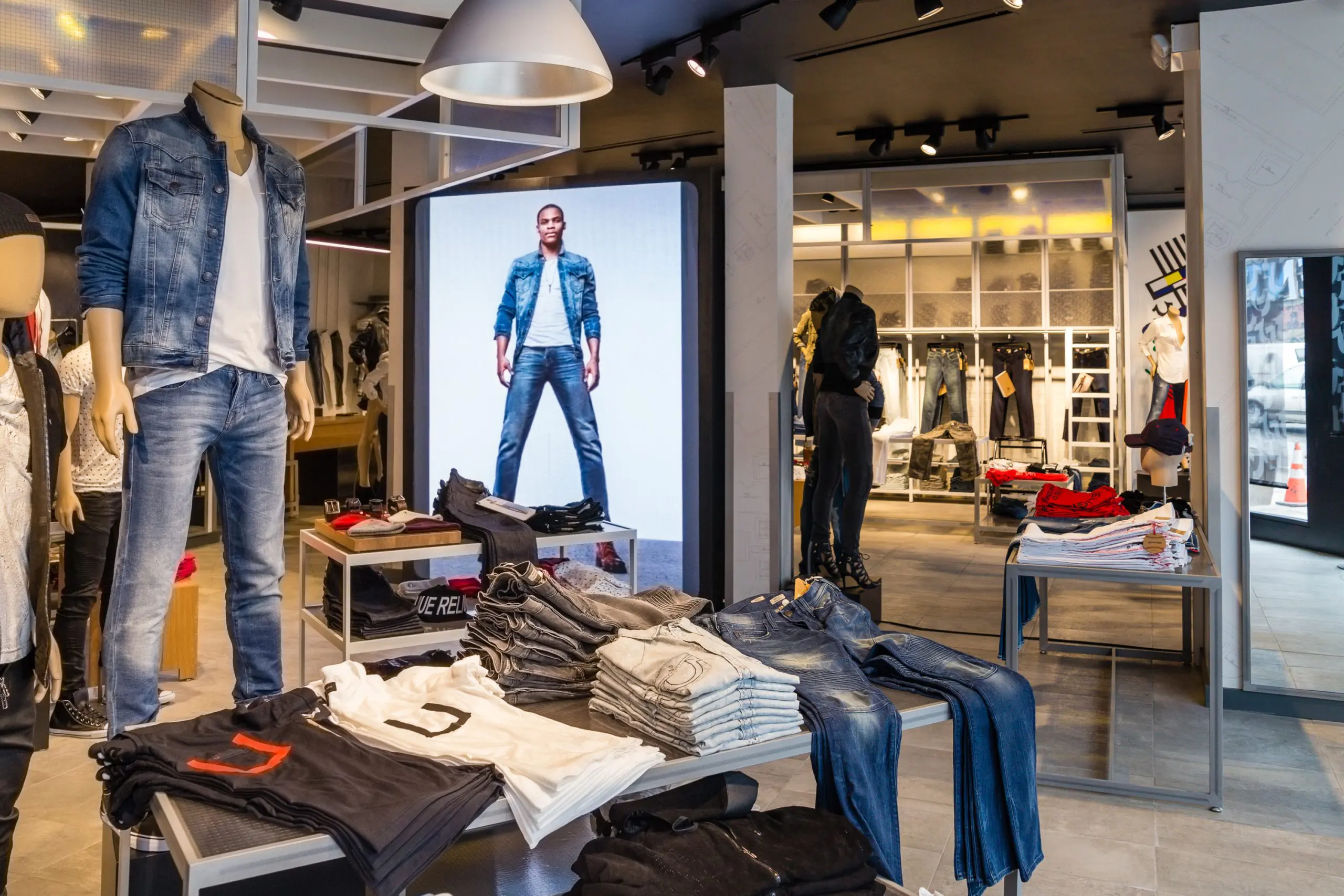
Communicate your brand’s message, stand out from the competition and engage your target market with LED digital signage.
View More
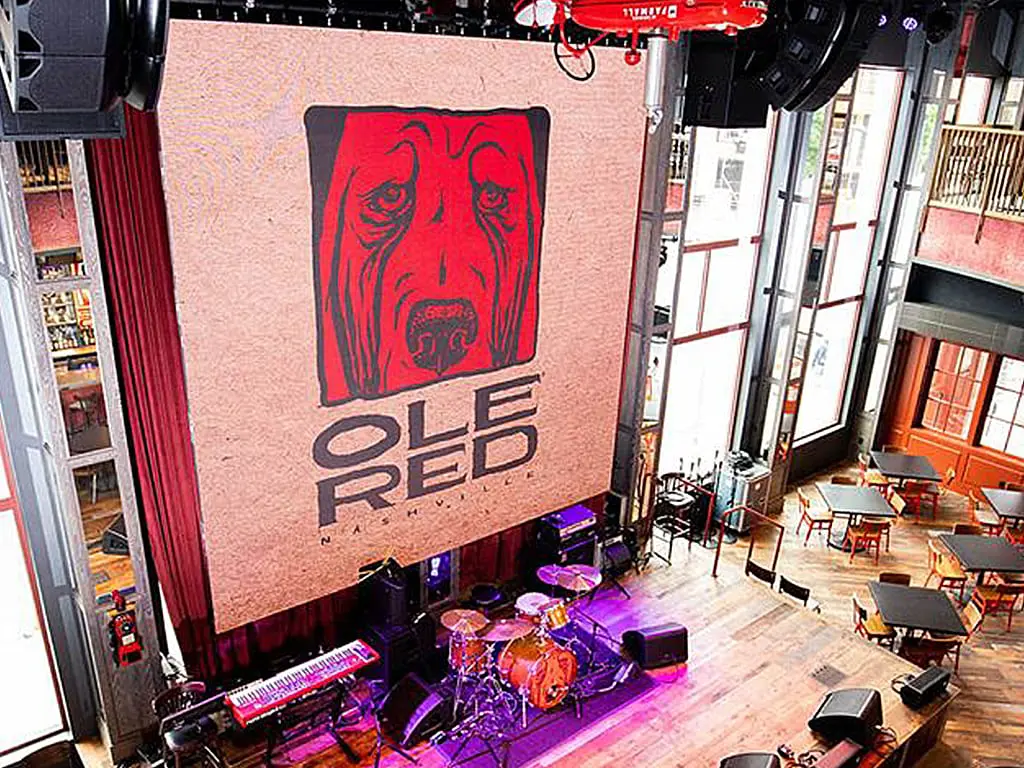
We offer creative solutions at cost-effective rates. You will be able to deliver your sermons more effectively and engage your congregation through one-of-a-kind lyric video walls and house of worship LED displays.
View More
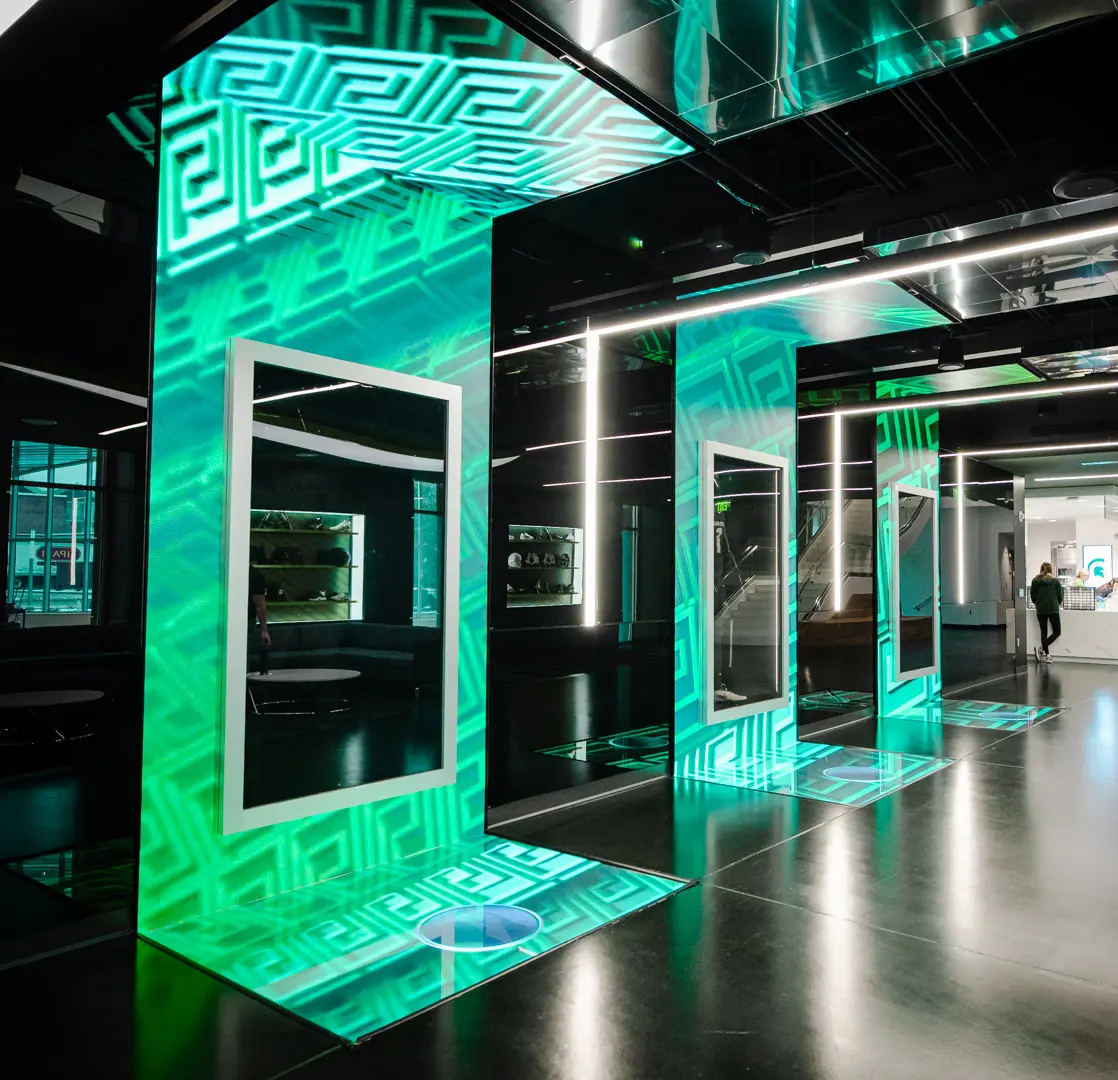
Enhance ambiance, display interactive directories and wayfinding displays, and promote amenities and events to elevate the guest experience.
View More
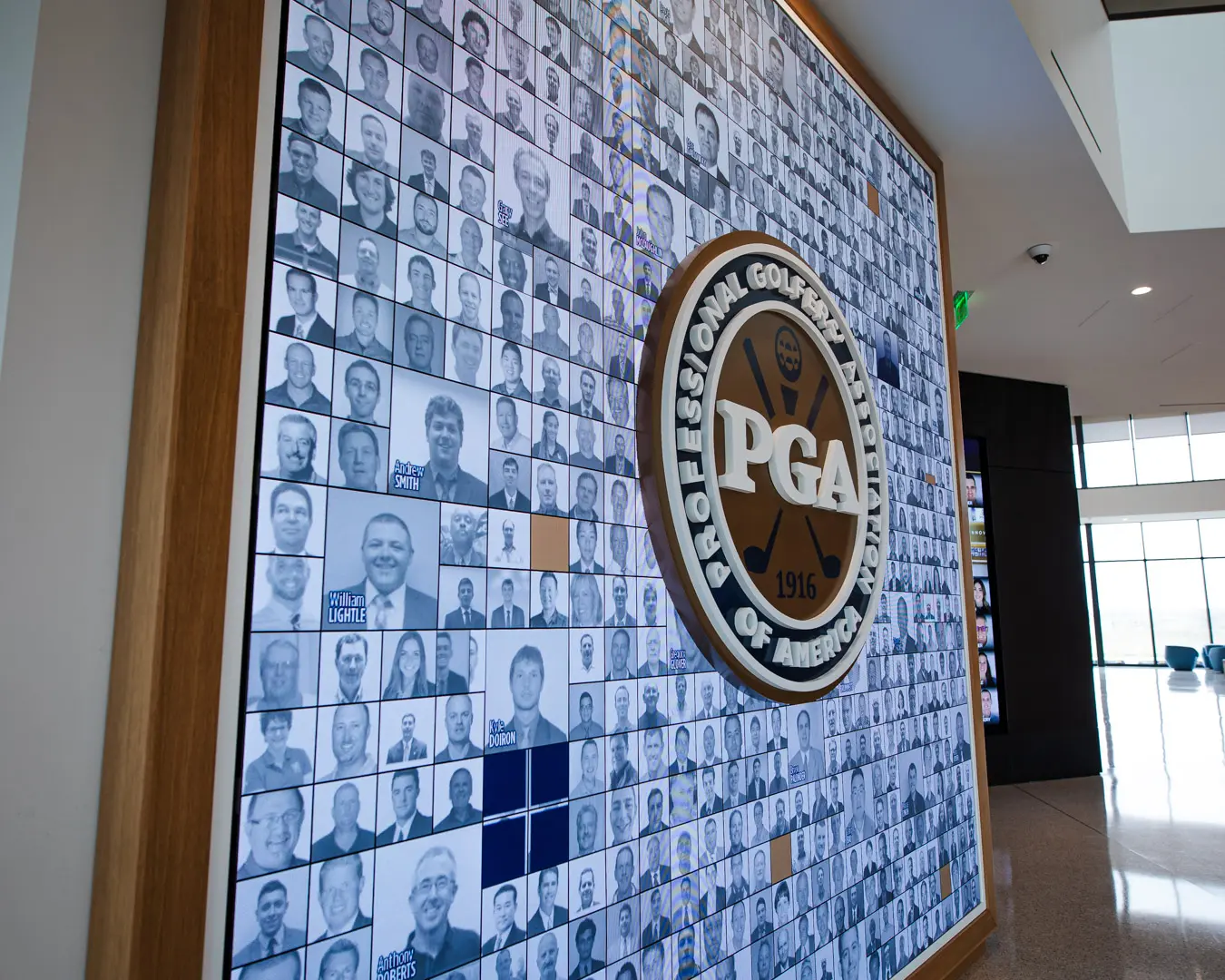
Incorporate digital displays to enhance your students’ learning experience and market to prospective students and donors.
View More
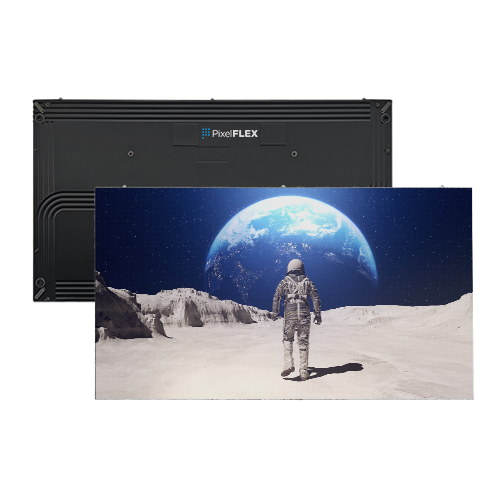
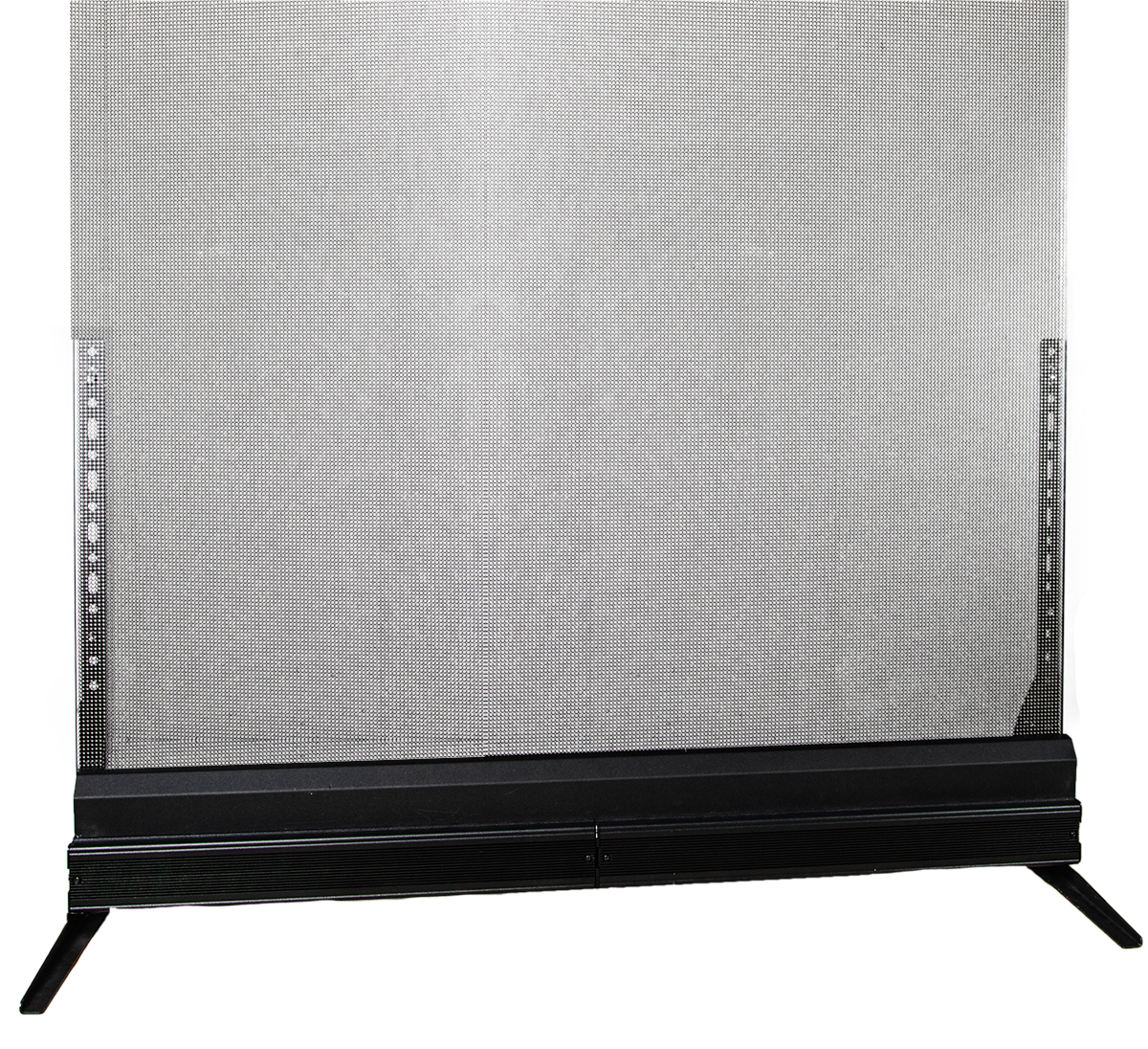
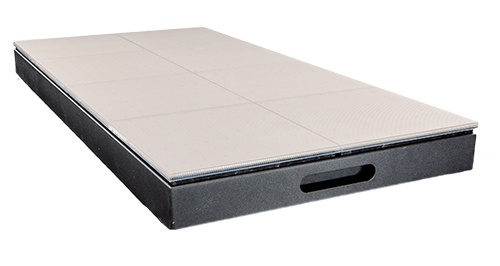
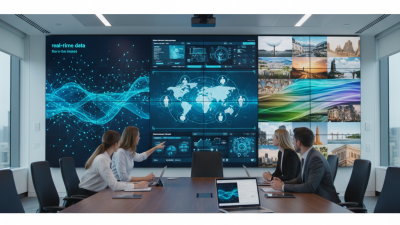
Transform your corporate spaces with PixelFLEX LED video displays. Enhance communication, elevate branding, and create dynamic environments.
View MoreChoosing the right digital display board begins with the audience, not the screen.
A bright panel may look impressive in a showroom. It can still fail beside a sunny window. Consider viewing distance, ambient light, installation height, and daily operating hours. A display near a checkout counter needs different specifications from one in a hotel lobby. Outdoor locations require stronger brightness, weather protection, and careful thermal management. Indoor displays may prioritize color accuracy, quiet operation, and slim design.
Digital signage consultant Alan Brawn has said, “Digital signage is a communications medium, not merely a technology.” That principle should guide every purchase. A reliable digital display board must present useful content clearly and consistently. Check resolution, brightness, contrast, connectivity, remote management, and warranty coverage. Also examine the content management system. If staff cannot update a promotion in minutes, the system may create unnecessary work.
Do not overlook accessibility.
Readable type, strong contrast, and sensible placement support more viewers. Review service response times and replacement-part availability before signing an agreement. Ask for a live demonstration, not only a product sheet. Test the screen with real content, including small text, dark images, and fast-moving video. Our practical judgment can be imperfect. We may overvalue appearance and undervalue maintenance. That mistake becomes expensive after installation.
The best choice balances performance, usability, durability, and long-term cost. A carefully selected digital display board should serve the message, the location, and the people who depend on it.
A digital display board should solve a clear communication problem. Decide whether it will guide visitors, promote services, share schedules, or support staff training. Each purpose requires different content, timing, and screen placement. A visitor information board needs quick directions. A training display can show more detailed instructions.
Study the location before selecting the screen. Measure the viewing distance, walking speed, ambient light, and nearby obstacles. A screen beside a busy entrance needs large text and strong contrast. A display in a quiet waiting area can present richer information. Keep the screen near the decision point, not several meters away. Test visibility from different heights and angles.
My first layout placed important information too high. Shorter visitors struggled to read it. That mistake changed my process. I now observe real users before installation and ask them what they notice first. I also check glare during morning and afternoon hours. The best position may look inconvenient on a floor plan. Yet practical observation often reveals more than planning alone. Leave enough space around the board for movement, wheelchairs, and clear sightlines. Update the content regularly, because an accurate screen can still fail when it displays yesterday’s instructions.
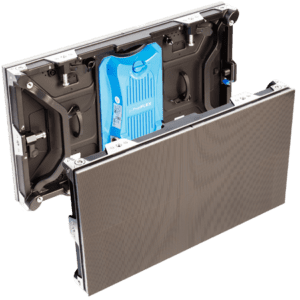
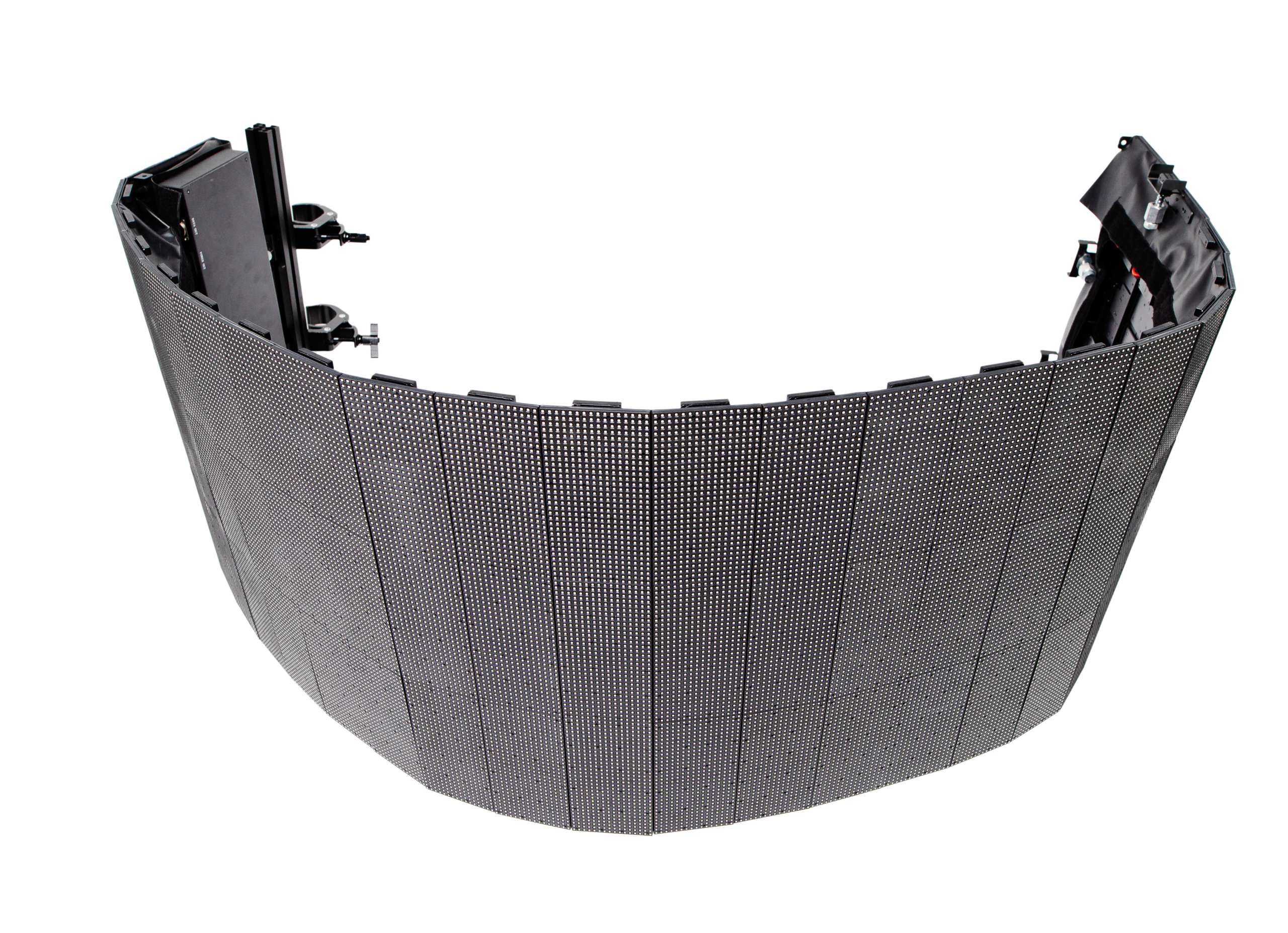
Choosing a digital display board starts with the environment, not the screen specification. Indoor LCD panels suit controlled lighting and close viewing. Direct-view LED works better in large halls, bright entrances, and outdoor areas. Projection can create very large images, but ambient light may weaken contrast.
According to AVIXA’s 2024 IOTA report, the global professional audiovisual industry generated an estimated $332 billion in 2023. That scale reflects growing demand for reliable visual communication, not a reason to overspend. A 2024 Grand View Research market report estimated the digital signage market at about $27 billion in 2023, with continued growth expected through 2030. Pixels are not everything.
For size, measure the farthest viewer’s distance and the available wall width. A 55-inch screen may be clear in a reception area, yet unreadable across a busy lobby. Resolution should match content and distance. Full HD can work for simple menus viewed nearby, while 4K helps preserve small text, maps, and detailed product images. For LED, pixel pitch offers a practical starting point: a 2.5 mm pitch is generally more comfortable from several meters away than a 6 mm pitch. However, this is only a guide. Font height, brightness, contrast, and viewing angle can change the result. Measure twice. I have seen teams buy sharper screens, then use tiny text that remains difficult to read. A short on-site viewing test is often more reliable than a specification sheet.
Choosing a digital display board starts with its environment, not its screen size. Indoor corridors usually need around 500–1,000 nits, while sunlit outdoor locations may require 5,000 nits or more. These figures are practical industry ranges, not universal rules. Measure the site at different times. Morning glare can differ sharply from afternoon glare. The CIE 150:2017 technical report stresses that glare and surrounding luminance affect visual comfort. A bright screen can still look weak beside reflected sunlight.
Visibility also depends on viewing distance, text size, contrast, and viewing angle. A transport display needs stronger contrast than a shaded reception screen. Fine text may disappear when viewers stand ten metres away. Weather adds another risk. Choose suitable protection against dust, rain, humidity, and temperature changes. Check the display’s rated operating range, not only its maximum brightness. The U.S. Department of Energy’s 2023 solid-state lighting report shows continuing gains in LED efficiency, but higher brightness still increases heat and energy demand. I have seen installations where brightness was set too high, creating glare and unnecessary power use.
Tips: Visit the installation site with a light meter. Compare samples under direct sunlight and cloudy conditions. Test content at the real viewing distance. Leave brightness adjustment enabled. Recheck after installation; the first setting is rarely perfect. Consider automatic dimming, but verify that sensors respond correctly at night.
Choosing the right digital display board starts with its connections, not its screen size. A bright panel is useless when Wi-Fi drops during a sales event. Check Ethernet, Wi-Fi, Bluetooth, HDMI, and USB support. Wired Ethernet usually offers more stable playback in busy venues. According to Grand View Research, the global digital signage market was valued at approximately $27.1 billion in 2023. That growth increases the need for dependable infrastructure, not just attractive hardware.
Tips: Test the display on your actual network. Upload a video, schedule an emergency message, and disconnect the internet. Some systems continue playing cached content; others stop immediately. Ask about encryption, user permissions, monitoring, and offline publishing. These details are easy to overlook. I have seen teams choose a lower-cost board, then spend more on adapters and repairs. That mistake remains common.
Content management should support templates, playlists, scheduling, remote updates, and multiple screen sizes. A useful CMS also records proof of playback, helping teams verify that campaigns appeared correctly. Compatibility matters just as much. Confirm operating-system support, video formats, aspect ratios, brightness requirements, and mounting standards before purchase. A 2024 report from AVIXA projects continued growth in professional audiovisual technology spending, but growth does not guarantee easy integration. Test one complete setup first. It may reveal problems that a specification sheet hides.
| Area | Evaluation Criterion | Recommended Baseline | Advanced Option | Why It Matters |
|---|---|---|---|---|
| Connectivity | HDMI input | At least one HDMI 2.0 input with HDCP support | Multiple HDMI inputs with HDMI 2.1 support | Supports reliable connections for media players, laptops, cameras, and other external sources. |
| Connectivity | Wired network connection | 10/100 Mbps Ethernet | Gigabit Ethernet with VLAN support | A wired connection provides stable content delivery and is useful for fixed installations. |
| Connectivity | Wireless networking | Dual-band Wi-Fi supporting 2.4 GHz and 5 GHz | Wi-Fi 6 with enterprise authentication support | Wireless access simplifies installation, while newer standards can improve performance in busy networks. |
| Connectivity | USB connectivity | USB-A 2.0 or 3.0 for local media playback and updates | USB-C with DisplayPort Alt Mode and power delivery | USB ports enable offline playback, maintenance, and convenient connection of compatible devices. |
| Connectivity | Remote management connection | Secure web access or cloud connection over HTTPS | Centralized monitoring with API, alerts, and device health reporting | Remote access reduces on-site maintenance and helps administrators identify failures quickly. |
| Content Management | Supported media formats | JPEG, PNG, MP4, H.264, and common web content | H.265/HEVC, HTML5 applications, live streams, and layered content | Format support determines whether existing creative assets can be used without conversion. |
| Content Management | Scheduling | Basic date, time, and playlist scheduling | Recurring schedules based on location, audience, events, and time zone | Scheduling automates content changes and keeps messages relevant throughout the day. |
| Content Management | Multi-screen control | Separate playlists for individual screens | Screen groups, synchronized playback, and centralized templates | Group management improves consistency across multiple displays while preserving local flexibility. |
| Content Management | User permissions | Administrator and standard-user accounts | Role-based access control, approval workflows, and activity logs | Permission controls help prevent unauthorized changes and support accountable publishing. |
| Content Management | Playback reliability | Local caching for temporary network interruptions | Automatic recovery, content validation, and offline playback reporting | Local storage allows scheduled content to continue playing when the network is unavailable. |
| Compatibility | Resolution and aspect ratio | Full HD at 1920 × 1080 with 16:9 support | 4K at 3840 × 2160 with portrait and landscape layouts | Matching the display resolution and orientation prevents cropping, stretching, and unreadable text. |
| Compatibility | Operating environment | Support for the selected player operating system and current web standards | Cross-platform management for Windows, Linux, Android, or embedded players | The display, media player, and management software must work together throughout the deployment. |
| Compatibility | Orientation and mounting | Landscape installation with standard VESA mounting | Portrait and landscape rotation with adjustable mounting options | Physical and software compatibility affects installation safety, layout design, and viewing comfort. |
| Compatibility | Brightness and viewing conditions | Approximately 300–500 nits for indoor environments | 700 nits or more for bright indoor areas or protected outdoor locations | Brightness should match ambient light so content remains visible without unnecessary power consumption. |
| Compatibility | Security and updates | HTTPS, password controls, and regular firmware updates | Encrypted storage, certificate management, secure boot, and centralized patching | Security features protect content, credentials, and connected networks over the display's service life. |
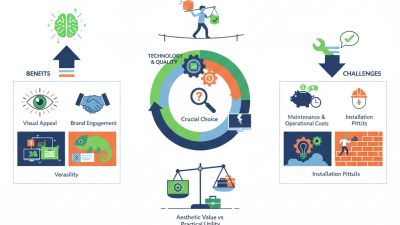
Installation cost is more than the screen price. In field assessments, I check wall strength, cable routes, power access, and viewing height. A bright outdoor display may require weather protection and specialist mounting. Those details can double labor costs. Request an itemized quote. Vague estimates create unpleasant surprises.
Maintenance should be measured before installation. Ask how easily staff can replace a power unit, update content, or clean the surface. A display above a busy entrance may need safe access equipment. Keep spare components in stock. Small failures become expensive when parts arrive slowly. I have seen teams underestimate cleaning time, especially near roads. That assumption deserves review.
Security requires both physical and digital controls. Use locked enclosures, restricted administrator accounts, encrypted connections, and scheduled software updates. Keep an offline content copy. It helps during network failures. Future scalability also matters. Choose systems that support additional screens, different layouts, accessibility features, and changing content demands. Confirm licensing, data capacity, and integration limits in writing. Planning for ten displays may be wasteful today, but planning for only one can force a costly replacement later. My own preference is cautious expansion: test one location, record power use and maintenance hours, then adjust the wider plan. Perfect forecasts are rare. Practical evidence is better.