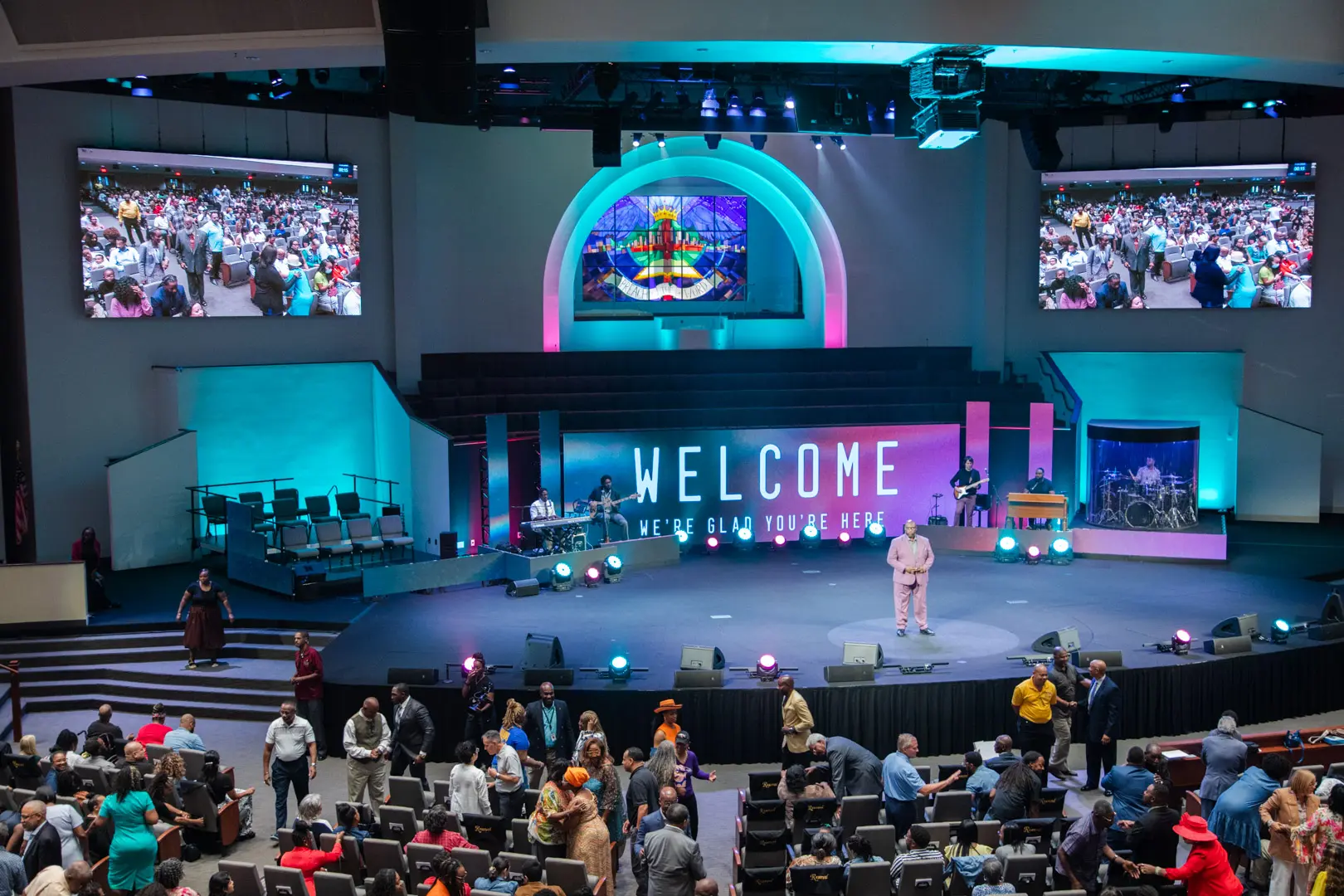
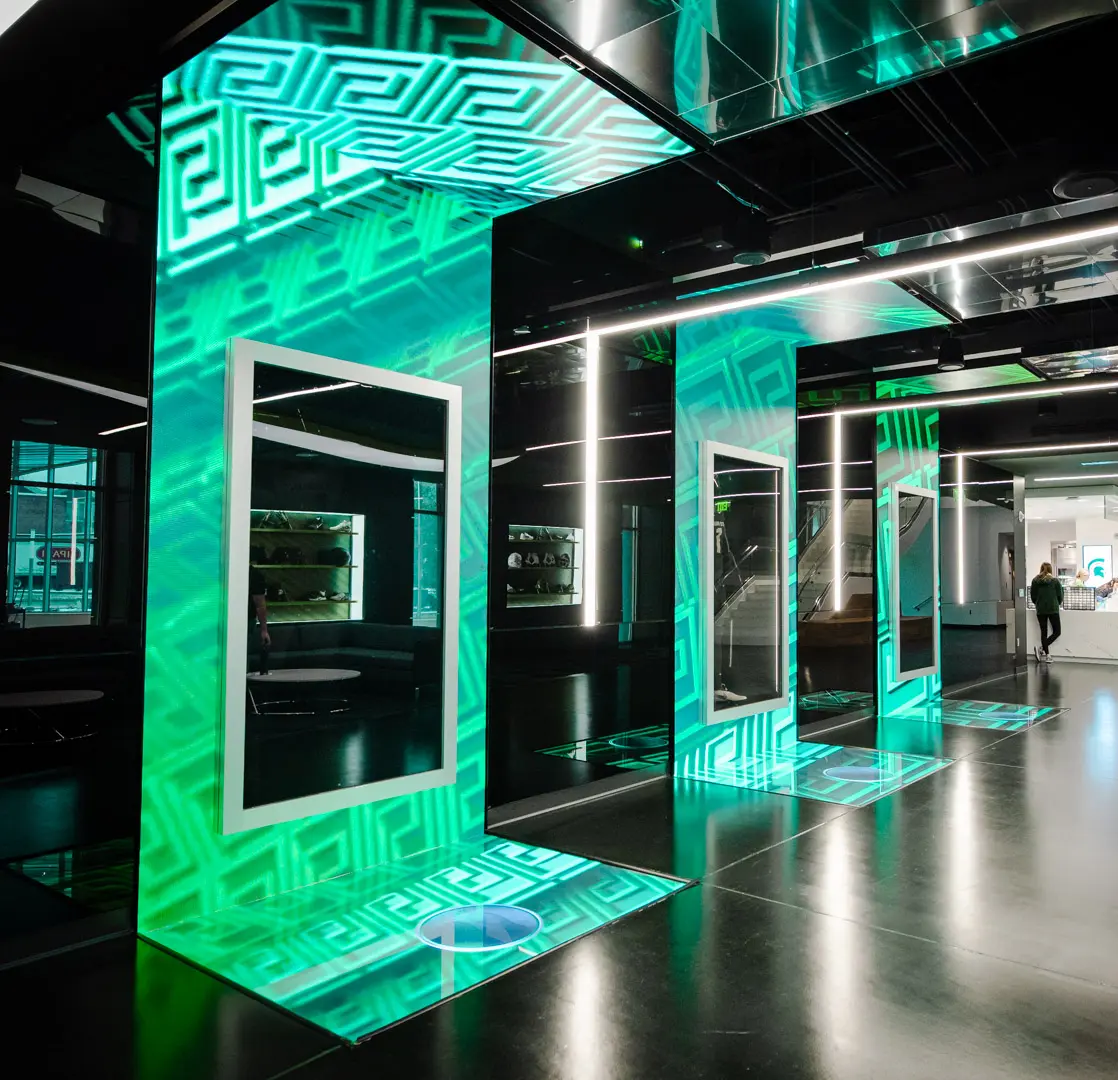
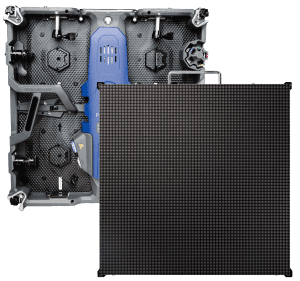
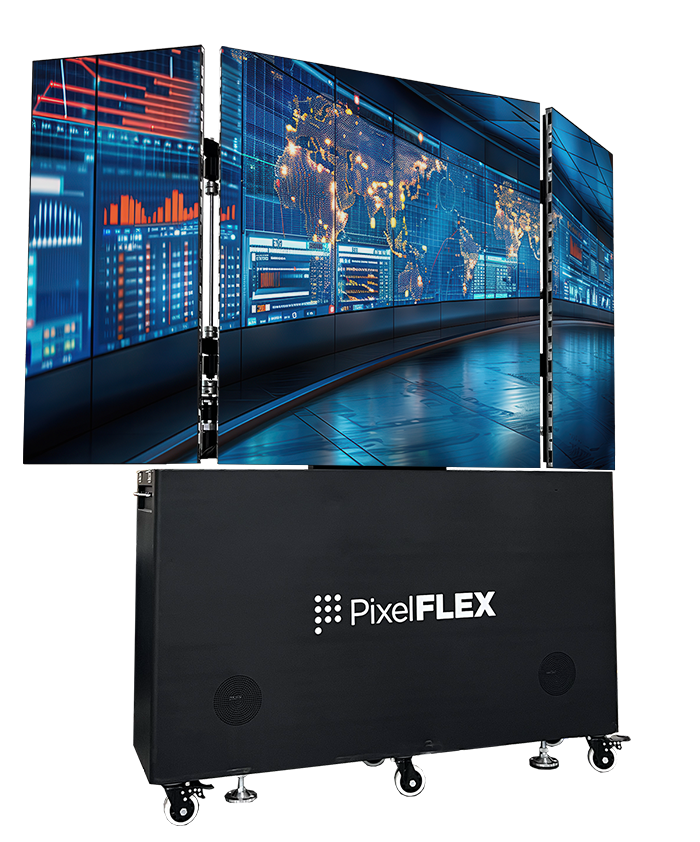
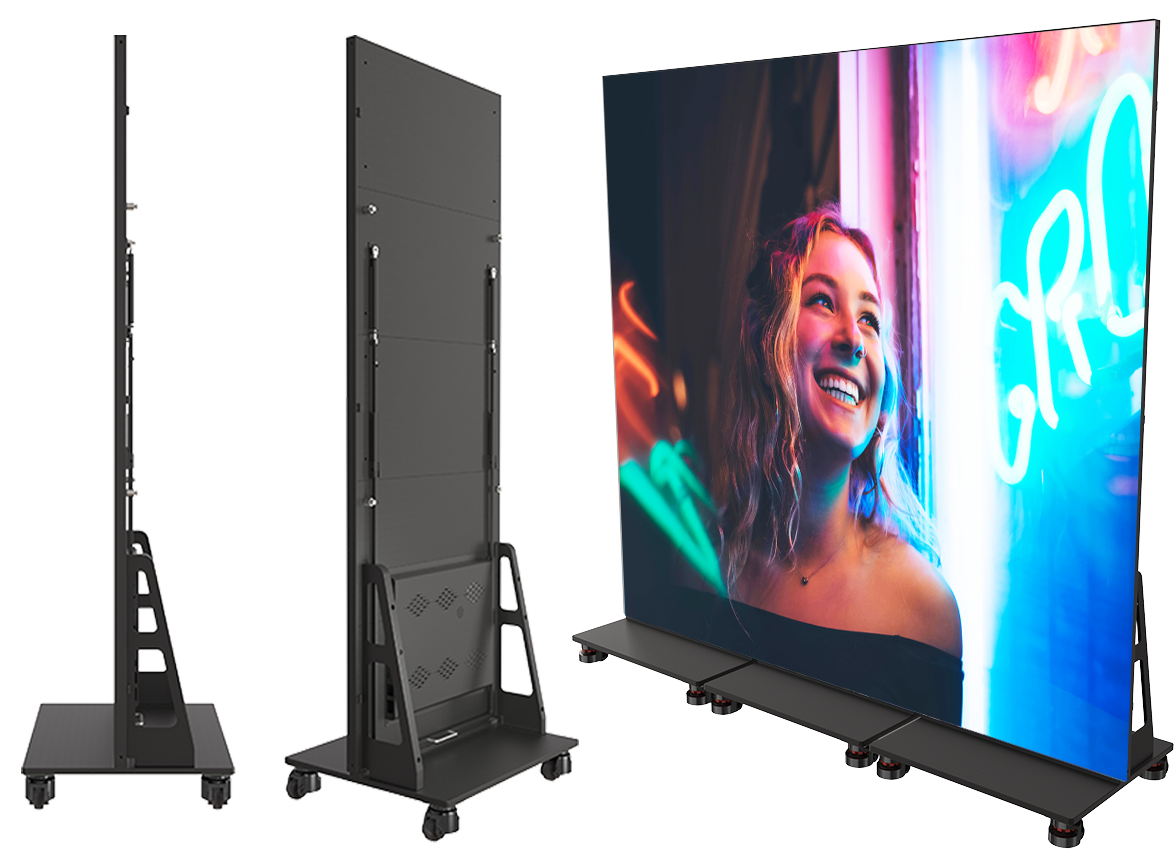
Communicate worship schedules and sermon messages while engaging your congregation with visual technology.
View More
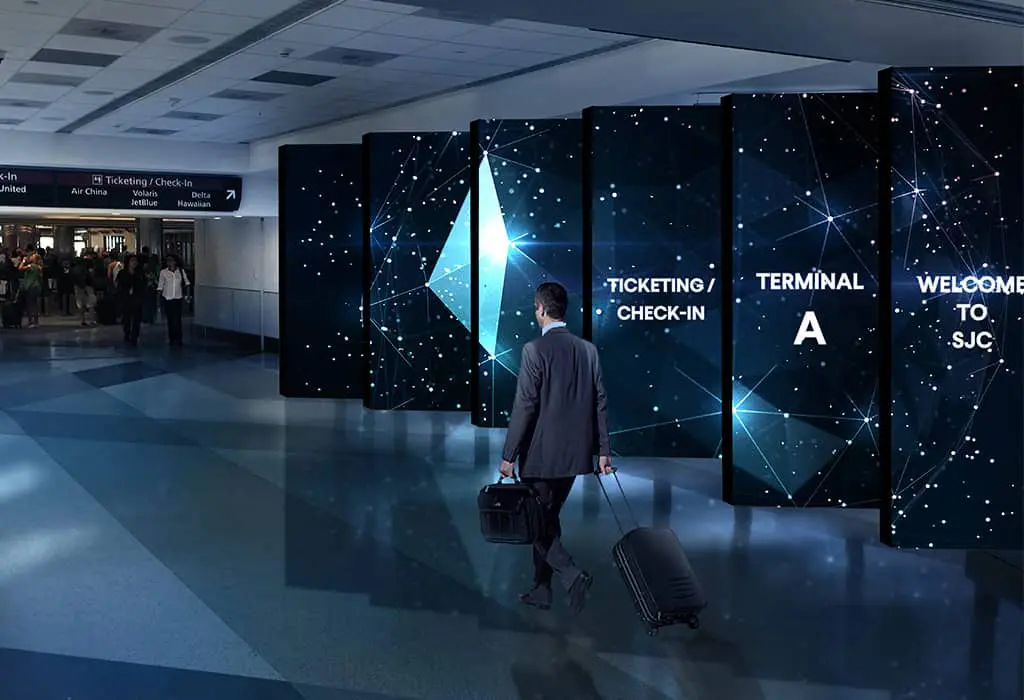
LED displays in transportation settings, such as airports, train stations, and bus terminals, serve as dynamic platforms for real-time information, advertising, and wayfinding, enhancing passenger experience with clear, up-to-date travel details and announcements.
View More
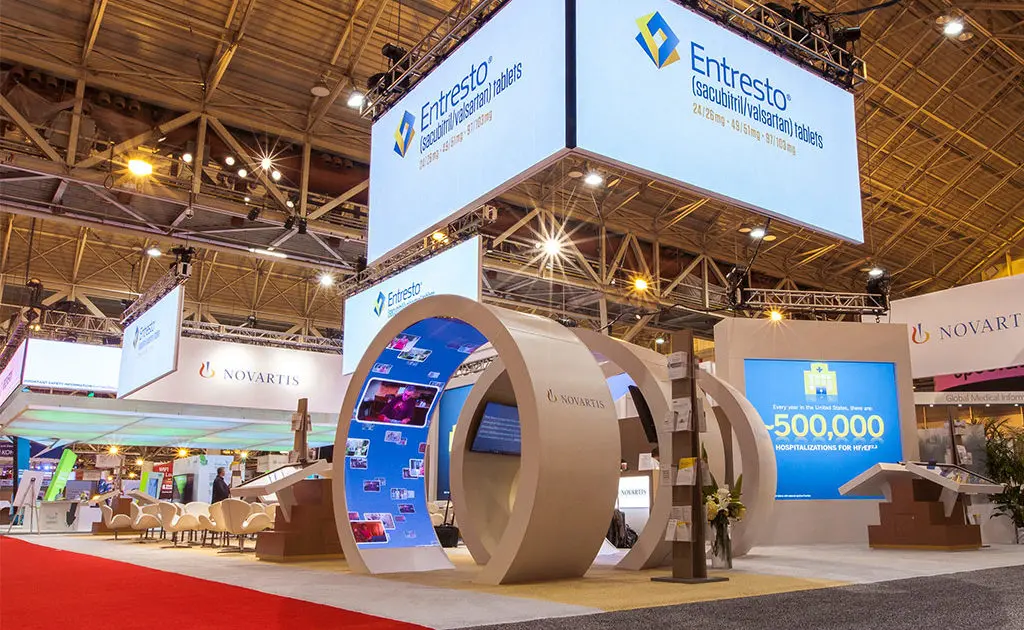
Differentiate yourself from the competition by incorporating a digital experience in your booth with our trade show LED displays.
View More
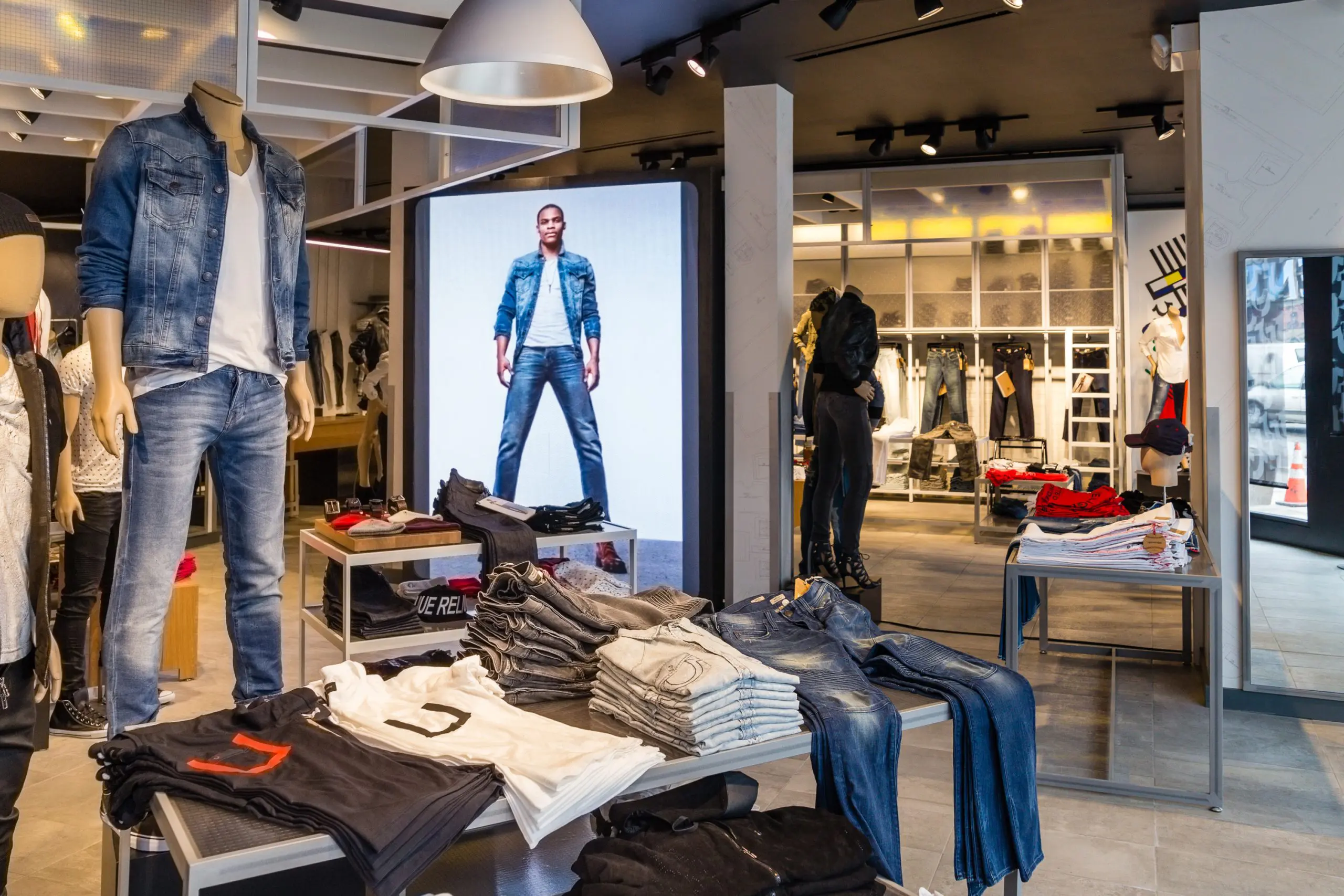
Communicate your brand’s message, stand out from the competition and engage your target market with LED digital signage.
View More
We offer creative solutions at cost-effective rates. You will be able to deliver your sermons more effectively and engage your congregation through one-of-a-kind lyric video walls and house of worship LED displays.
View More
Enhance ambiance, display interactive directories and wayfinding displays, and promote amenities and events to elevate the guest experience.
View More
Incorporate digital displays to enhance your students’ learning experience and market to prospective students and donors.
View More
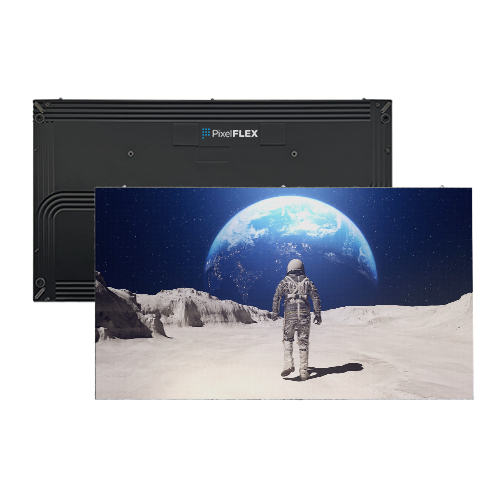
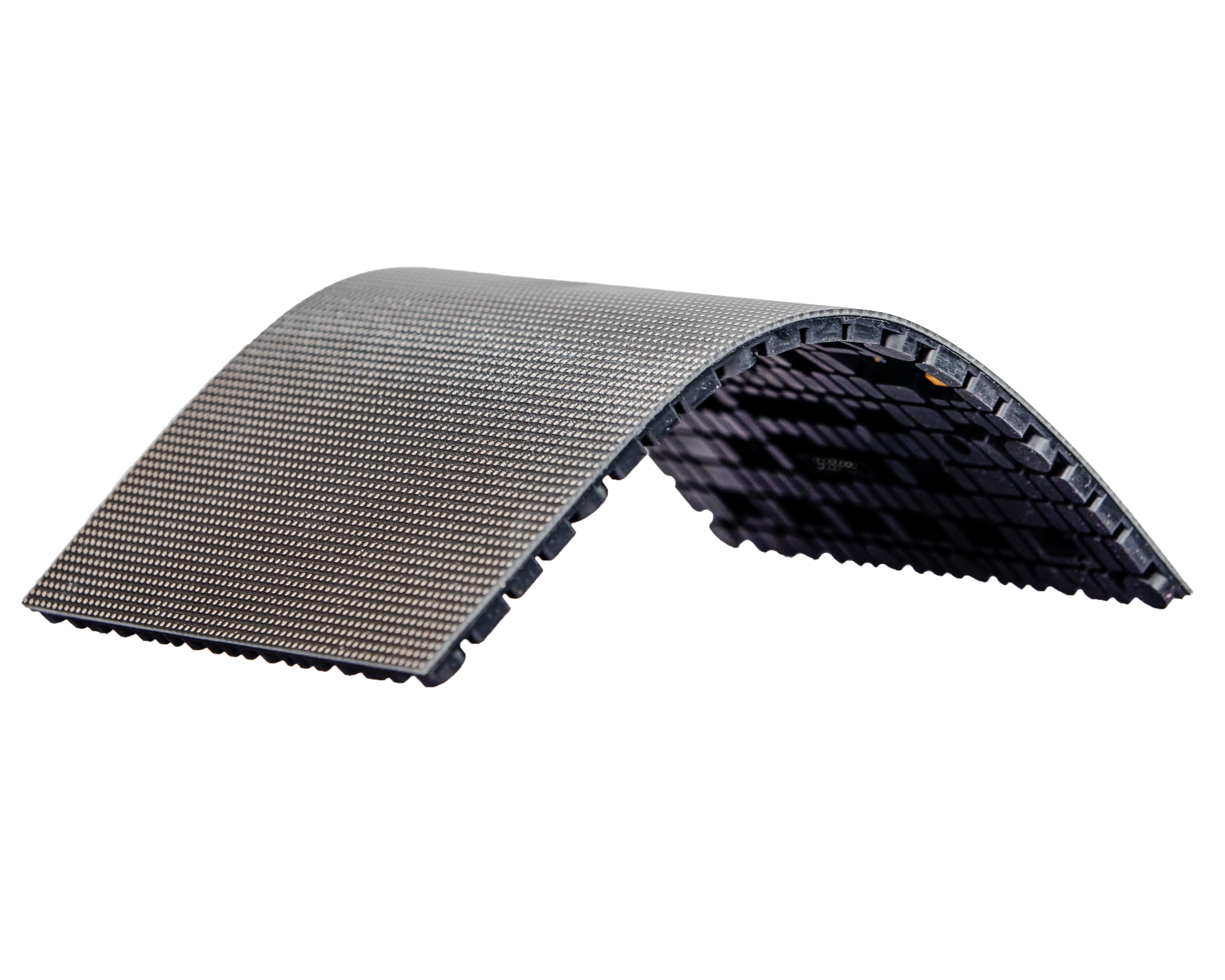
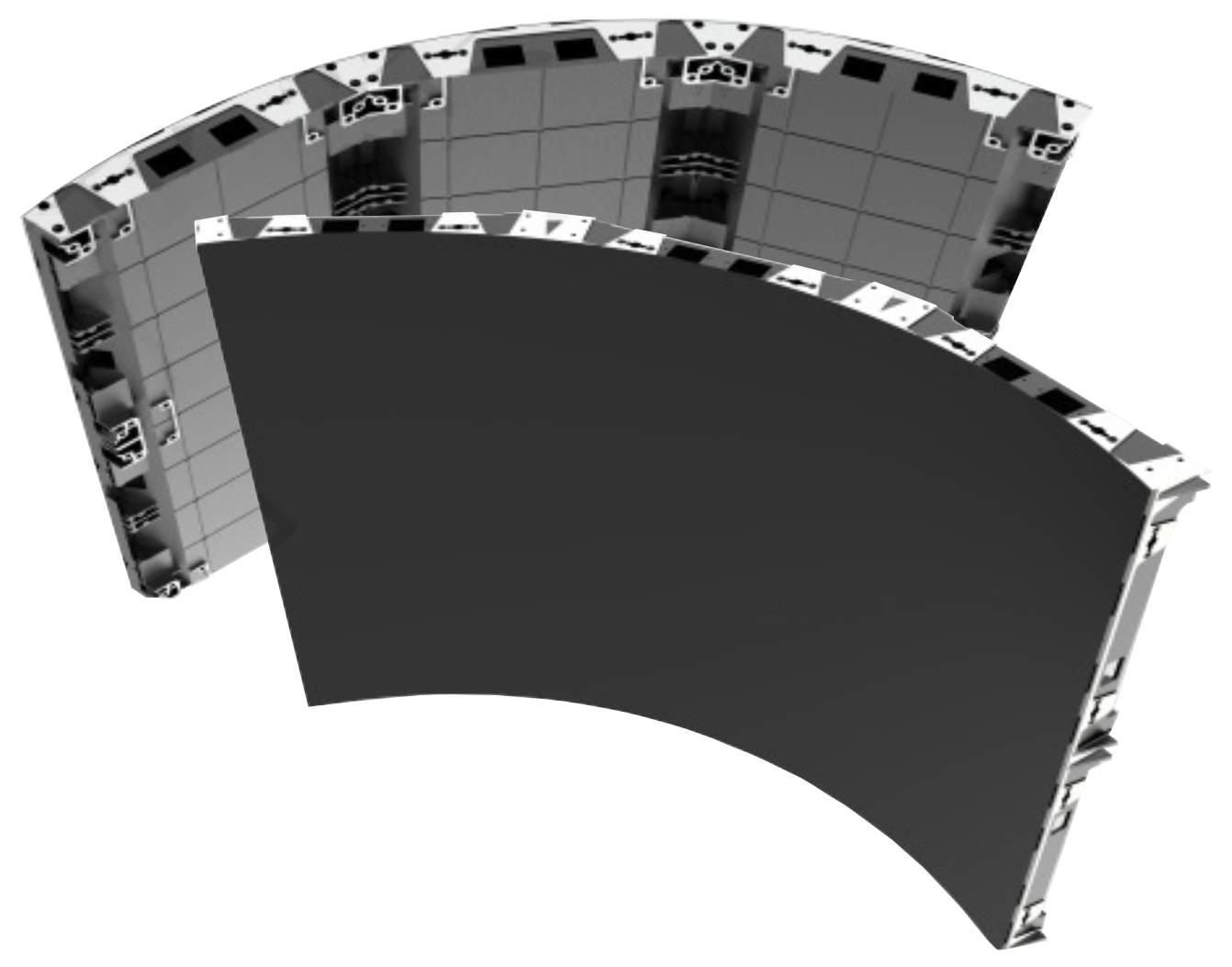
Transform your corporate spaces with PixelFLEX LED video displays. Enhance communication, elevate branding, and create dynamic environments.
View MoreChoosing electronic signs starts with a practical question: where will people see the message, and what should they do next? A display near a busy entrance has different needs from one viewed across a parking area. Measure the viewing distance, note the available space, and observe how sunlight or indoor glare changes throughout the day. Distance matters.
The screen is only part of the decision. Consider brightness, resolution, weather exposure, mounting options, and how often the content will change. A café updating a menu each morning may value simple content management; a reception desk may need clear text that remains readable at a glance. Check power access and installation requirements before choosing a model. These details can prevent avoidable costs later.
Think about who will maintain the sign, too. Ask how updates are scheduled, whether staff can manage them confidently, and what support the supplier provides. Request specifications in writing, including warranty coverage and operating conditions, then compare products on the same criteria. A brighter screen is not always the better choice, especially in a dim lobby where it may feel harsh. There is no perfect display for every setting. I would revisit the choice after seeing the sign in its actual location, because a showroom can hide glare, awkward sightlines, or confusing controls. The right electronic signs fit the space, communicate clearly, and remain practical to operate over time.
Before choosing an electronic sign, define the job it must do. Is it guiding visitors, displaying a queue, or sharing changing announcements? A lobby entrance needs different information than a busy loading area. Note the viewing distance, ambient light, and how often the content changes. These details shape screen size, brightness, and update needs. Keep the goal practical. A sign cannot fix a confusing process.
Then consider who will read it. Visitors may have only a few seconds; staff may need precise instructions. Use familiar words, strong contrast, and one main message per screen. If people stand ten metres away, test the text from that distance, not just on a laptop. In real settings, glare and movement can undermine a polished layout. Plans sometimes overlook these small conditions. They matter.
Tips: Write the message in one sentence before designing. Put the key action near the beginning. Ask someone unfamiliar with the site to read it once. If they hesitate, simplify. Check the sign at its actual height and viewing angle, then revise. It may take another pass. That’s normal.
Choosing an electronic sign starts with where people will see it. LED displays work well outdoors, across parking lots, or on large building façades. Their brightness helps in daylight, but direct sun can still wash out poorly positioned screens. LCD displays offer crisp text and images at closer range, making them useful in shops, lobbies, and waiting rooms. They may need shade to reduce glare. E-paper uses little power for mostly static messages, though it is less suited to vivid video or frequent animation. A small detail matters: viewing distance.
Compare more than screen type. Check pixel pitch on LED displays; tighter spacing usually gives clearer images up close. For LCD, consider brightness, reflections, and expected daily operating hours. For e-paper, check refresh speed and whether its limited color range fits your content. Outdoor installations also need suitable weather protection and a mounting position people can actually see. I would still test a sample at the real viewing angle; specifications alone can feel reassuring, then disappoint.
Tips: Measure from the sidewalk or queue, not just from the wall. View sample content in bright and dim conditions. Keep key wording large, brief, and readable at a glance.
Choosing an electronic sign starts with the viewing distance, not the screen size. A sign beside a shop entrance can use smaller text than one viewed from a moving vehicle. Test key messages from the farthest expected viewing point. Can a passerby read them at a glance? Keep it readable. Use large lettering, strong contrast, and a simple layout. Small text may look polished up close but disappear across a busy parking lot.
Placement matters just as much. Mount the display above parked cars and keep it clear of trees, poles, and window reflections. Angle outdoor screens away from direct glare, then check visibility at different times of day. A sign that works at noon may wash out at sunset. The Sign Research Foundation’s report on on-premise signs found that 60% of surveyed businesses reported sales increases after installing or updating signs, averaging 10%. This is reported survey data, not proof that a sign alone caused the increase. Still, visibility deserves careful planning. It is easy to overestimate how quickly people can read a screen, especially from a moving car.
Choosing an electronic sign starts with the place it will serve, not the display size alone. Check whether the site has reliable wired or wireless internet. Confirm signal strength where the sign will hang. A concrete wall can weaken Wi-Fi. Ask what happens during an outage: does the display keep its last message, show a fallback, or go blank? Small details matter. Match available power and network ports to the installation plan, and leave room for service access.
The content software deserves equal scrutiny. Confirm that staff can schedule updates, preview layouts, and restore an earlier version without specialist help. Check support for your file types, screen orientation, and remote monitoring needs. Request a demonstration using your own sample message; polished previews can hide awkward workflows. Review requirements for brightness, mounting, electrical safety, accessibility, and sign placement with the relevant local authority. Rules vary by location and sign type, so keep written guidance and approval records. This part is easy to overlook.
Tips: Test the sign on the actual network before purchase. Simulate a connection loss, then check readability in daylight and after dark. Note any confusing step; it may frustrate staff later.
| Decision area | What to check | Useful facts and requirements | Practical selection guidance |
|---|---|---|---|
| Network connectivity | Available Ethernet, Wi-Fi coverage, network security, and whether content must be updated remotely. | For standard copper Ethernet, a typical twisted-pair channel is limited to 100 m (328 ft), including patch leads. Wireless performance depends on signal strength, interference, and network configuration. | Prefer wired Ethernet for fixed displays that need reliable, continuous updates. Test Wi-Fi at the actual mounting location before choosing a wireless-only model. |
| Offline operation | Local content storage, scheduled playback, and behavior after internet or network loss. | Some players can store content locally and continue showing a schedule during a connection outage; this capability and its storage limits vary by system. | For safety, wayfinding, or time-sensitive information, confirm offline behavior and test recovery after reconnection. |
| Content management software | Scheduling, user permissions, approval workflows, remote monitoring, and supported media formats. | Features differ between platforms. Check supported image and video formats, device limits, software updates, data retention, and whether ongoing service fees apply. | Run a trial using real content and typical users. Confirm that staff can update signs without sharing administrator credentials. |
| Cybersecurity and privacy | Authentication, encryption, software updates, network access, and any collection of viewer data. | Connected displays and media players should be assessed like other networked devices. Cameras, sensors, or analytics features may introduce additional privacy obligations. | Ask how vulnerabilities are handled and how long devices receive updates. Disable unused services and place displays on an appropriately managed network. |
| Indoor or outdoor environment | Sunlight, viewing distance, ambient light, temperature, moisture, dust, and physical access. | Outdoor installations require equipment rated for the actual exposure conditions. Brightness needs depend on ambient light and viewing conditions; high brightness can increase power use and glare. | Check the manufacturer’s environmental ratings and operating-temperature range. Assess readability on site at the times the sign will be used. |
| Electrical and installation safety | Power supply, mounting method, cable routing, ventilation, and applicable electrical approvals. | Electrical codes and product-certification rules vary by location. In the United States, the locally adopted edition of the National Electrical Code and local inspection requirements may apply. | Use appropriately qualified installers and verify required approvals with the local authority having jurisdiction before installation. |
| Permits, zoning, and brightness limits | Sign area, location, height, illumination, animation, operating hours, and property or landlord restrictions. | Rules for electronic signs are set locally and can vary by municipality, zoning district, and road location. A permit may be required before installation or modification. | Consult the local planning or building department and review lease requirements before purchasing an outdoor sign. |
| Accessibility and legibility | Text size, contrast, viewing distance, placement, and whether the sign provides required identification or instructions. | Accessibility rules depend on jurisdiction and sign purpose. In the United States, certain permanent room and space identification signs are subject to tactile-character and Braille requirements under ADA standards; a digital display may not replace a required compliant sign. | Check applicable accessibility standards for the sign’s purpose and location. Keep on-screen messages concise, high-contrast, and readable from the intended distance. |
| Traffic and public safety | Placement near roads, message transitions, animation, glare, and possible driver distraction. | Roadside sign controls may involve local rules and, in some locations, state or national transportation authorities. Requirements are location-specific. | Confirm restrictions with the relevant authority and avoid content or placement that could obscure traffic controls or distract road users. |
Regulatory requirements vary by location and sign purpose. Confirm current requirements with the relevant local authorities before purchase or installation.
The purchase price is only one part of an electronic sign’s cost. Include design, delivery, mounting hardware, electrical work, and any required site preparation. Ask for an itemized estimate, not just a screen price. A bright outdoor display may use more power than an indoor model, so check its expected energy use. Also ask how replacement parts are priced. Small fees add up.
Installation conditions can change the budget quickly. A wall-mounted sign may need reinforcement, while a roadside display could require a lift and extra wiring. Have a qualified installer inspect the location before you commit. Check sightlines from the places people will actually approach, not just from the parking area. I’ve seen planning focus too much on screen size; visibility can still disappoint.
Tips: Request a written maintenance schedule. Clean the display with materials approved for its surface, and inspect seals, cables, and mounting points regularly. Ask who handles software updates and repairs, and how quickly service is available. Keep a small repair allowance in your yearly budget. It’s easy to postpone maintenance, but that can turn a minor fault into downtime.