How to Choose a Digital Display Screen in 2026?

Choosing a digital display screen in 2026 is no longer a simple matter of comparing size and price. A screen may look impressive in a showroom, yet appear dull beside a sunlit shop window. The right choice depends on viewing distance, ambient light, content type, operating hours, and installation conditions. A 55-inch screen behind glass needs different brightness and heat management from a display inside a quiet hotel lobby.

Alan Brawn, a respected digital signage consultant, often states, “Digital signage is a medium, not a technology.” That idea should guide every purchase. The digital display screen is only one part of the communication system. You also need reliable media players, a manageable content platform, strong connectivity, and responsive technical support. Check brightness in nits, viewing angles, resolution, warranty coverage, and expected operating life. Test the screen with real content, not only polished product images.

Small details matter.

For example, can staff update pricing without calling a technician? Does the screen recover automatically after a power interruption? Can it display readable text from six metres away? Energy use, accessibility, cybersecurity, and total ownership cost deserve equal attention. The cheapest model may become expensive after repeated service visits. Still, technical specifications do not tell the whole story. A screen can be powerful but poorly placed, or bright but visually tiring. This guide examines those trade-offs honestly, because choosing well sometimes means rejecting an attractive option.

How to Choose a Digital Display Screen in 2026?

What a Digital Display Screen Is and Where It Is Used

A digital display screen is an electronic panel that presents changing content, such as text, video, prices, maps, or alerts. Unlike printed signs, it can update remotely through content management software. It appears in shops, airports, hospitals, schools, offices, hotels, and public transport areas. A screen near a checkout may show offers, while one in a clinic can display queue numbers. The setting changes everything.

Industry data supports this expansion. MarketsandMarkets projected the global digital signage market to grow from about USD 27 billion in 2024 to more than USD 40 billion by 2029. Grand View Research also identifies retail, transportation, and healthcare as important application sectors. These figures indicate demand, not guaranteed value. A screen can still become expensive wall decoration.

When choosing a screen in 2026, start with viewing distance and ambient light. Bright shop windows need stronger luminance than quiet meeting rooms. Check operating hours, heat control, warranty terms, remote monitoring, and accessibility. For transport or outdoor use, weather resistance and readable typography matter. For healthcare, privacy and reliable scheduling deserve closer attention. The U.S. Department of Energy notes that display energy use depends heavily on brightness, operating time, and power settings. That detail is easy to overlook. My practical concern is content failure: a beautiful screen with outdated information damages trust quickly. Choose the communication need first, then the hardware.

Which Display Specifications Matter for Your Application

How to Choose a Digital Display Screen in 2026?

Which Display Specifications Matter for Your Application

The right display begins with its environment, not its appearance. Measure the viewing distance, available space, ambient light, and installation height. Brightness comes first. Indoor information screens may need 500 to 1,000 nits, while sunlit locations often require much more. Excessive brightness can cause glare and shorten component life. I have seen teams overbuy brightness and create an uncomfortable viewing experience.

Resolution should match content and distance. A high pixel density matters for small text, maps, medical data, and close inspection. For large signs viewed from several meters away, physical size may matter more than extra pixels. Contrast, color accuracy, and viewing angle also deserve attention. A screen can look impressive directly ahead but become unclear from the side.

Measure the distance.

For interactive applications, check touch response, surface hardness, glove operation, and accidental-touch rejection. Fast-moving content needs suitable refresh and response times, but these numbers should reflect actual content. Confirm connection types, control software compatibility, power consumption, and operating temperature. In dusty or humid spaces, enclosure protection is important. Service access matters too, although it is often ignored during purchasing. My own early recommendations focused too heavily on image quality. Later installations taught me that maintenance time, cable routing, and mounting access can determine real performance. A specification sheet rarely reveals those practical weaknesses.

How to Compare Screen Types, Sizes, and Installation Options

Choosing a digital display in 2026 starts with the viewing environment, not the screen’s advertised size. Grand View Research estimates the digital signage market could reach approximately $45 billion by 2030, with demand supported by retail, transport, and public information systems. Yet market estimates differ, so buyers should inspect methodology and regional coverage.

LCD remains practical for indoor menus, reception areas, and narrow viewing distances. It usually offers predictable maintenance and sharp text.

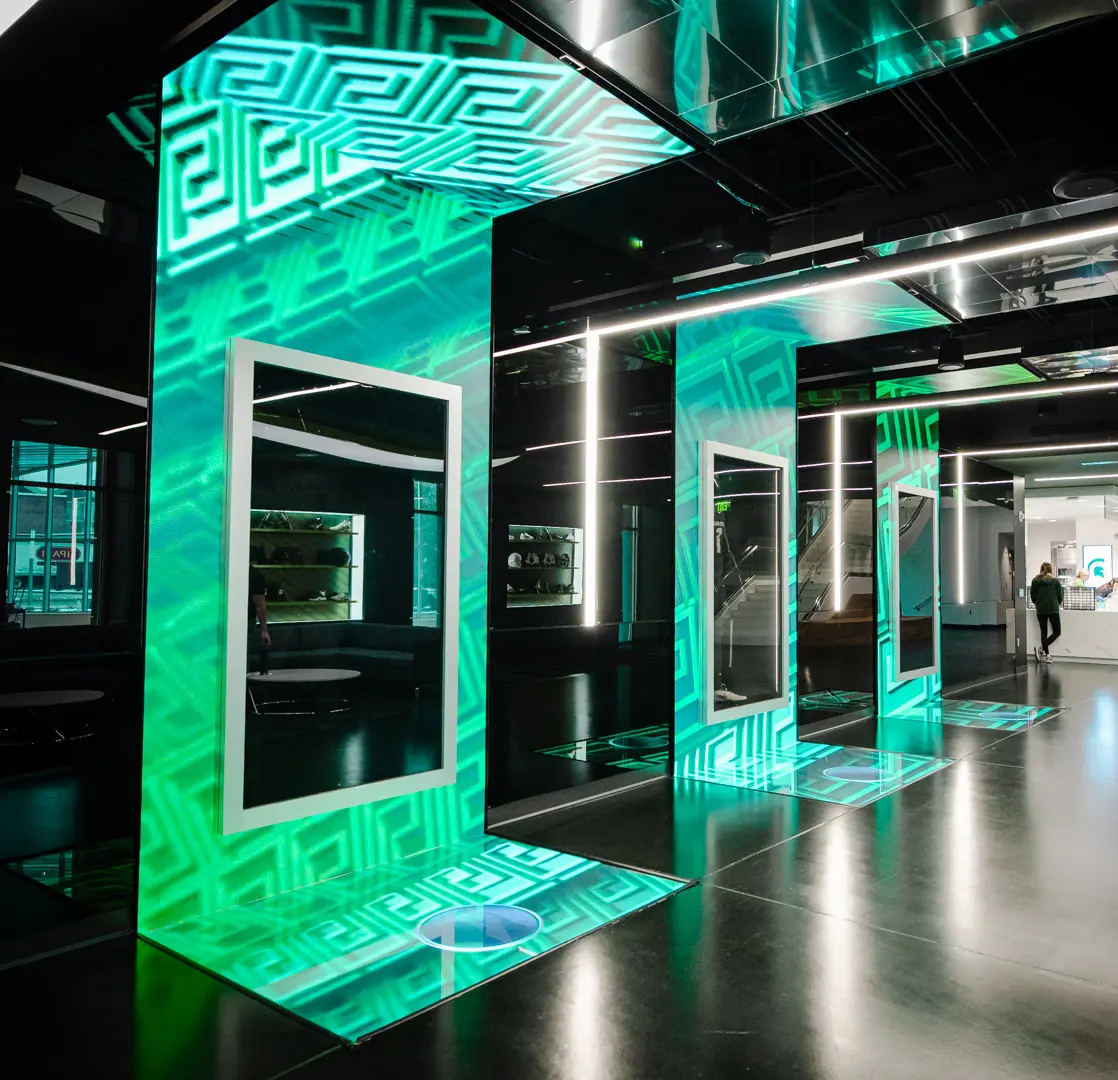
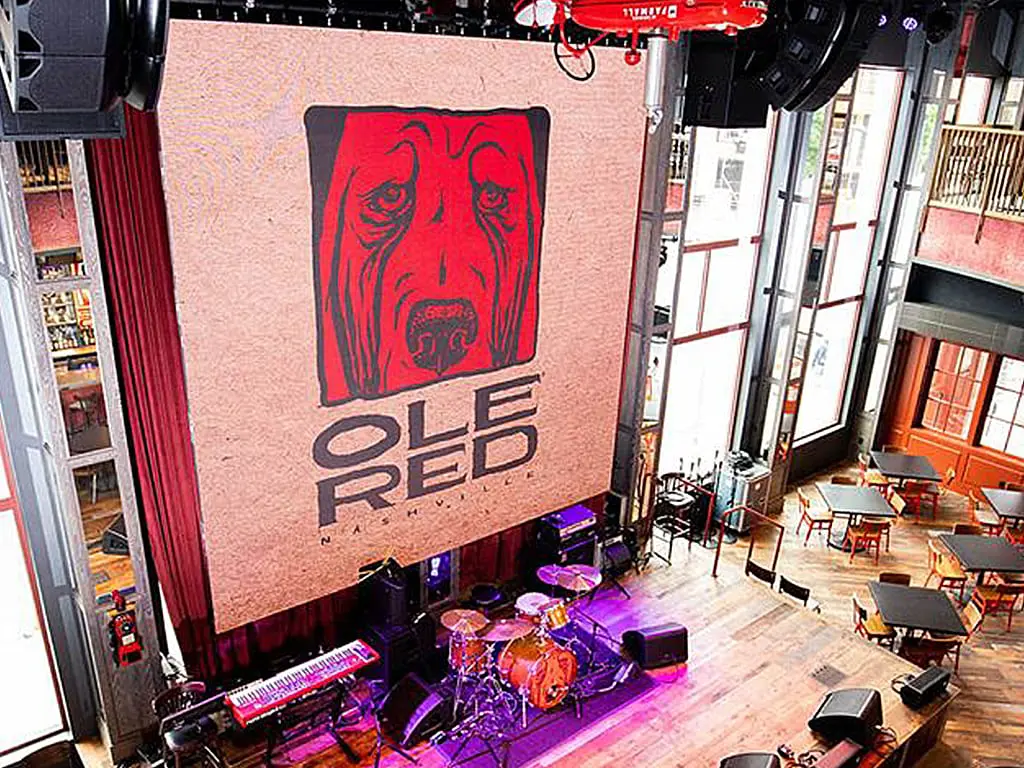
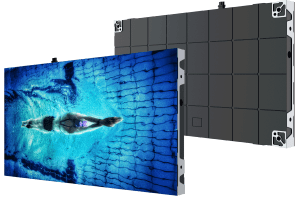
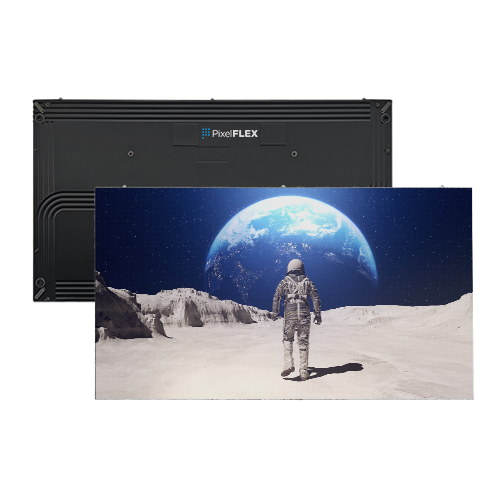
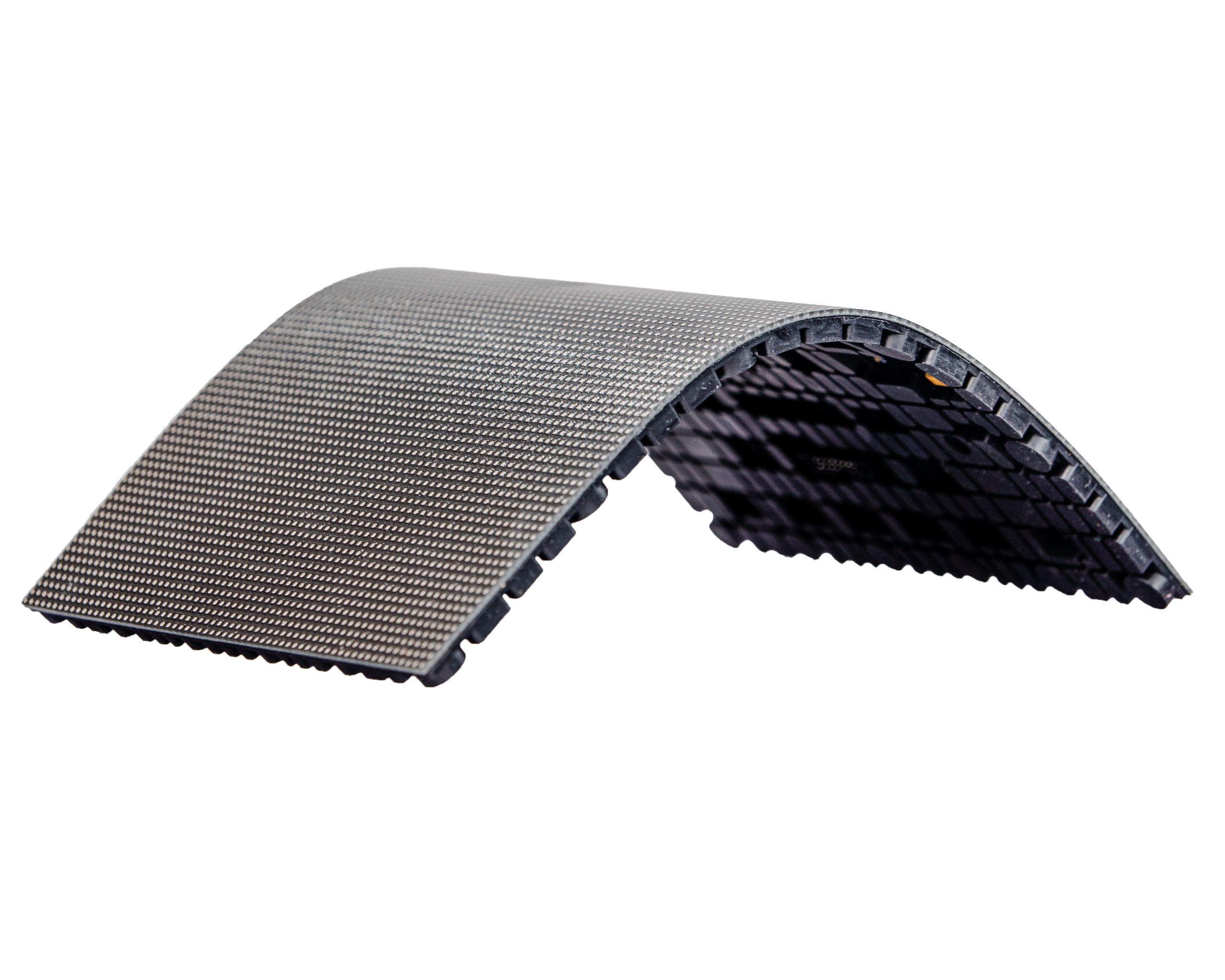
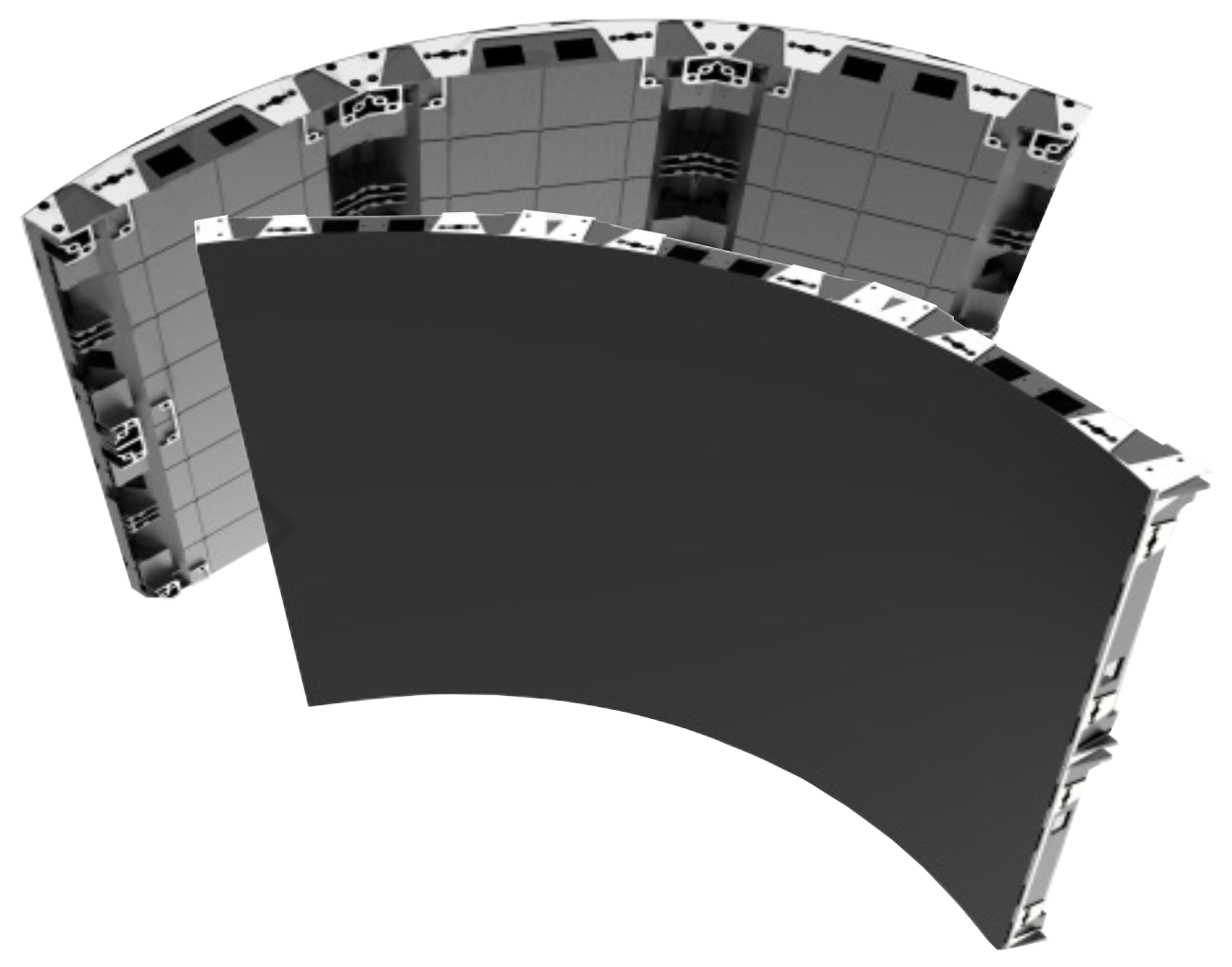
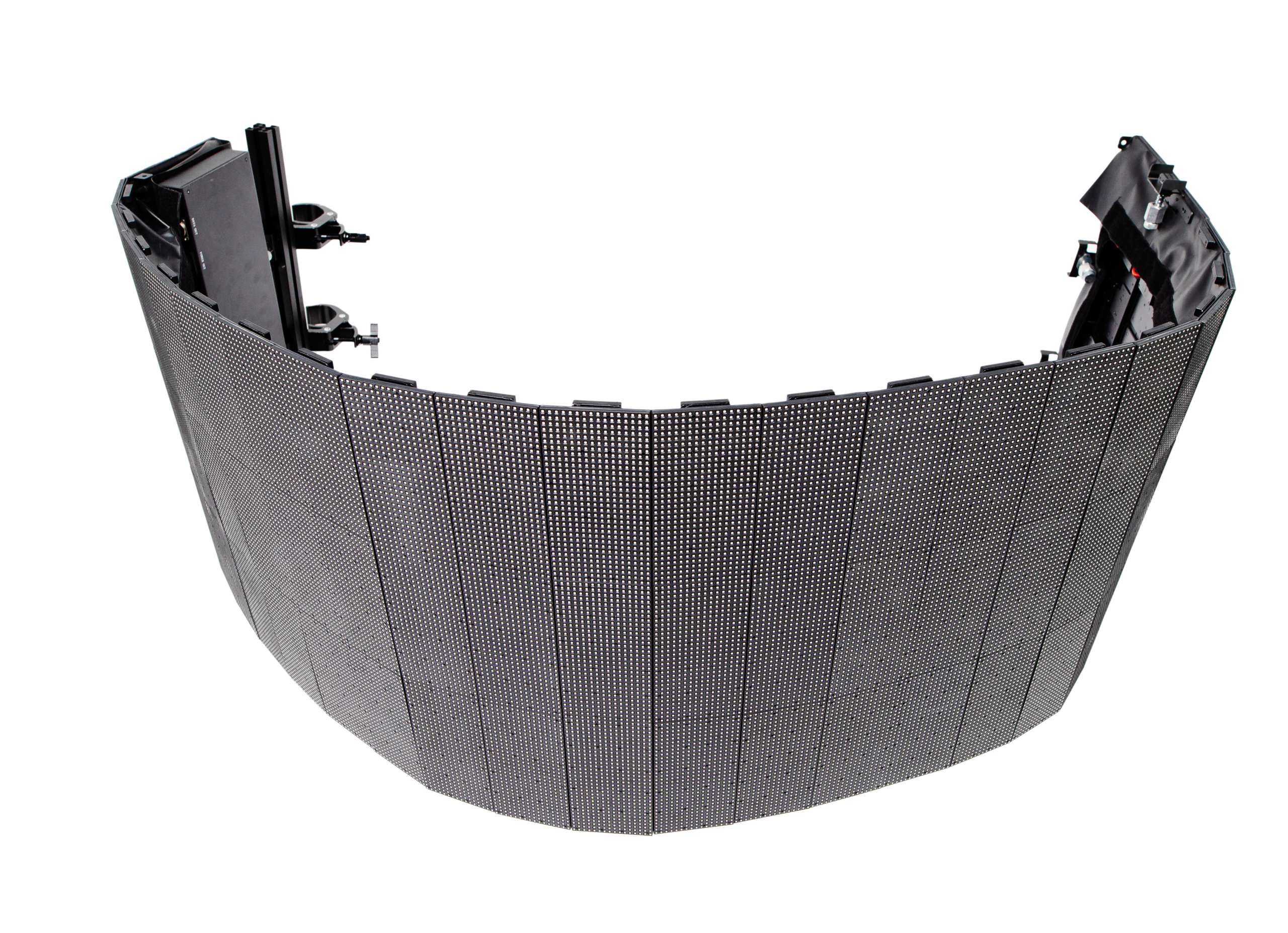
LED is stronger for large walls, bright atriums, and outdoor visibility. Its pixel pitch matters: smaller pitch produces cleaner images when viewers stand close. For example, a 1.5-millimeter pitch suits near viewing better than a 4-millimeter wall.

OLED can deliver deep contrast, but heat, brightness, and long-term image retention require careful evaluation. The cheapest option may age badly.

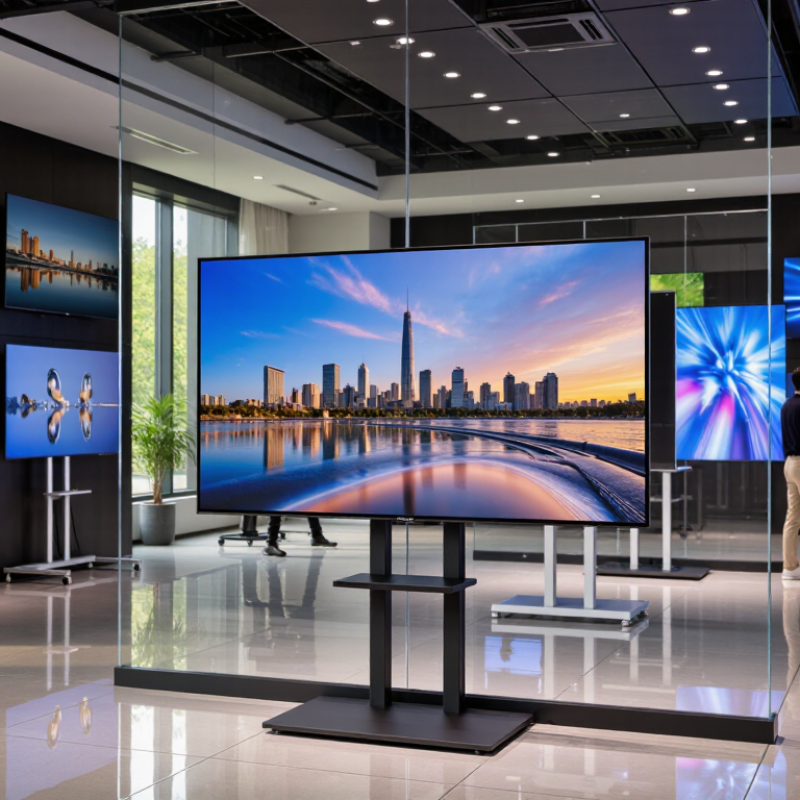
Measure the room before comparing inches. A 55-inch screen may work at 2.5 meters, while a 75-inch model creates clearer information across a busy lobby.

Bright indoor spaces often need at least 700 nits; direct sunlight may demand substantially more. The U.S. Department of Energy reports that LED lighting can reduce energy use significantly compared with older lighting technologies, but display consumption still depends on brightness and operating hours.

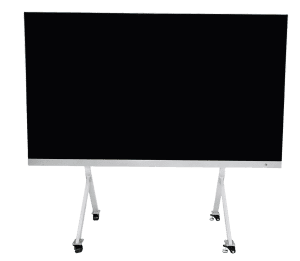
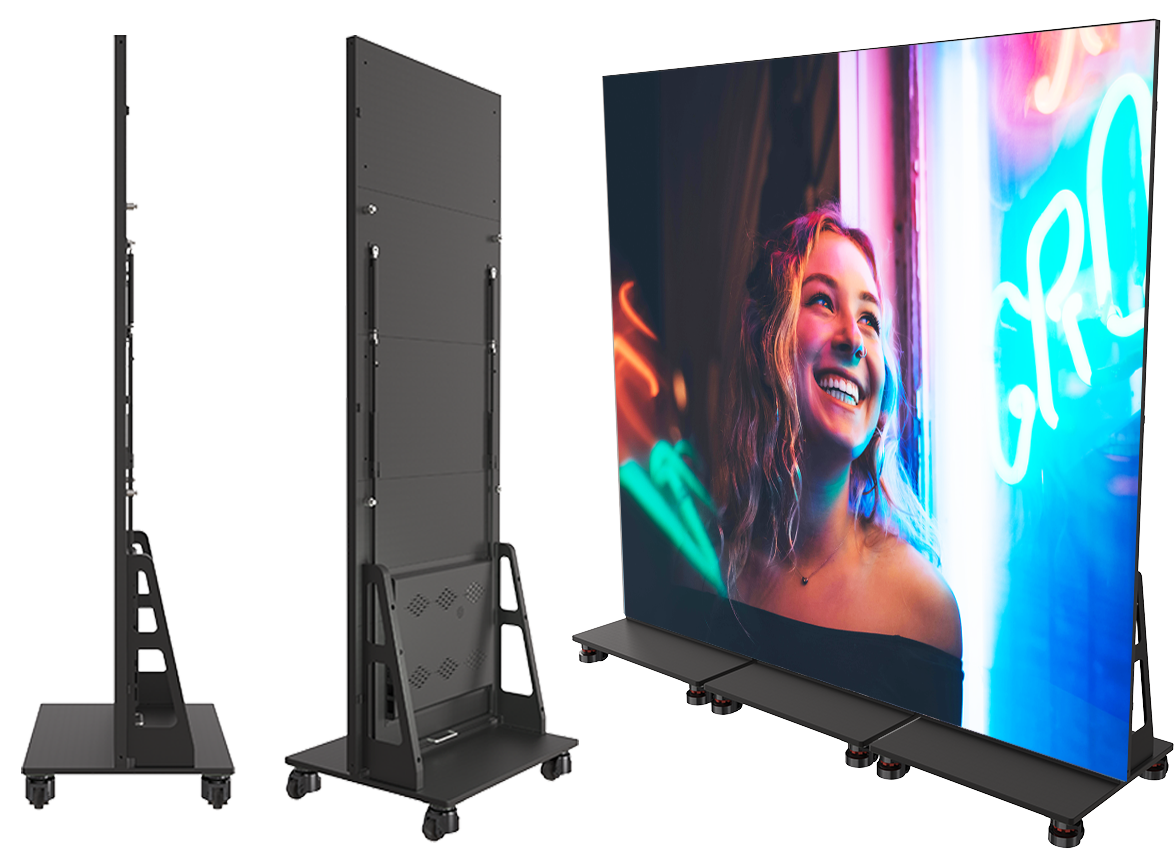
Wall mounting saves floor space, while ceiling suspension improves sightlines but complicates cable access. Freestanding units are flexible, though they can be easier to bump or relocate accidentally.

I would test one screen at the actual site first. Specifications alone can mislead.

How to Evaluate Brightness, Visibility, Durability, and Energy Use

How to Choose a Digital Display Screen in 2026?

Brightness should match the installation site, not merely the sales sheet. For indoor spaces, moderate brightness can protect viewers from glare and reduce wasted electricity. Outdoor screens may need 1,500 to 5,000 nits under direct sunlight. Test it at noon. Check readability from several angles, especially where people stand or walk. High brightness means little if text appears washed out from the side. Contrast, anti-glare glass, and automatic dimming also affect real visibility.

Durability requires evidence. Look for documented IP protection against dust and water, plus an IK rating for impact resistance. Confirm the operating temperature range if the screen will face freezing mornings or hot walls. Heat changes everything. A metal enclosure, ventilation design, and sealed connections can prevent early failures. I once selected a screen by brightness alone, and its cooling system struggled during summer afternoons. That shortcut failed.

Energy use deserves a closer inspection. Compare typical power consumption, maximum draw, standby use, and dimming behavior. A screen running twelve hours daily can consume far more than its specification suggests. Ask for laboratory measurements or clear test conditions. Treat vague efficiency claims carefully. A simple on-site trial is valuable: measure the screen at morning, midday, and evening, then record visibility and power readings. Some results may surprise you. That is useful.

How to Choose a Digital Display Screen in 2026? – How to Evaluate Brightness, Visibility, Durability, and Energy Use

Typical planning ranges for commercial display technologies. Actual performance depends on screen size, content, installation conditions, temperature, and operating schedule.
Display Type Typical Brightness Recommended Environment Visibility Factors Typical Power Demand Expected Service Life Durability Considerations Best-Fit Applications
Indoor LCD 350–700 cd/m² (nits) Offices, retail stores, classrooms, reception areas, and transit interiors High readability indoors; matte or anti-glare coating is useful under strong artificial lighting Approximately 100–250 W/m² while operating About 30,000–60,000 operating hours before significant brightness reduction Requires protection from moisture, impact, and excessive heat; commercial models may support continuous operation Menus, dashboards, indoor wayfinding, presentations, and information boards
High-Brightness Outdoor LCD 1,500–5,000 cd/m² (nits) Outdoor locations, shopfronts, transport hubs, and semi-outdoor areas Designed to overcome direct or reflected sunlight; automatic brightness control helps reduce glare and energy use Approximately 300–700 W/m² while operating About 30,000–70,000 operating hours, depending on brightness and thermal conditions Look for sealed enclosures, active cooling, UV resistance, and an IP rating appropriate to the installation Outdoor advertising, drive-throughs, public information, and high-ambient-light signage
Direct-View LED 500–1,500 nits indoors; 3,000–10,000+ nits outdoors Large-format indoor or outdoor installations where seamless scaling is important Wide viewing angles and strong daylight visibility; pixel pitch determines close-view image sharpness Approximately 150–800 W/m²; peak demand is higher with bright white content Typically 50,000–100,000 hours to a specified fraction of initial brightness Outdoor installations need weather sealing, corrosion protection, thermal management, and impact-resistant modules Video walls, stadiums, façades, event stages, control rooms, and large public displays
Electronic Paper Reflective; readability improves with ambient light rather than backlight output Indoor or shaded outdoor areas with mostly static content Excellent readability in daylight with very low glare; limited color range and slower refresh than LCD or LED Near-zero display power between updates; energy is mainly used during content changes and communications Often 5–10 years, subject to update frequency, temperature, and enclosure design Needs protection from impact, water, freezing temperatures, and direct sunlight if not designed for outdoor use Price labels, schedules, room signs, shelf information, and low-update wayfinding
Selection rule: Choose brightness based on measured ambient light, confirm viewing distance and angle, verify the required IP and temperature ratings, and compare annual energy use rather than maximum wattage alone.
Energy-use calculation: Annual electricity consumption (kWh) = rated power (kW) × daily operating hours × operating days per year. Automatic dimming, scheduled sleep modes, and darker content can substantially reduce actual consumption.

How to Select, Install, and Maintain the Right Screen in 2026

How to Choose a Digital Display Screen in 2026?

Selecting the right digital display starts with the viewing environment, not the screen size. Measure viewing distance, sunlight, temperature, and expected daily operating hours. For bright entrances, choose higher luminance and an anti-glare surface. For close indoor viewing, prioritize pixel density and comfortable brightness. The 2024 Global E-waste Monitor reported 62 million tonnes of electronic waste worldwide in 2022. Longer service life should therefore influence every purchase decision. Energy use matters too. ENERGY STAR research shows certified displays generally use less power than comparable models, although actual savings depend on settings and usage.

Installation requires practical testing. Confirm wall strength, ventilation space, cable routes, and access for future repairs. A screen may look excellent in a showroom but appear weak beside a sunny window. Test it there. Network stability, content resolution, and remote monitoring should be checked before final mounting. IEC 62368-1 safety requirements can guide equipment selection and installation planning. Local electrical rules still require professional verification. My first installation checks often miss cable access behind the wall, which creates avoidable repair work.

Maintenance should include weekly visual inspections and scheduled cleaning with suitable materials. Check brightness consistency, unusual heat, loose connections, and software status. Keep spare cables and documented settings nearby. Review brightness levels each season. Excessive brightness wastes energy and may shorten component life. AVIXA’s 2024 industry outlook continues to identify digital displays as part of expanding professional audiovisual applications, but growth does not remove basic maintenance risks. A careful checklist is still more reliable than optimistic assumptions.

How to Choose a Digital Display Screen in 2026?

Select brightness according to the installation environment. The values below are practical industry reference levels in nits (cd/m²), not brand-specific specifications.

Selection guide: Indoor displays commonly require 300–500 nits, screens near windows generally need 700–1,500 nits, and outdoor displays typically require at least 2,500 nits to remain readable in daylight. After installation, clean the screen regularly, verify ventilation, inspect mounting hardware, and monitor brightness uniformity.

Need Help?
X

Ready to Talk?

Our team is ready to connect.