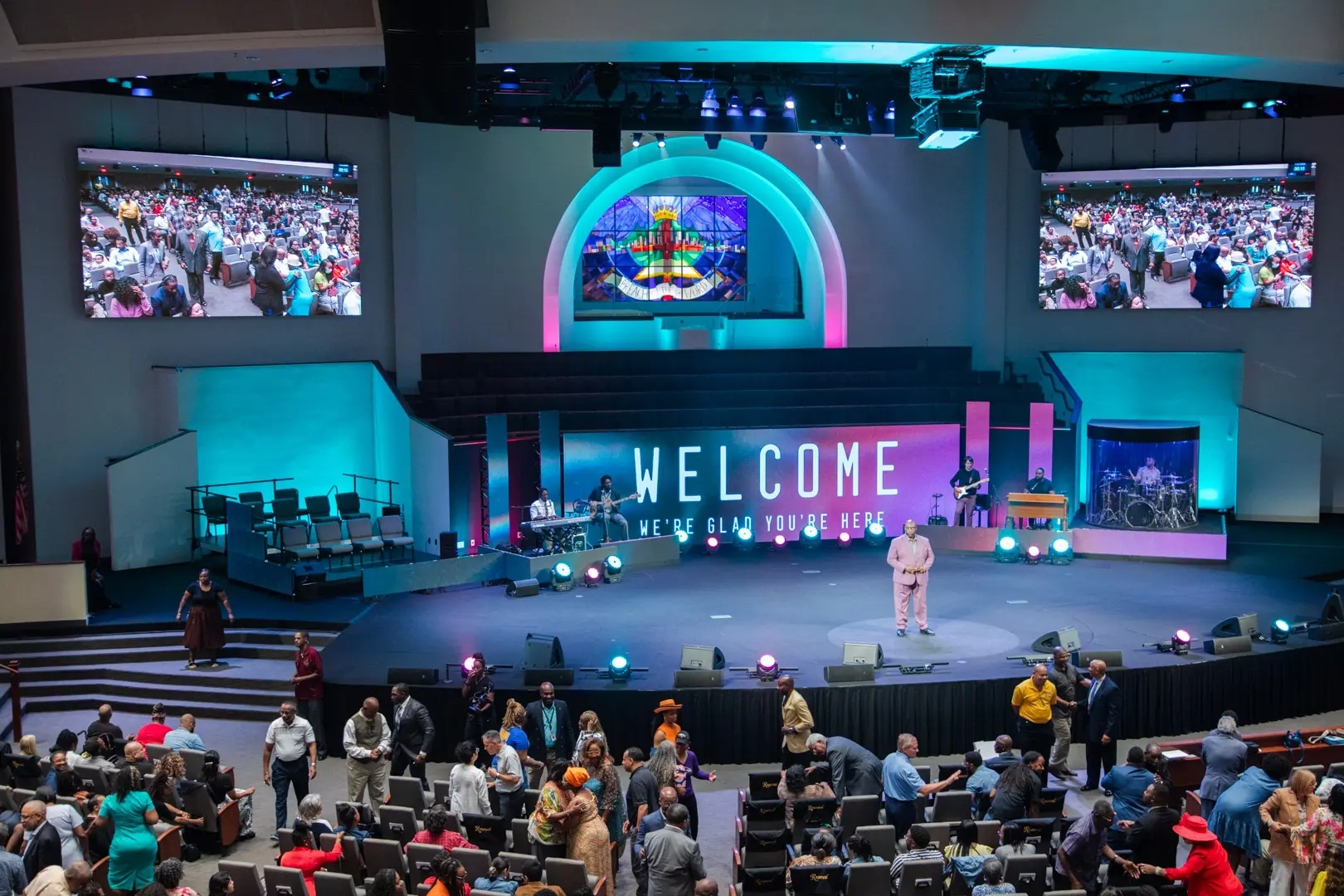
Communicate worship schedules and sermon messages while engaging your congregation with visual technology.
View More
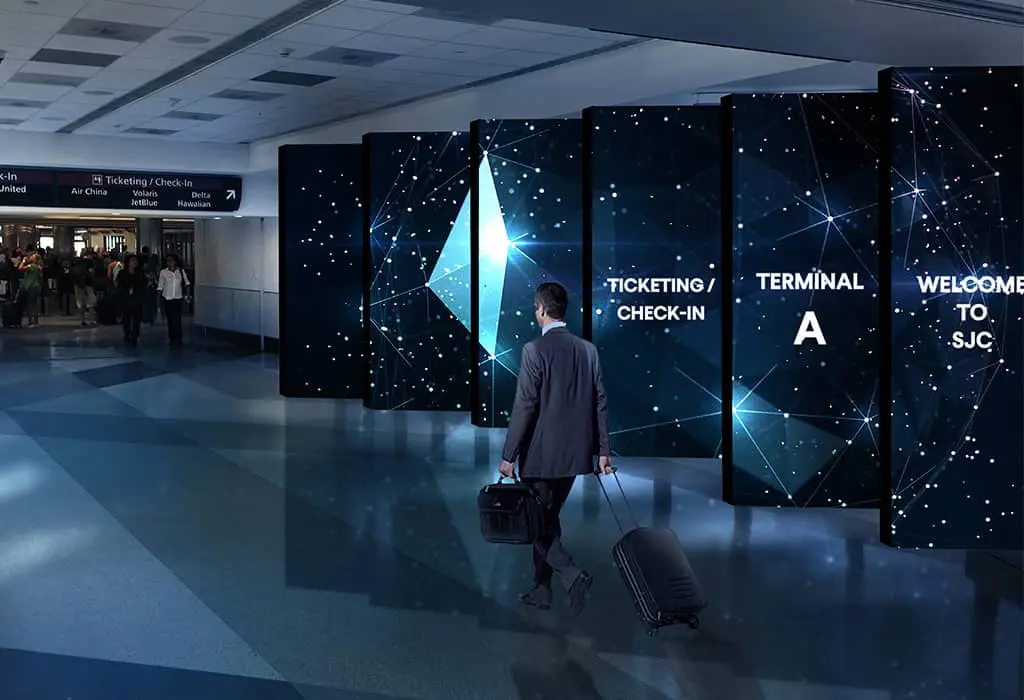
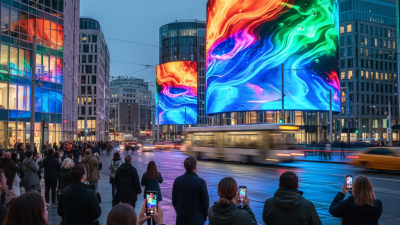
LED displays in transportation settings, such as airports, train stations, and bus terminals, serve as dynamic platforms for real-time information, advertising, and wayfinding, enhancing passenger experience with clear, up-to-date travel details and announcements.
View More
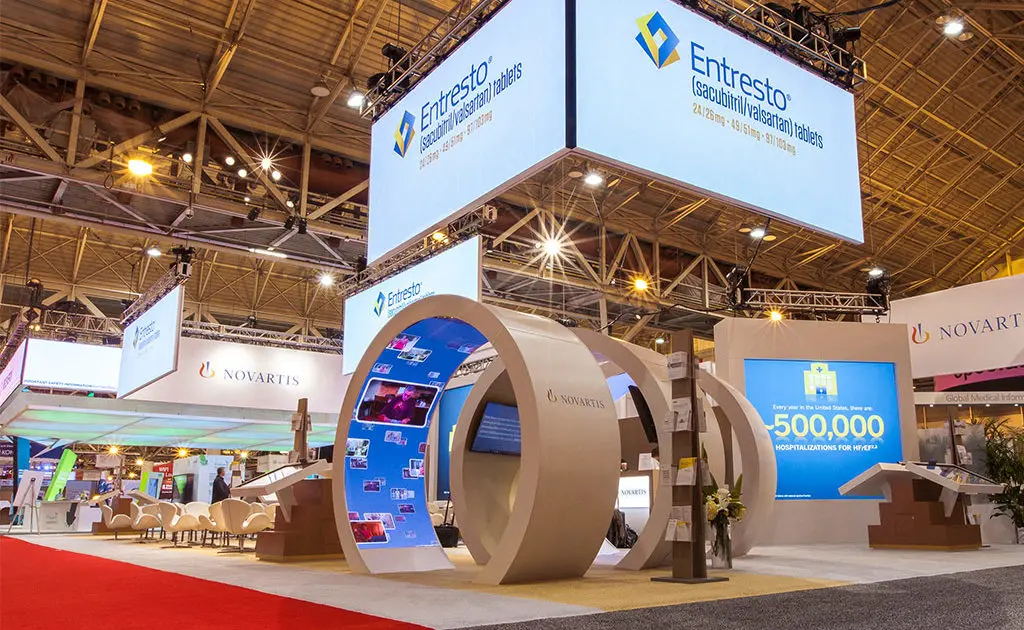
Differentiate yourself from the competition by incorporating a digital experience in your booth with our trade show LED displays.
View More
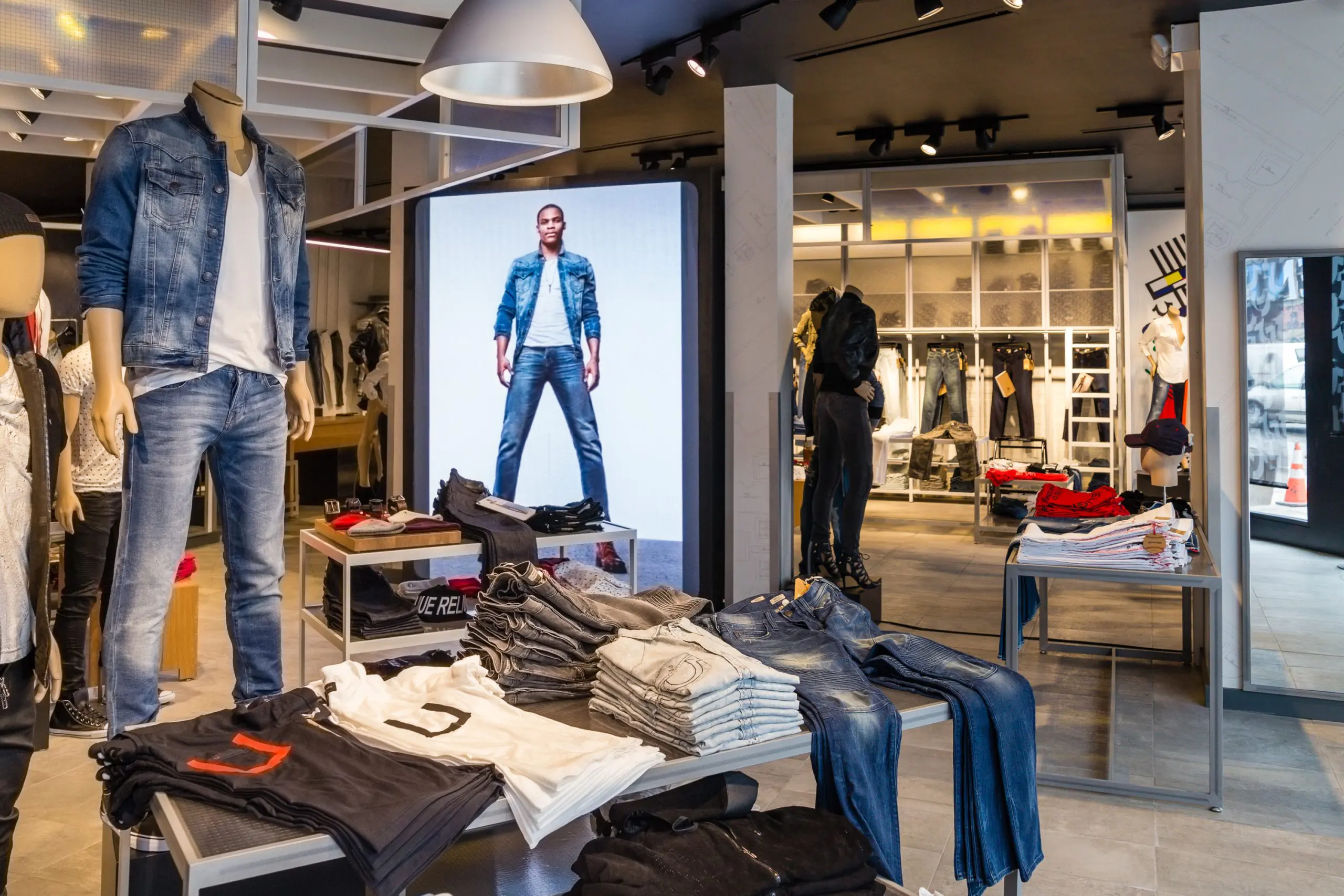
Communicate your brand’s message, stand out from the competition and engage your target market with LED digital signage.
View More
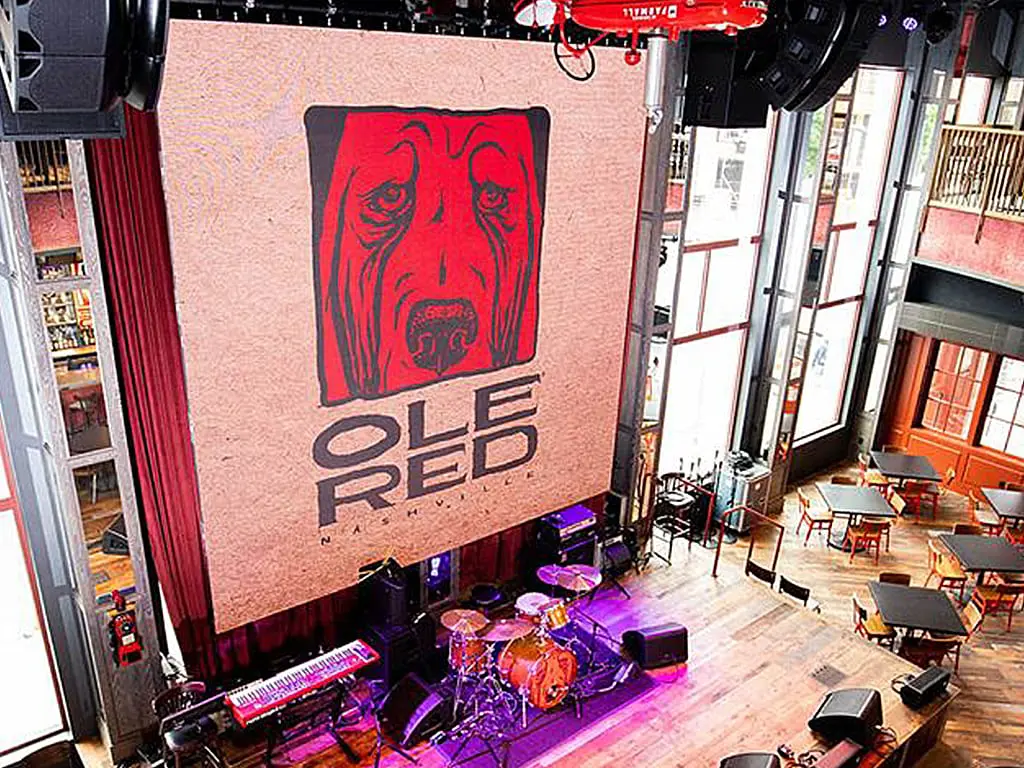
We offer creative solutions at cost-effective rates. You will be able to deliver your sermons more effectively and engage your congregation through one-of-a-kind lyric video walls and house of worship LED displays.
View More
Enhance ambiance, display interactive directories and wayfinding displays, and promote amenities and events to elevate the guest experience.
View More
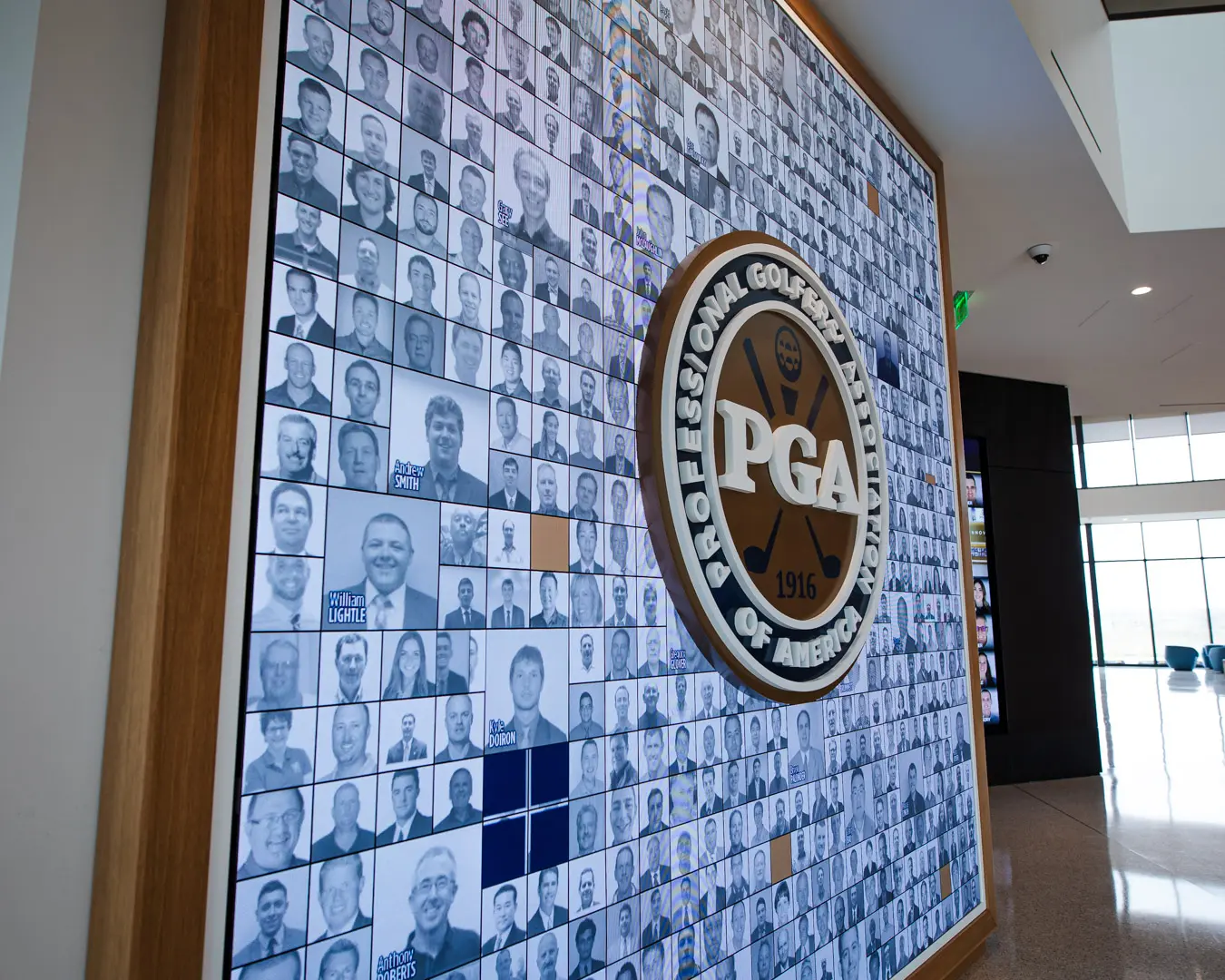
Incorporate digital displays to enhance your students’ learning experience and market to prospective students and donors.
View More
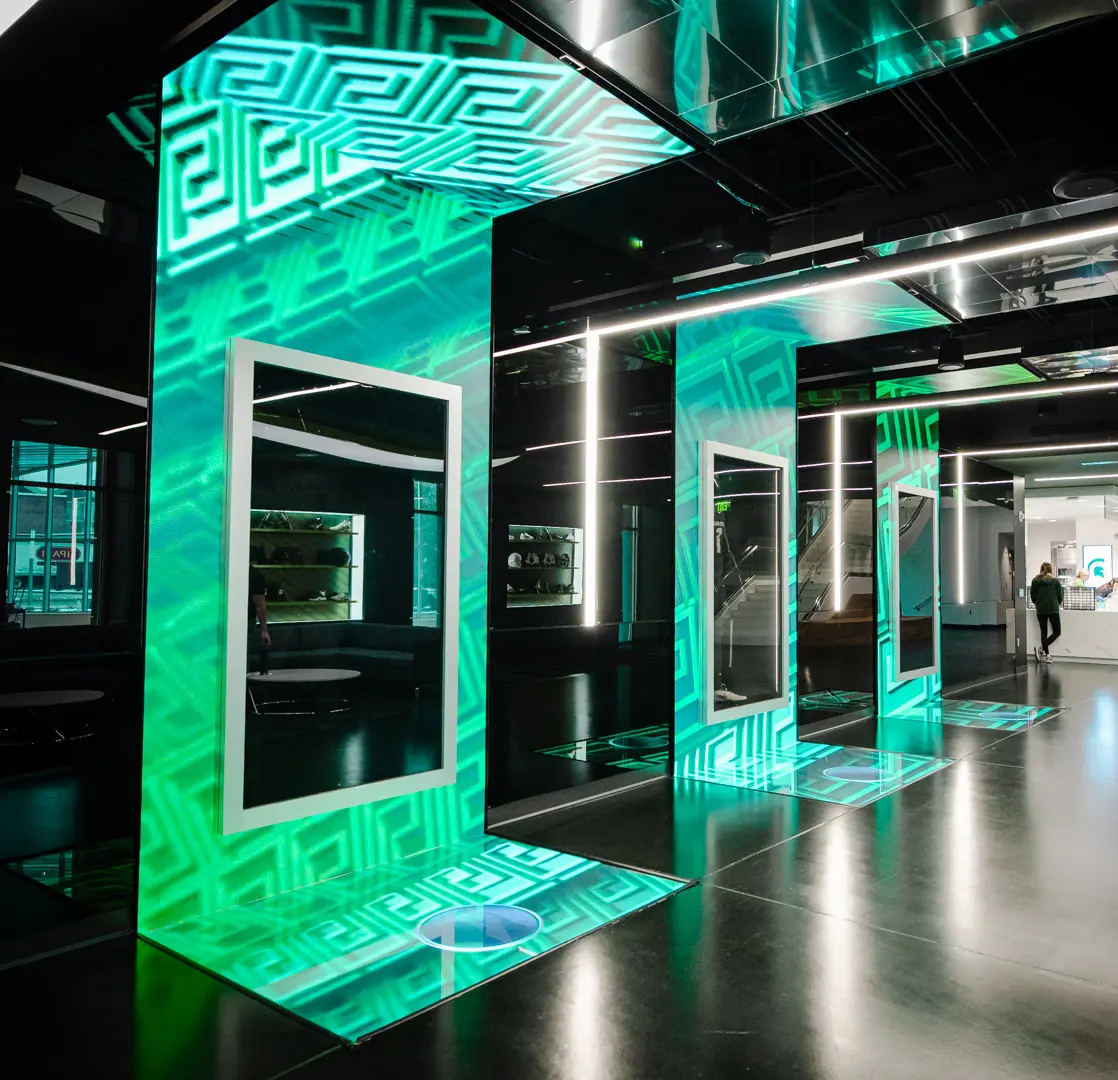
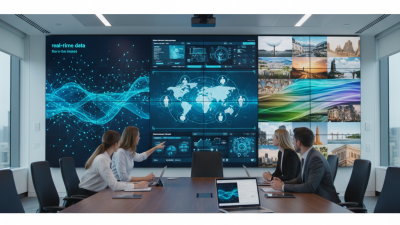
Transform your corporate spaces with PixelFLEX LED video displays. Enhance communication, elevate branding, and create dynamic environments.
View MoreBuying an LED wall is a major investment, and a bright showroom demonstration cannot answer every practical question. Global buyers need to compare pixel pitch, viewing distance, brightness, color consistency, and service access. They should also examine the cabinet design, control system, warranty terms, and local support. Details matter. A cabinet that looks sleek in a brochure may be awkward to reach once installed above a busy venue floor.
One transparency note: no source interview or verified quotation was provided, so the line below is an original editorial statement, not a documented quote from a real expert. It is assigned to an illustrative specialist, Daniel Mercer, for drafting purposes: “Choose the wall for the room, the content, and the support you can actually reach.” Treat that as a buying principle, not a sourced endorsement.
This guide outlines ten checks buyers can use when comparing suppliers and proposals. Ask for a demonstration with your own content, not only polished promotional footage. Request clear specifications and confirm what the warranty covers. Check whether spare modules, replacement parts, and technical help are realistically available in your region. A little uncertainty remains: product data cannot predict every installation or audience. Careful questions still reduce avoidable surprises, from uneven color across panels to a service visit delayed by missing parts.
Before comparing cabinets or pixel pitch, define the job the LED wall must do. Will it guide visitors, support a live presentation, or display advertising? A lobby screen needs readable messages at a glance. A control room may need fine detail viewed from nearby. Start with the viewer. Estimate viewing distance, audience size, and how long people can stop.
Industry data offers useful context, not a design shortcut. AVIXA’s 2024 Industry Outlook projects global pro-AV revenue will reach 325 billion US dollars by 2029. The Outdoor Advertising Association of America reported 9.1 billion US dollars in U.S. out-of-home advertising revenue for 2024. These figures show the scale of visual communication, but they do not determine the right screen for your site.
Inspect the installation environment at the actual viewing times. Measure ambient light near the display, check for direct sun, and note dust, moisture, heat, and airflow. Bright atriums may need higher output; small meeting rooms may benefit more from tighter pixel pitch. Confirm mounting strength, service access, power, and ventilation before fixing the specification. I have seen teams focus on resolution and overlook glare. That is an easy mistake to repeat. Recheck the plan on site, because drawings rarely capture every reflection or viewing angle.
Pixel pitch is the distance between LED pixels, usually measured in millimeters. A smaller pitch can show finer detail, but it often raises the display cost. Match it to the audience’s real viewing distance. For a lobby where people stand two meters away, a very fine pitch may add little visible value. Check from the aisle. If possible, view a sample at the expected distance and inspect small text, faces, and diagonal lines.
Resolution depends on both pixel pitch and the display’s physical dimensions. Ask for the native pixel resolution, then compare it with the content you plan to show. A wide screen with limited vertical pixels may crop presentations or make signage look cramped. Not always. Test actual source files, especially if they include spreadsheets, captions, or detailed product images.
Brightness should suit the room, not just the specification sheet. Sunlit storefronts may need higher output than conference rooms, while excessive brightness indoors can cause eye strain and wash out subtle colors. Check whether brightness can be adjusted smoothly, and ask how the display looks at a moderate setting. Viewing distance, ambient light, and content all interact. One detail buyers sometimes overlook is maintenance access: a beautiful specification is less useful if routine checks are difficult. I would also leave room for uncertainty; site lighting can change between a daytime visit and installation.
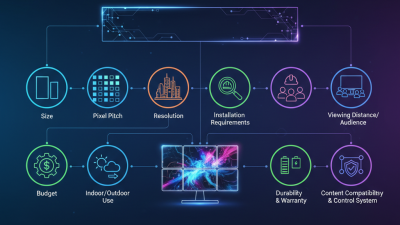
Compare pixel pitch, brightness, resolution, and viewing distance. The chart shows an approximate minimum viewing distance using the common rule of thumb that 1 mm of pixel pitch corresponds to about 1 m of viewing distance.
Example pixel resolutions are calculated for a 3 m × 1.6875 m, 16:9 LED wall. Actual viewing comfort depends on content, eyesight, and installation conditions.
| Pixel Pitch | Approx. Minimum Viewing Distance | Example Resolution at 3 m × 1.6875 m |
|---|---|---|
| 1.5 mm | About 1.5 m | 2000 × 1125 pixels |
| 2.5 mm | About 2.5 m | 1200 × 675 pixels |
| 4 mm | About 4 m | 750 × 422 pixels |
| 6 mm | About 6 m | 500 × 281 pixels |
As a practical starting point, indoor LED walls often use roughly 500–1,000 nits, while outdoor displays commonly need around 5,000–8,000 nits to remain visible in daylight. These are typical ranges, not fixed standards; ambient light, direct sun, viewing distance, and local regulations can affect the required brightness.
Supplier expertise matters as much as pixel pitch. AVIXA’s 2024 Industry Outlook and Trends Analysis reported global professional audiovisual revenue of about $306.4 billion in 2023, reflecting a broad, technically demanding market. Ask suppliers for completed LED-wall projects with similar brightness, viewing distance, and installation conditions. Request a live demonstration, not just edited footage. Check calibration records, burn-in procedures, and how technicians handle failed modules. A factory tour helps, but it may show the best line on its best day.
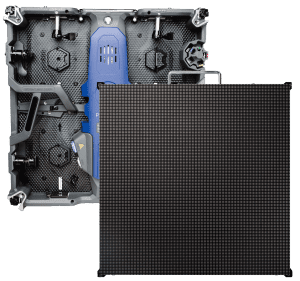
Tips: Request a sample cabinet and inspect it after warm-up. Look for uneven color, noisy fans, loose connectors, and visible seams. Ask for test reports covering brightness uniformity, refresh rate, and color performance, with measurement conditions clearly stated. Compare like with like.
Read the warranty before comparing prices. Confirm its duration, covered components, response time, and who pays for shipping or onsite labor. Ask whether spare modules will match the wall’s original color after years of use. Clarify support across time zones and the availability of replacement parts. Keep every promise in writing. A generous warranty can still disappoint if exclusions are vague; I would not treat a long term alone as proof of reliability.
An LED wall quote can look complete while excluding the costs that matter at delivery. UNCTAD’s Review of Maritime Transport 2024 reports that ships carry over 80% of world trade by volume. That makes freight planning central, not incidental. Ask suppliers to price crate dimensions, gross weight, port handling, insurance, and final-mile delivery. A compact screen can still require bulky flight cases. Small items add up.
Build a landed-cost sheet for each destination. Include the product price, freight, customs duties, clearance fees, local taxes, and storage if paperwork or delivery is delayed. Duties depend on product classification and destination, so do not apply one country’s rate to every shipment. Confirm the proposed classification and duty estimate with a qualified customs professional before paying. Get installation quoted separately, including structural checks, lifting equipment, cabling, control setup, testing, and crew travel. A wall mounted high in a venue may need more access equipment than expected.
Keep a contingency for exchange-rate movement, port delays, and replacement parts. Ask whether the quote includes commissioning and staff training, not just physical mounting. I still find installation allowances easy to underestimate. That is real money. Compare supplier estimates with local installer quotes, and record what each figure excludes; a neat spreadsheet can still miss an awkward site constraint.
Before approving an LED wall, request certificates that match the exact product configuration, not just a similar model. Check the issuing laboratory, test scope, report date, and whether the documentation applies in your destination market. Ask for the certificate number and verify it with the issuer when possible. Paperwork can look reassuring. It is not enough. Keep copies of reports, component lists, and warranty terms with your purchase records.
Technical support matters after installation, especially when the display is several time zones away from the supplier. Get response times, support hours, escalation contacts, and troubleshooting procedures in writing. Ask whether technicians can guide commissioning remotely and whether essential spare modules and power supplies are available. A vague promise of “full support” leaves too much unclear. Specify who pays for shipping and labor when a fault occurs.
Plan maintenance before the wall is switched on. Confirm safe cleaning methods, inspection intervals, ventilation requirements, and access to replaceable parts. Request clear instructions for checking connections and logging faults. A maintenance schedule should reflect the venue’s dust, operating hours, and installation height. Some details may change after real use; review the plan after the first few months rather than assuming the original estimate was perfect.
| # | Buying Consideration | What to Verify | Evidence or Practical Check |
|---|---|---|---|
| 1 | Destination-market compliance | Confirm which product safety, electromagnetic compatibility, and import requirements apply in the country where the LED wall will be installed. Requirements can vary by market and product configuration. | Request declarations, test reports, and certificates applicable to the exact model and destination. Check issuing bodies, model references, validity, and whether local approvals are required. |
| 2 | Safety and EMC documentation | Check that the supplied documentation addresses electrical safety and electromagnetic compatibility. Standards such as IEC 62368-1 or relevant IEC 61000 series standards may apply depending on the product and market. | Match each report to the proposed cabinets, power supplies, and configuration. Have a qualified compliance professional or local authority confirm applicability where necessary. |
| 3 | Ingress protection and environment | For outdoor or exposed installations, verify the specified IP rating for the relevant parts of the display and its connectors. IP ratings are classified under IEC 60529; the required level depends on exposure and installation design. | Review the test documentation and installation instructions. Confirm drainage, ventilation, temperature limits, and protection for cabling and power connections. |
| 4 | Pixel pitch and viewing distance | Choose pixel pitch based on viewing distance, content, screen dimensions, and budget. A smaller pitch can support closer viewing but is not automatically the best choice for every venue. | Review a full-resolution sample or demonstration at a representative viewing distance. Confirm the proposed resolution and cabinet layout against the content and installation drawings. |
| 5 | Brightness, contrast, and ambient light | Assess whether brightness and contrast suit the actual lighting conditions. For indoor and outdoor use, consider reflections, sunlight, viewing angles, and the intended operating schedule. | Request measured specifications and the measurement conditions. Evaluate the display in comparable ambient light and confirm that brightness can be adjusted for normal operation. |
| 6 | Power and thermal requirements | Check both maximum and typical power consumption, operating voltage, heat output, and cooling requirements. Actual consumption depends on content, brightness settings, and operating conditions. | Use the manufacturer’s power data to size electrical circuits and cooling. Ask for assumptions behind the figures and allow for installation-specific electrical and ventilation requirements. |
| 7 | Control system and compatibility | Confirm that the control system supports the required input sources, resolution, refresh rate, monitoring, and operating workflow. Check compatibility with existing processors or infrastructure. | Test the intended signal chain before purchase. Obtain connection diagrams, supported formats, configuration files, and instructions for firmware updates and system recovery. |
| 8 | Technical support and response process | Clarify support hours, available languages, escalation routes, remote diagnostics, and onsite service coverage for the installation location. | Put response targets, service scope, contact channels, and any travel or labor charges in writing. Confirm what information is needed to open a support case. |
| 9 | Warranty and spare parts | Review warranty duration, coverage, exclusions, shipping responsibilities, and the process for handling defective modules or components. Confirm the expected availability of compatible replacement parts. | Request written warranty terms and a recommended spare-parts list based on project size and operating conditions. Confirm part identification and replacement procedures. |
| 10 | Long-term maintenance and serviceability | Check whether modules and power or receiving components can be replaced safely, and whether the design allows front or rear access as required by the installation. | Ask for maintenance manuals, inspection schedules, cleaning guidance, calibration procedures, and training. Confirm access requirements and the availability of replacement documentation and tools. |