10 Tips for Buying the Right LED Display?

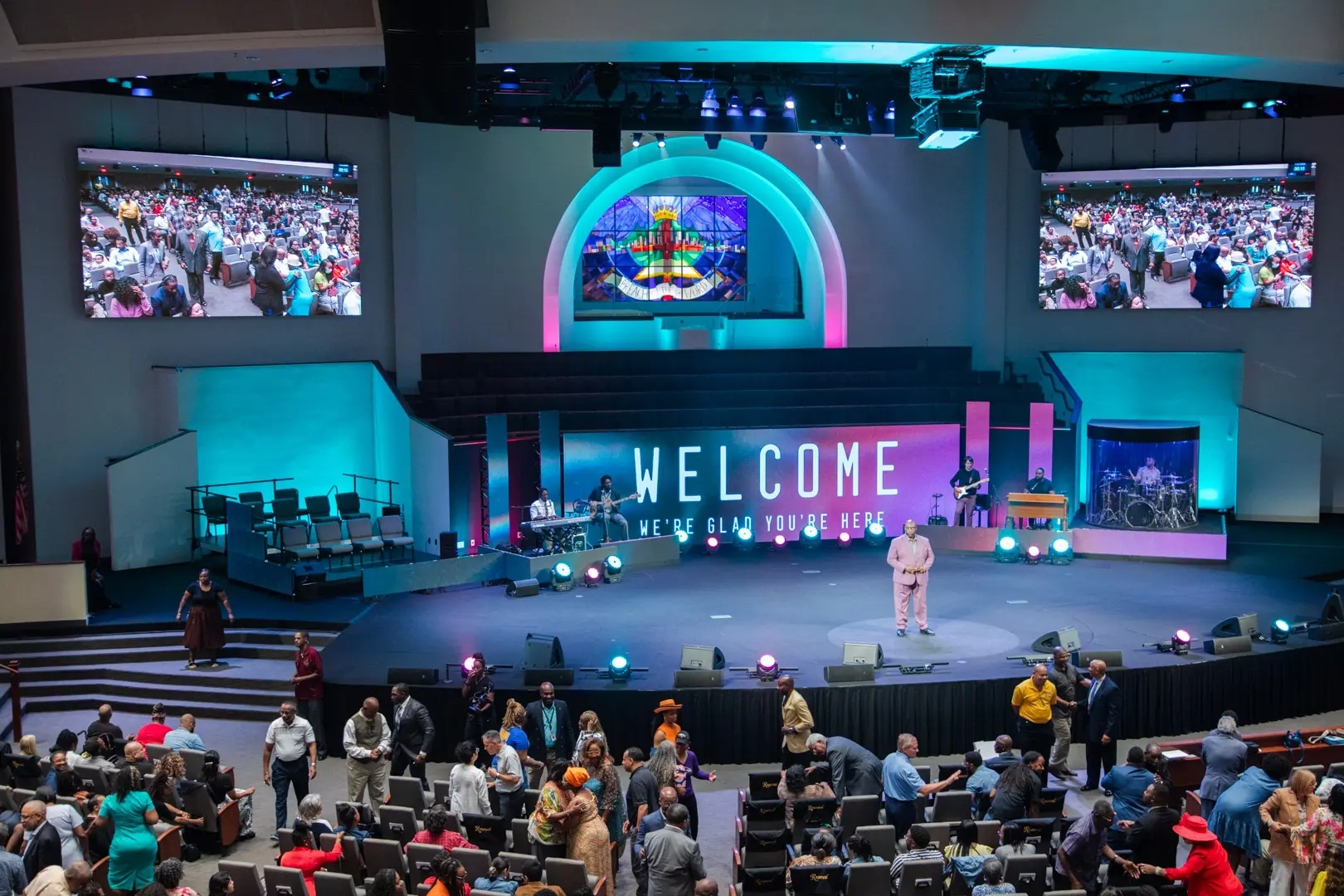
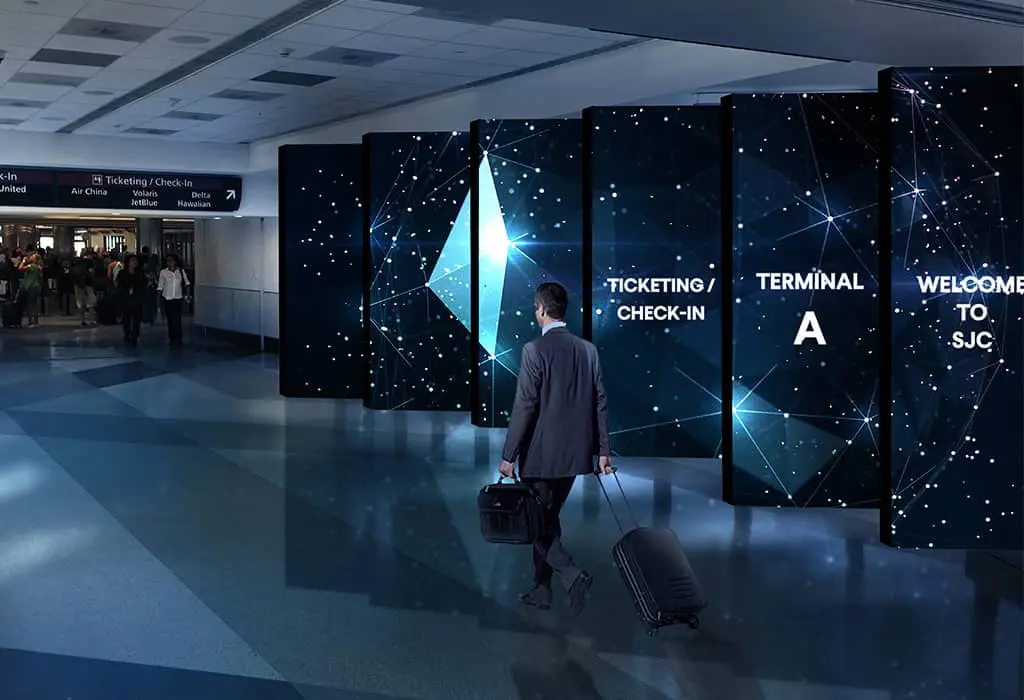
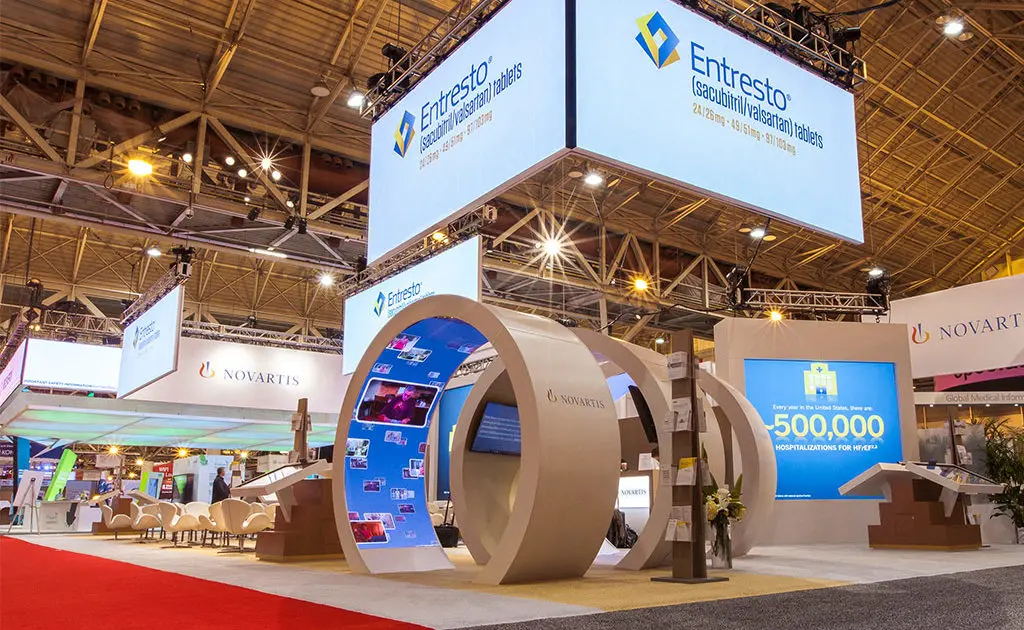
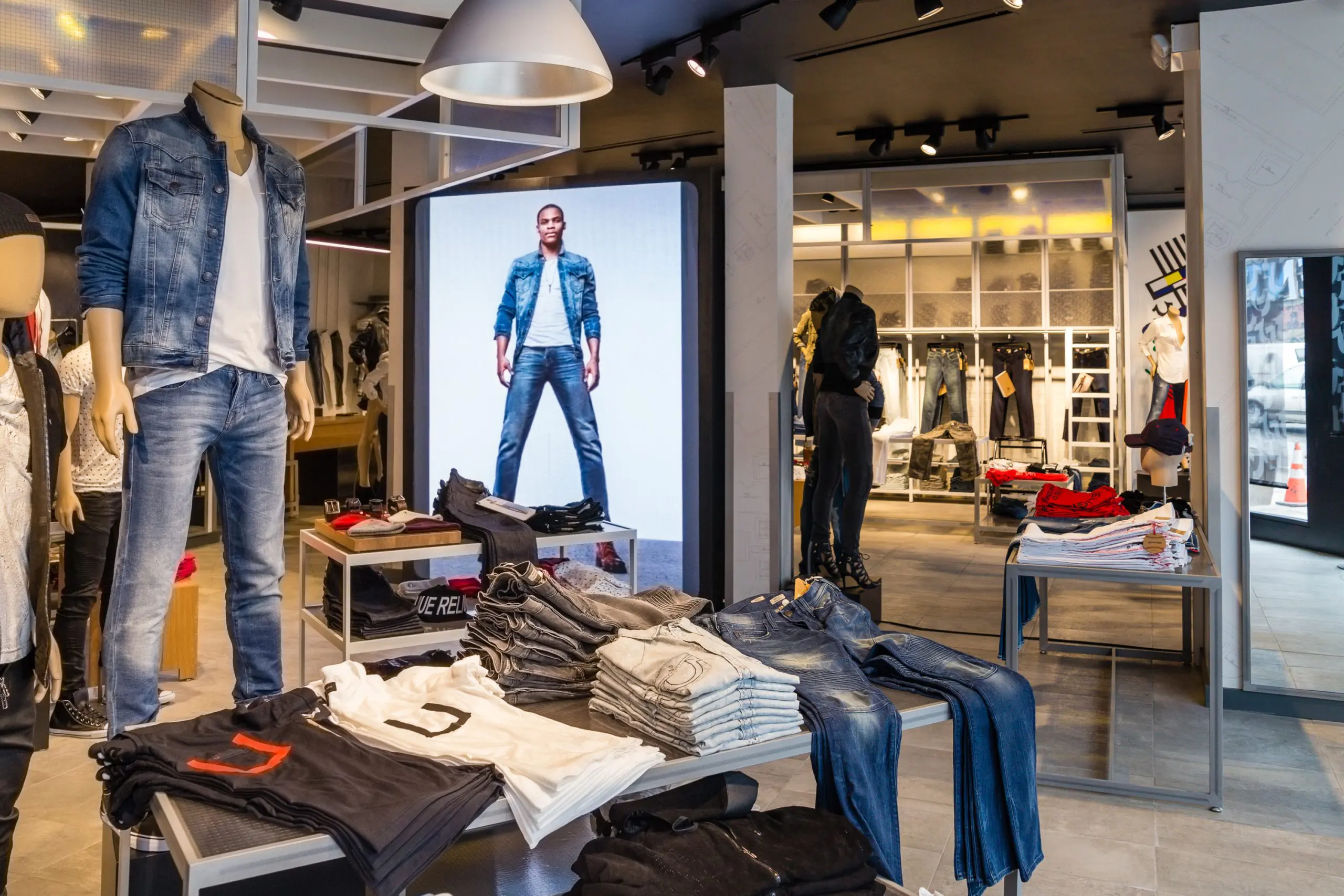
Buying the right LED display is rarely about choosing the brightest cabinet or the largest screen. It is about matching technology to real operating conditions. A roadside billboard, indoor retail wall, church screen, sports venue, and corporate lobby all demand different decisions. Viewing distance, ambient light, pixel pitch, refresh rate, cabinet weight, power use, and maintenance access can change the result completely.

LED display consultant Jonathan Brawn often emphasizes, “Start with the viewing conditions, not the product brochure.” That advice sounds simple. It is easy to ignore. A specification sheet may show impressive brightness, yet excessive brightness can look harsh in a dark meeting room. A fine pixel pitch may create beautiful close-up images, but it can also increase cost without improving a distant audience’s experience.

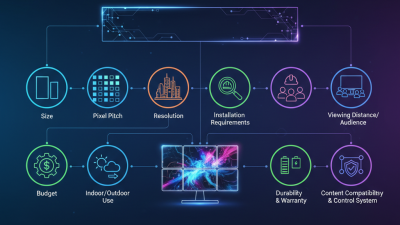
This guide, “10 Tips for Buying the Right LED Display,” focuses on practical choices before signing a purchase order. It considers image quality, installation structure, content sources, weather protection, service support, warranty terms, and long-term operating costs. It also examines details buyers sometimes overlook, such as front-access modules, spare parts, calibration consistency, and the noise from cooling fans.

No display is perfect.

A careful buyer should question attractive claims and request measurable evidence. Ask for brightness data, IP ratings, viewing-distance recommendations, and examples of similar installations. Speak with current users when possible. A screen that performs well in a showroom may behave differently after months of dust, heat, vibration, or daily operation. These ten tips cannot remove every uncertainty, but they can make the decision more informed, realistic, and easier to defend.

10 Tips for Buying the Right LED Display?

Define the Display’s Purpose, Location, and Target Audience

10 Tips for Buying the Right LED Display?

Define the Display’s Purpose, Location, and Target Audience

A display’s purpose should guide every technical decision. If it promotes products, viewers need clear images and readable pricing. For live updates, fast content changes and reliable scheduling matter more. Write the main communication goal in one sentence. This simple step prevents attractive but unsuitable purchases. Define the audience, too. Children, commuters, shoppers, and event guests notice different colors, sizes, and message lengths. Purpose comes first.

Location changes the display’s performance requirements. An outdoor screen may need high brightness, weather protection, and strong structural support. An indoor screen near a reception desk usually needs softer brightness and closer pixel spacing. Measure viewing distance, wall width, sunlight direction, and available maintenance access. A site survey is worth the time. I once underestimated afternoon glare, and the first content looked washed out. That mistake changed the installation plan.

Target audience should influence content design and screen placement. Drivers need short messages from a distance. Visitors standing nearby can read detailed instructions. Check whether the audience prefers text, images, motion, or multilingual content. Keep emergency communication clear and accessible. Ask an experienced installer to verify load capacity, ventilation, electrical safety, and local requirements. Specifications can look convincing on paper. Real viewing conditions may disagree. Allow room for testing, adjustment, and occasional imperfect results.

Compare Pixel Pitch, Viewing Distance, and Image Quality

Buying the right LED display starts with viewing distance, not a sales sheet. Pixel pitch measures the gap between neighboring LED pixels. A smaller pitch creates sharper images at close range. However, it often increases cost and power use. For a display viewed from six meters, a medium pitch may look clear. From two meters, that same screen can reveal visible pixel structure. Measure the nearest and farthest audience positions.

Compare resolution with real content. Ask for test images, small text, skin tones, and fast movement. A display may look bright in a showroom but lose detail under daylight. Check brightness, contrast, refresh rate, grayscale performance, and color consistency. High brightness alone does not guarantee quality. It can also cause eye strain indoors. My first viewing-distance estimate was wrong because I measured from the wall, not the audience area. That small mistake changed the suitable pitch.

Inspect the screen from different angles. Image quality should remain stable when viewers move sideways. Confirm viewing angle, cabinet flatness, pixel uniformity, and service access. Request measurements under the intended lighting conditions. Review installation records and ask how often calibration is performed. A lower pitch is not always better. Sometimes, it adds cost without visible improvement. Choose the smallest practical pitch, then verify it with your actual content and audience layout.

10 Tips for Buying the Right LED Display: Pixel Pitch, Viewing Distance, and Image Quality

Smaller pixel pitches provide higher pixel density and sharper images, making them suitable for close viewing and detailed content. Larger pixel pitches require more viewing distance but can be more practical for large outdoor screens. The recommended minimum viewing distance is shown as an approximate guideline based on pixel pitch.

Evaluate Brightness, Refresh Rate, and Environmental Performance

10 Tips for Buying the Right LED Display?

Brightness should match the installation, not impress the showroom. Indoor displays often work well around 800–1,500 nits, while sunlit façades may require 5,000 nits or more. Measure direct sunlight at the screen location. The International Energy Agency reported that lighting accounted for about 8% of global electricity demand in 2022. Excess brightness wastes energy and can strain viewers’ eyes. I have seen screens set too bright, especially after cloudy weather changes.

Refresh rate matters when cameras, scrolling text, or fast movement are involved. A display rated near 1,920 Hz may reduce visible flicker, while higher specifications can support demanding broadcast environments. However, refresh rate alone does not guarantee smooth images. Processing quality, shutter timing, and camera settings also matter. The result can still disappoint. Test the display through a camera before purchase.

Environmental performance deserves equal attention. Check operating temperature, humidity limits, ventilation, and the enclosure’s IP rating under IEC 60529. Outdoor units should also manage dust, rain, and thermal expansion. The Global E-waste Monitor 2024 recorded 62 million tonnes of electronic waste in 2022, with only 22.3% formally recycled. Ask about replaceable modules, power efficiency, repair access, and material documentation. Lab figures are useful, but they rarely represent a dusty roadside installation. Request measured power data at typical content levels, not only maximum brightness.

10 Tips for Buying the Right LED Display? - Evaluate Brightness, Refresh Rate, and Environmental Performance

No. Evaluation Dimension Recommended Data or Benchmark Why It Matters How to Verify
1 Brightness Indoor: approximately 300–800 nits.
Shaded outdoor: approximately 1,500–3,000 nits.
Direct sunlight: commonly 5,000–8,000 nits.
Adequate brightness keeps images readable under the actual ambient-light conditions. Excessive brightness may increase power consumption and glare. Request a measured luminance report in nits and compare it with the installation environment, not only the maximum value listed in marketing materials.
2 Refresh Rate At least 1,920 Hz for general content; 3,840 Hz or higher is preferable for camera-recorded events, broadcast, and fast motion. A higher refresh rate can reduce visible flicker, scan-line artifacts, and banding when the display is filmed or photographed. Test the display with a camera at different shutter speeds and confirm the refresh-rate specification for the complete system, including the controller.
3 Pixel Pitch and Viewing Distance Fine-pitch displays below 2.5 mm suit close viewing. Pitches around 2.5–4 mm generally suit medium distances. Larger pitches are suitable when viewers are farther away. Smaller pixel pitch improves image detail but normally increases cost and may not provide visible benefits when the audience is distant. Measure the nearest and typical viewing distances, then inspect text, graphics, and skin tones from the intended audience positions.
4 Contrast and Black-Level Performance Look for stable dark-scene performance and a clearly stated contrast measurement method. A high nominal ratio alone is not sufficient for comparison. Good contrast preserves shadow detail and improves readability in images containing both bright and dark areas. View black, gray-scale, and mixed-brightness test patterns in the intended lighting conditions and check for gray-looking blacks or uneven modules.
5 Color and Gray-Scale Capability Prefer at least 14-bit internal processing for demanding content, with smooth low-gray transitions and consistent white balance across modules. Higher processing depth and accurate calibration help prevent banding, color shifts, and unnatural gradients. Display color ramps, neutral gray patterns, skin tones, and saturated colors; check uniformity at low, medium, and high brightness.
6 Ingress Protection Indoor installations may require a lower rating. Outdoor front surfaces commonly use IP65 or higher; the rear enclosure should be rated according to its exposure. The IP code indicates protection against solid particles and water, helping the display withstand dust, rain, and cleaning conditions. Confirm the certification applies to the complete assembled cabinet and verify both front and rear ratings in the technical documentation.
7 Operating Temperature and Humidity Select a specified operating range appropriate to the site; many professional systems are designed for approximately −20°C to 50°C, subject to configuration and derating. Temperature extremes, condensation, and high humidity can shorten component life and cause intermittent faults. Compare the display’s operating and storage limits with local climate data and check for temperature sensors, ventilation, heating, or humidity-control provisions.
8 Power Consumption and Thermal Design Evaluate both typical and maximum power. Efficient designs often use brightness control, power-factor correction, and automatic thermal management. Power consumption affects operating cost, electrical infrastructure, heat output, and long-term environmental impact. Request watts per square meter under typical content and full-white conditions, then confirm circuit capacity and heat-dissipation requirements.
9 Viewing Angle and Uniformity A horizontal and vertical viewing angle near 140° or more is useful for many public-facing installations, provided brightness and color remain stable across the angle. Wide, consistent viewing performance allows people at the sides or below the display to see accurate content. Inspect white, gray, red, green, and blue test screens from the center, sides, and vertical extremes; look for color changes, dark corners, and brightness variation.
10 Reliability, Maintenance, and Compliance Prioritize modular serviceability, front or rear access suited to the site, spare-part availability, documented testing, and applicable electrical and EMC compliance. Easy maintenance reduces downtime and total ownership cost, while compliance documentation supports safe installation and operation. Review service procedures, module-replacement time, fault-monitoring functions, burn-in records, conformity documents, and the proposed maintenance schedule.

Check Installation Requirements, Control Systems, and Connectivity

Buying the right LED display starts with the installation site, not the screen size. Measure twice. Check wall loading, wind exposure, cabinet depth, viewing distance, and maintenance access. Leave service space behind each module, even when the structure looks tight. Confirm electrical capacity, grounding, ventilation, and cable routes with a qualified technician. The 2024 Industry Outlook and Trends Analysis values the professional audiovisual market at approximately 325 billion dollars, reflecting the growing complexity of installed systems. More projects now require careful coordination between structural, electrical, and audiovisual teams.

Control systems deserve equal attention. Match the processor to the display resolution, refresh rate, color depth, and required input sources. Test latency with real content, not only static patterns. Connectivity should support the site’s distance and environment. Fiber may suit long runs, while shielded copper can simplify shorter links. Use signal redundancy where downtime would affect public information or scheduled events. Network segmentation, access controls, secure remote management, and regular firmware updates are practical safeguards. The 2024 Data Breach Investigations Report found human involvement in 68 percent of breaches, so password sharing and uncontrolled access deserve serious attention.

I have seen installations fail because the screen was specified correctly, but the control network was treated as an afterthought. Keep a spare signal path. It may feel excessive. Often, it is not.

Assess Total Cost, Warranty Coverage, and Long-Term Support

Buying an LED display by purchase price alone is a costly mistake. The International Energy Agency’s 2022 lighting analysis estimated that lighting uses about 15% of global electricity. Display energy still depends on brightness, operating hours, climate, and content. Request measured power data at typical brightness, not only maximum load. Add installation, steelwork, control systems, transport, commissioning, cleaning, and electricity to your five-year cost model. It may reveal a cheaper screen is not cheaper.

Warranty language deserves close inspection. Ask whether coverage includes modules, power supplies, receiving cards, labor, shipping, weather damage, and brightness degradation. The U.S. Department of Energy’s LED Lighting Facts guidance explains that rated life does not mean every component operates perfectly for that period. That distinction matters. A display may remain lit while showing uneven colors, dead pixels, or dim corners. Define acceptable pixel failure rates, repair times, and replacement procedures in writing.

Long-term support is practical, not decorative. Confirm spare-part availability, firmware access, technical documentation, and trained service personnel near the installation. Keep critical modules in dry, labeled storage. A useful service agreement should state response times and escalation contacts. My first cost estimate would still be imperfect; usage patterns often change after installation. Review the model with real operating logs after six months, then adjust energy and maintenance assumptions. A low quote can hide expensive downtime.

Need Help?
X

Ready to Talk?

Our team is ready to connect.