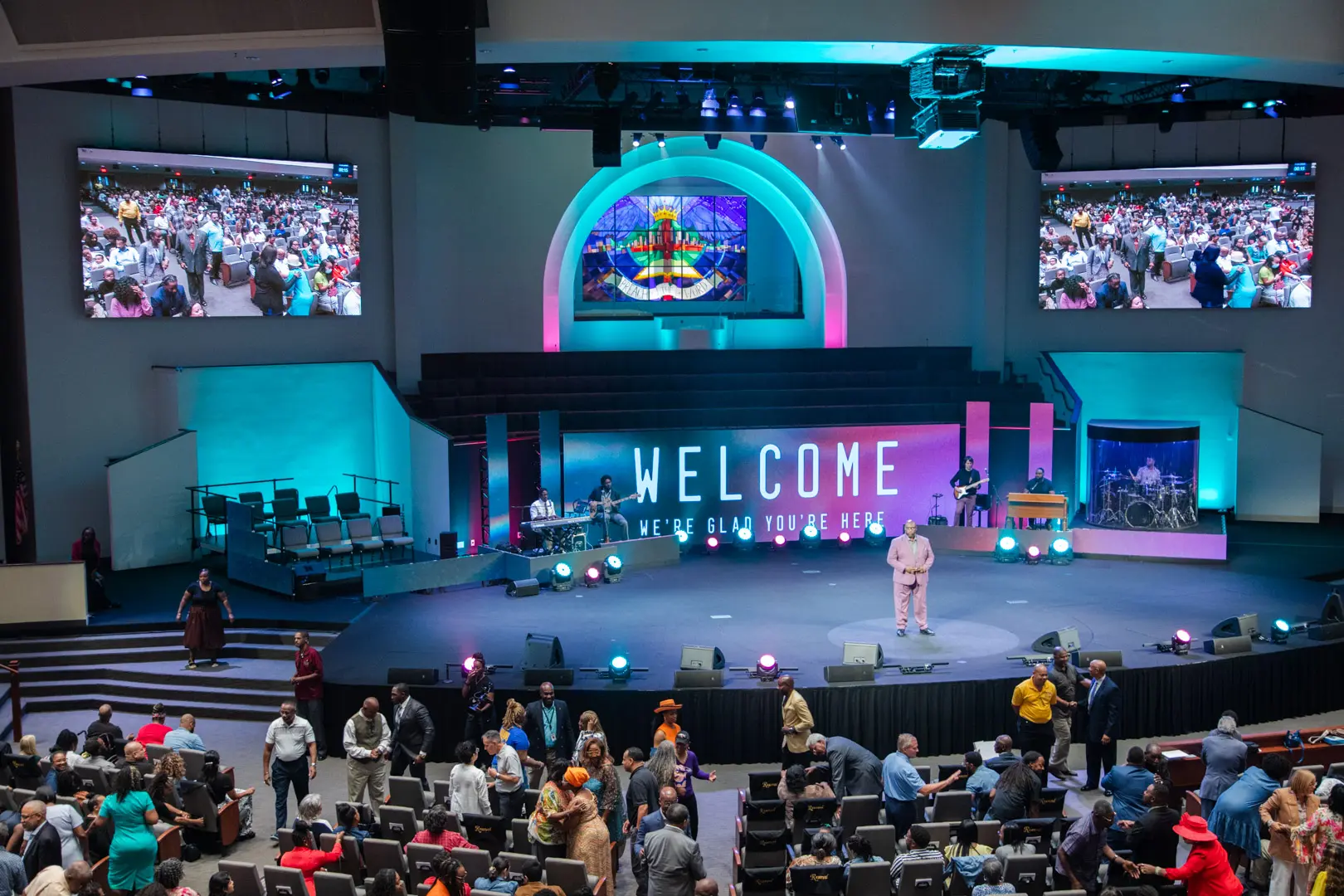
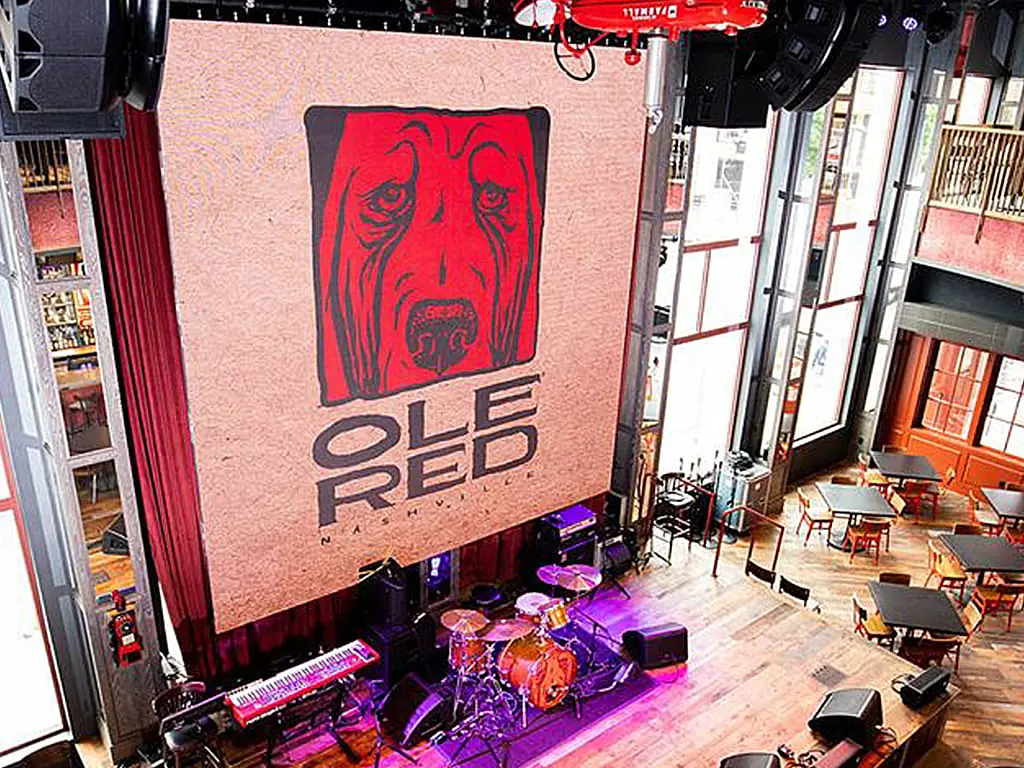
Communicate worship schedules and sermon messages while engaging your congregation with visual technology.
View More
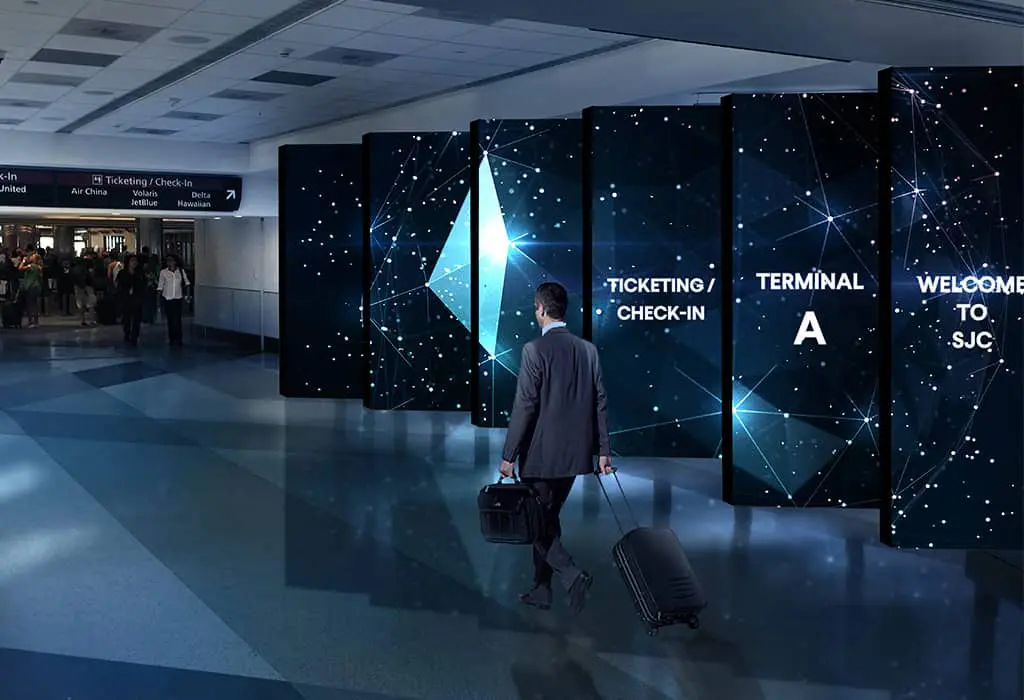
LED displays in transportation settings, such as airports, train stations, and bus terminals, serve as dynamic platforms for real-time information, advertising, and wayfinding, enhancing passenger experience with clear, up-to-date travel details and announcements.
View More
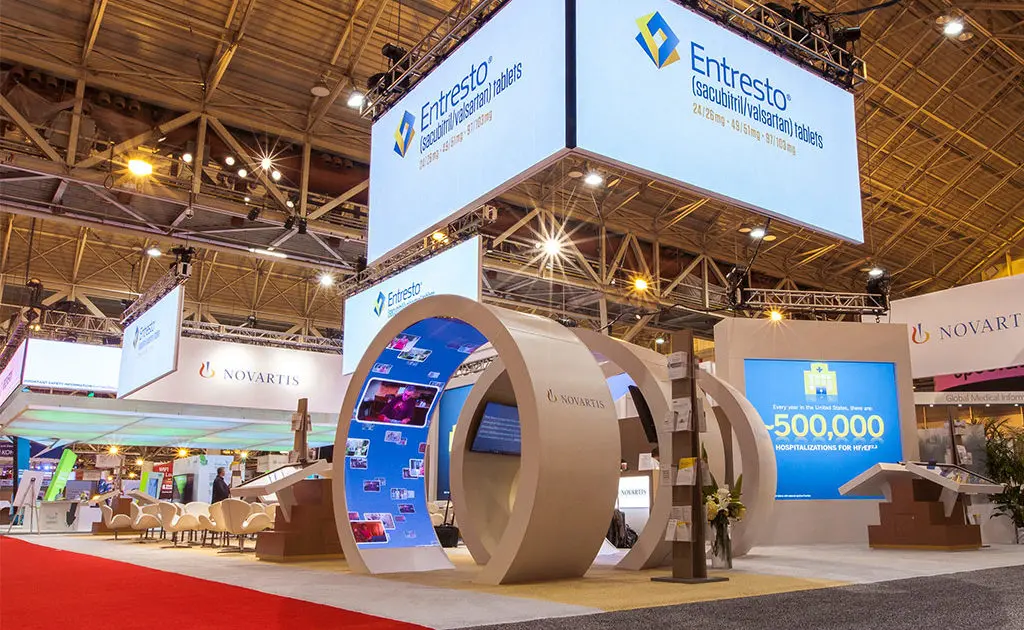
Differentiate yourself from the competition by incorporating a digital experience in your booth with our trade show LED displays.
View More
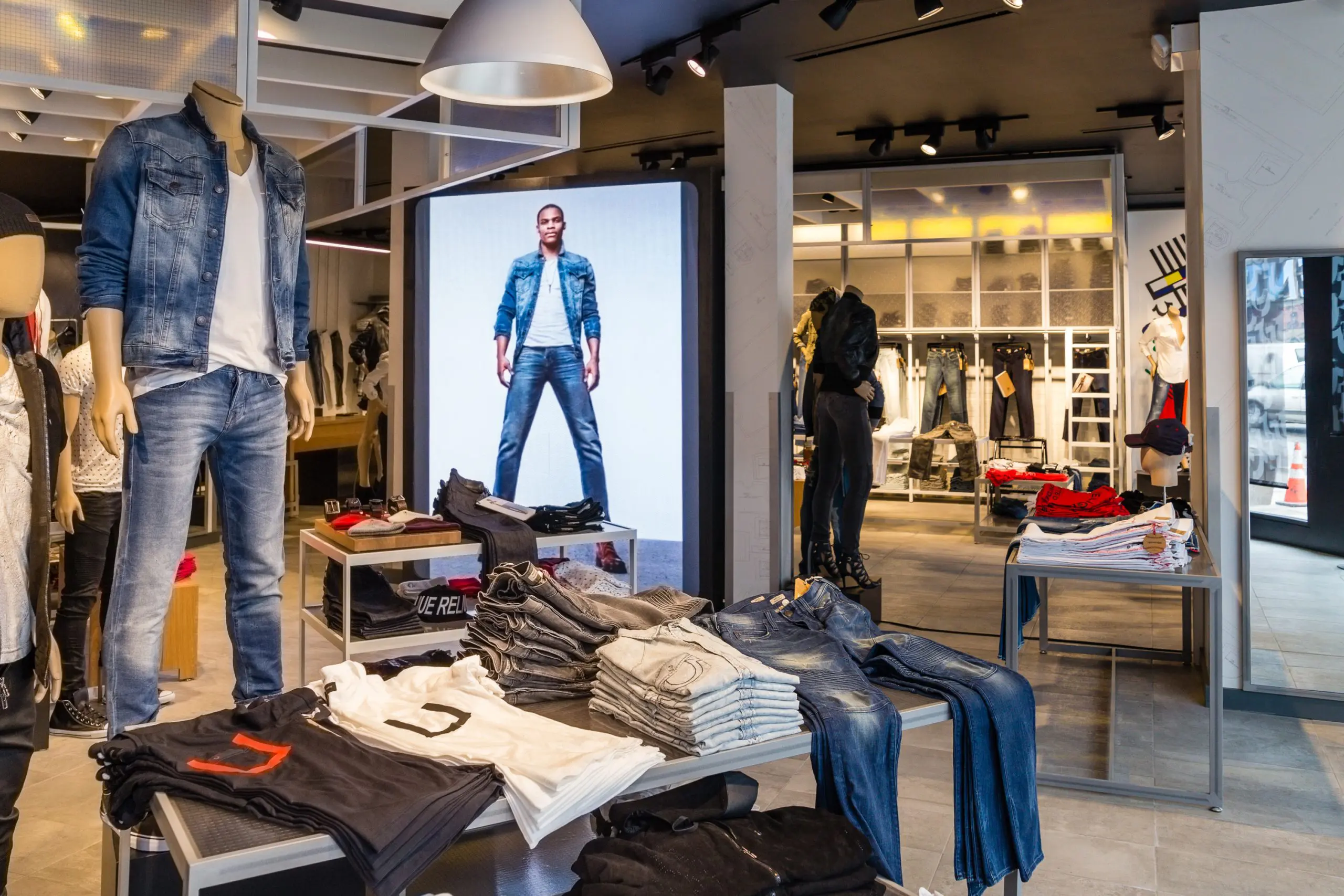
Communicate your brand’s message, stand out from the competition and engage your target market with LED digital signage.
View More
We offer creative solutions at cost-effective rates. You will be able to deliver your sermons more effectively and engage your congregation through one-of-a-kind lyric video walls and house of worship LED displays.
View More
Enhance ambiance, display interactive directories and wayfinding displays, and promote amenities and events to elevate the guest experience.
View More
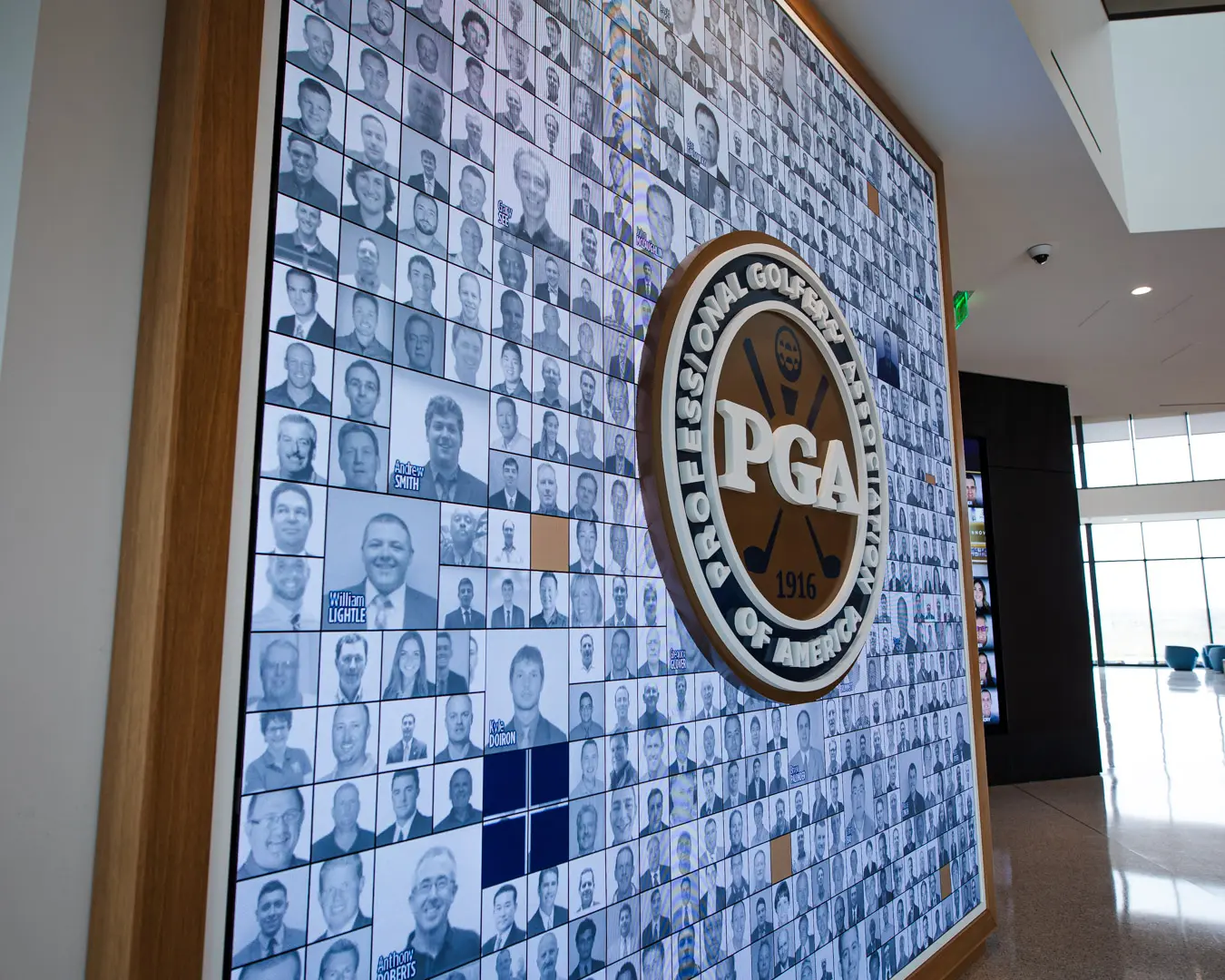
Incorporate digital displays to enhance your students’ learning experience and market to prospective students and donors.
View More
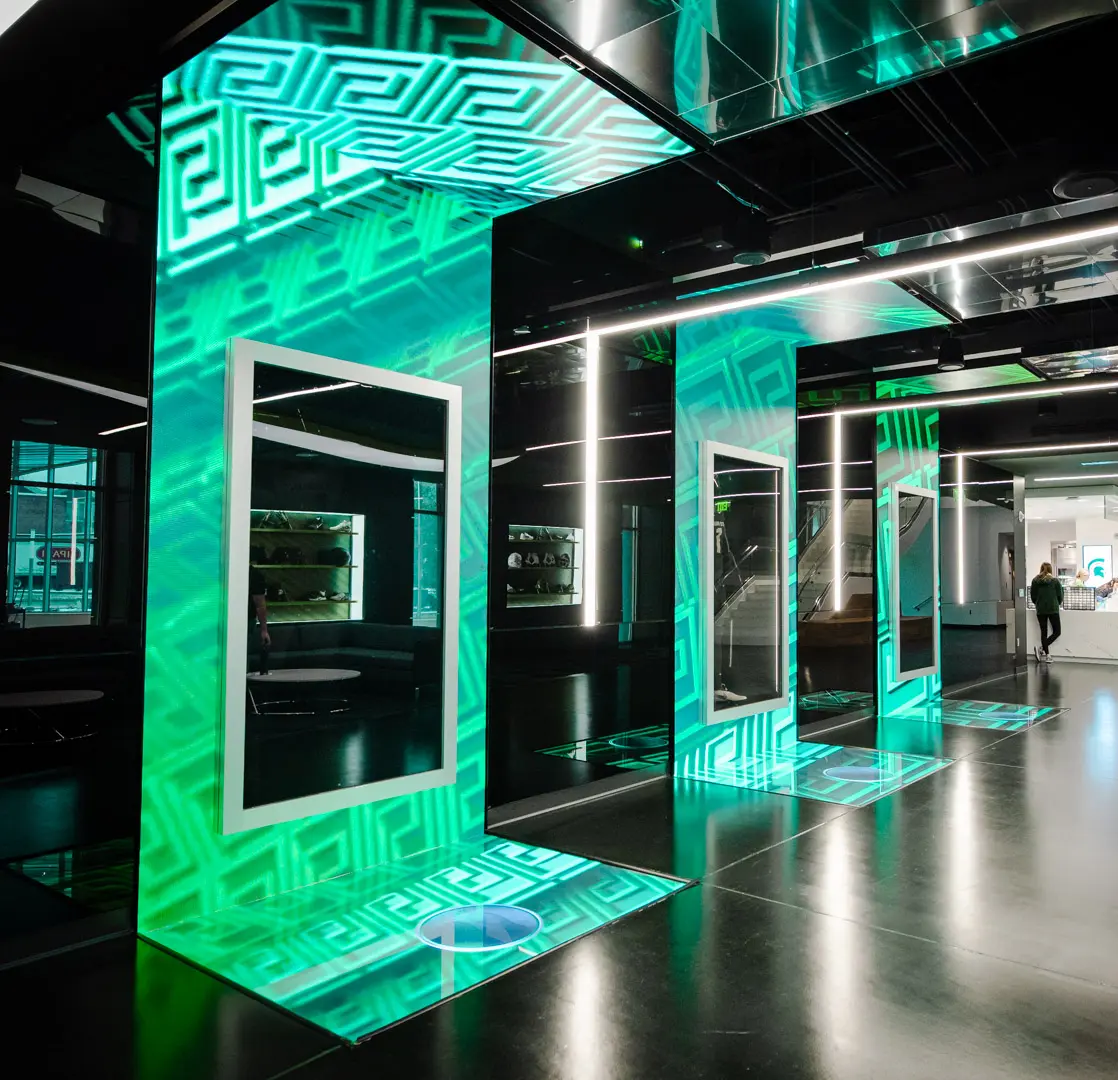
Transform your corporate spaces with PixelFLEX LED video displays. Enhance communication, elevate branding, and create dynamic environments.
View MoreOutdoor digital signs help businesses share timely messages where customers can see them. A storefront screen may announce a seasonal offer, while a roadside display guides visitors toward an entrance. But outdoor performance depends on more than screen size. Sun glare, viewing distance, rain exposure, and service access all shape whether a display works well. Small details matter. A readable message from a parked car may become a blur to passing traffic.
This guide reviews ten outdoor digital sign options for different business settings and budgets. It considers brightness, enclosure protection, content tools, installation needs, and expected upkeep. Check specifications against the manufacturer’s documentation rather than judging from product photos. No screen is perfect. Higher brightness can improve daytime visibility, but it may also increase power use and cost. Some businesses need a simple window-facing unit; others need a weather-rated monument or pole display. The right choice depends on location, audience, message frequency, and available maintenance support. Before buying, measure the viewing area and confirm mounting needs with a qualified installer. Check local signage requirements, too. These rankings offer a practical starting point, not a substitute for site-specific evaluation. They also highlight trade-offs that product listings may not make obvious.
Outdoor digital signs are weather-ready screens that share changing information outside a business. They can display opening hours, promotions, directions, event notices, or service updates. A bakery might show a breakfast offer beside its entrance, while a clinic could point visitors toward the correct door. Visibility matters. Bright screens help in daylight, but direct sun can still cause glare. Placement, viewing distance, and local weather all affect readability and performance.
The best use depends on what customers need at that location. A roadside display may need large text and a simple message that drivers can read quickly. A sign near a storefront can show more detail because people have time to pause. Keep content current; an expired offer or outdated schedule can weaken trust. Outdoor equipment also needs suitable protection from moisture and dust, along with regular checks for screen damage and connectivity. Even a well-planned display can be overlooked if it competes with too many nearby signs.
Tips: Test the screen at different times of day, especially during bright afternoon sun. Use high contrast, short phrases, and readable text. Set a clear update routine, and check that displayed hours match actual business hours. Leave room in the budget for maintenance; that part is easy to underestimate.
Brightness is a key factor when choosing an outdoor digital sign. These indicative planning ranges show how bright outdoor displays may need to be in different sunlight conditions. Actual requirements vary with location, screen orientation, shade, and ambient light.
Outdoor digital signs work by balancing visibility with protection. In direct sun, a standard indoor display can look washed out, so outdoor screens need higher brightness and careful placement. An ambient-light sensor can adjust output as daylight changes. Still, sensors are not perfect; nearby reflections or sudden shade may affect readability. Rain changes everything.
The enclosure matters as much as the screen. Weather-resistant seals help keep moisture and dust away, while suitable thermal controls protect components during hot afternoons and cold nights. Check the equipment’s stated operating range against local conditions, not just the average temperature. Keep it readable. Large text, strong contrast, and a simple message help people understand content from across a parking area or sidewalk. Avoid placing the display where headlights or glass reflections compete with it.
Reliable operation also depends on power and connectivity. A scheduled content system can update messages remotely, but the sign should have a clear plan for network interruptions. Routine checks catch blocked vents, loose seals, fading pixels, and brightness settings that no longer suit the site. These details are easy to overlook. Outdoor conditions vary from one wall to another, so a short on-site test at different times of day can reveal problems that a specification sheet cannot.
Choosing an outdoor digital sign starts with the site, not the screen. Observe the location at different times of day. Direct afternoon sunlight can wash out content that looked clear indoors. Compare brightness, contrast, and viewing distance together. A bright display alone does not guarantee readability. Stand where customers will actually see it, perhaps across a parking lot or beside a busy entrance.
Weather resistance matters just as much. Check the enclosure’s protection against rain, dust, and temperature changes, then consider how the sign will be mounted. A sheltered wall and an exposed roadside post face different conditions. Ask how the display manages heat and whether technicians can reach key components without removing the whole unit. This is easy to overlook. Maintenance access can affect downtime and service costs.
Evaluate the content system, too. Staff should be able to update prices or hours without a complicated process. Look for scheduling, remote monitoring, and clear permission controls. Review energy use and warranty terms alongside the purchase price. A low-cost screen may require more service than expected. I would not treat any single specification as decisive; glare, placement, and upkeep can change the real-world result. Test sample content at the intended distance before choosing. That small test can reveal awkward text or colors that disappear in sunlight.
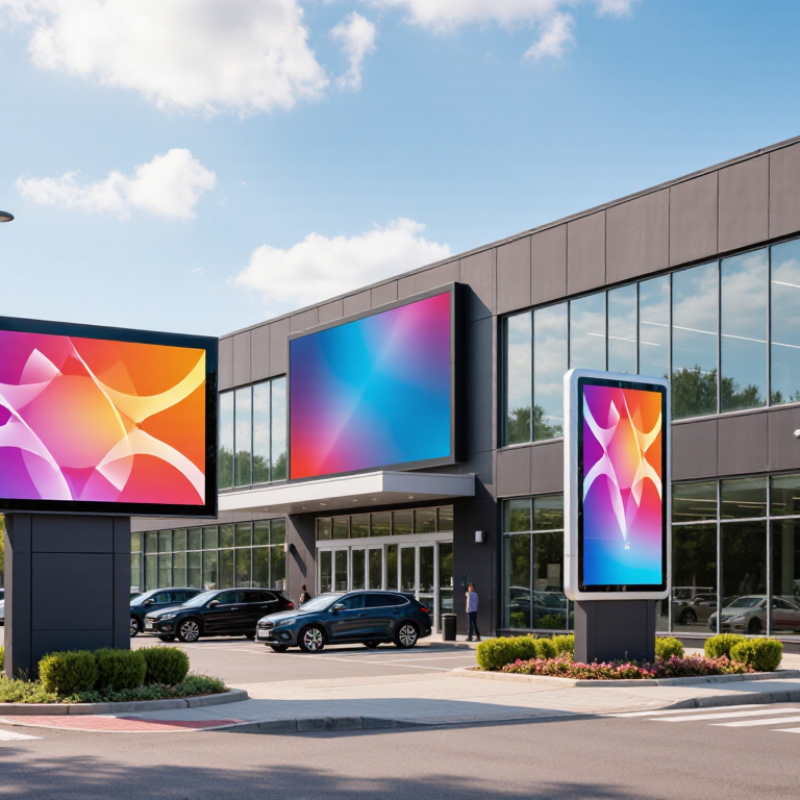
Outdoor digital signs serve different jobs, so the right format depends on viewing distance, site layout, and daily content. A roadside pylon sign reaches drivers from far away, while a freestanding monument display suits entrances and slower traffic. Wall-mounted LED screens work well on storefronts with clear sightlines. Window-facing displays can attract pedestrians, but glare may wash out pale text at noon.
Test brightness at the actual site.
For service businesses, digital menu boards show changing prices and availability; reader-board displays handle short notices, schedules, or community updates. Directional wayfinding screens help visitors find parking, entrances, and departments. A digital billboard offers broad exposure, though it needs large type and brief messages.
Keep it readable.
Mobile LED trailers work for temporary promotions or events, while solar-powered outdoor displays can serve locations with limited electrical access. Their performance depends on sunlight, battery capacity, and weather.
Choose weather-rated hardware, secure mounting, and a content system staff can update reliably. Check viewing angles, drainage, heat, and service access before installation.
Small oversights matter.
A screen mounted beautifully but hidden behind a tree is still a poor sign. Content needs restraint: one offer, one visual, and a clear next step often outperform a crowded slide. Some locations need more contrast than expected, and that becomes clear only after a daytime test.
Outdoor digital signs perform best when installation begins with the site, not the screen. Check the viewing distance, sun direction, and likely glare at different times of day. A display that looks clear at noon may be difficult to read by late afternoon. Weather finds every gap. Choose an enclosure suited to the site’s rain, dust, and temperature range, then confirm the mounting structure can handle the display’s weight and wind exposure.
Plan cable routes, drainage, and service access before mounting the unit. Keep ventilation paths clear, and avoid placing the display where heat collects against a wall or beneath a dark canopy. Outdoor equipment still needs power and data connections protected from moisture. Have qualified installers follow the equipment instructions and applicable local electrical and building requirements. Small placement errors can become expensive.
Maintenance should be practical and repeatable. Set a schedule for checking seals, fasteners, vents, cables, and image quality; note changes rather than relying on memory. Clean the screen with materials approved for its surface, not household solvents or abrasive cloths. In dusty locations, vents may need attention more often. Disconnect power before service when the procedure requires it, and leave electrical repairs to trained technicians. Honestly, even a careful schedule cannot prevent every fault, so keep service access clear and record recurring problems.
| Outdoor Sign Type | Common Business Use | Typical Display and Brightness | Installation Considerations | Maintenance Considerations |
|---|---|---|---|---|
| Freestanding LED billboard | Highway visibility, large retail sites, and major venues | Direct-view LED; commonly around 5,000–10,000 nits for daylight visibility | Requires engineered foundations, wind-load assessment, safe service access, and permits. Position to avoid obstructing sightlines. | Inspect modules, power supplies, ventilation, seals, and structural fixings. Use ambient-light controls to reduce nighttime glare and power use. |
| Pole-mounted LED sign | Shopping centers, fuel stations, and roadside businesses | Direct-view LED; brightness is selected for viewing distance and local lighting conditions | Confirm pole capacity, foundation condition, wind exposure, cable routing, and access for elevated maintenance. | Schedule inspections of the pole, fasteners, electrical connections, cabinet seals, and LED panels; check for water ingress after severe weather. |
| Building-mounted LED display | Retail facades, entertainment venues, and commercial buildings | Direct-view LED; commonly about 4,000–8,000 nits, depending on location and exposure | Verify wall load capacity, wind pressure, mounting details, drainage, and any local restrictions on brightness or moving content. | Keep vents clear, inspect mounting hardware and weather seals, and test brightness sensors and scheduled operating hours. |
| Outdoor digital totem | Campus directions, shopping-area directories, and visitor information | LED or high-brightness LCD; outdoor LCD models often provide roughly 2,500–4,000 nits | Use a level, secure base; plan for anchoring, accessible power, network connectivity, and an unobstructed viewing area. | Clean the screen with manufacturer-approved materials, inspect the base and enclosure, and check fans or filters where fitted. |
| Outdoor digital kiosk | Ticketing, wayfinding, ordering, and self-service information | High-brightness LCD or LED; brightness and touch performance should suit direct-sun exposure | Provide a stable, accessible installation with suitable cable protection, drainage, and a weather-rated enclosure. Consider shade and user approach space. | Test touch response, payment or peripheral devices, and network connections. Clean touch surfaces frequently and inspect door locks and seals. |
| Outdoor menu board | Drive-through lanes and outdoor ordering areas | High-brightness LCD or LED; commonly around 2,500–5,000 nits, depending on sun exposure | Set readable viewing angles and heights; protect wiring and audio components, and account for vehicle clearance and local traffic flow. | Check screen legibility in daylight, clean the display and speaker openings, and test content updates and audio before peak service periods. |
| Transit-shelter display | Retail promotions, local information, and public-area messaging | Outdoor LCD or LED; brightness is typically adjusted for changing daylight conditions | Coordinate with the shelter structure and site owner. Allow for passenger visibility, safe power access, ventilation, and protection from impact. | Inspect glazing, enclosure seals, ventilation, and electrical connections. Remove dust and debris and verify scheduled content and brightness controls. |
| Outdoor video wall | Stadiums, plazas, event spaces, and large retail destinations | Modular direct-view LED; brightness commonly falls within approximately 5,000–10,000 nits for bright environments | Engineer the supporting structure for the combined panel weight and wind load. Plan for service access, power distribution, and signal cabling. | Check panel alignment, module connections, cooling, and cabinet seals. Keep spare modules available to reduce repair downtime. |
| Window-facing digital display | Street-facing promotions and storefront announcements | High-brightness LCD, often around 2,500–4,000 nits; direct sunlight and glass can affect visibility | Position to limit reflections and glare. Ensure the display is rated for its actual temperature conditions and does not block required exit routes. | Clean both the screen and nearby glass, monitor operating temperature, and review brightness settings throughout the day. |
| Outdoor directory or information board | Hospitals, business parks, campuses, and visitor destinations | Outdoor-rated LCD or LED; choose brightness for the site’s shade, sunlight, and viewing distance | Locate it on a stable, accessible route with suitable foundations, weather-protected power, and clear sightlines for pedestrians. | Verify that directory information remains current; inspect the enclosure, seals, screen surface, and connections as part of routine site checks. |
Planning note: Brightness, enclosure protection, temperature limits, and maintenance intervals vary by display model and site conditions. Confirm the manufacturer’s specifications and applicable local electrical, structural, accessibility, and signage requirements before installation.