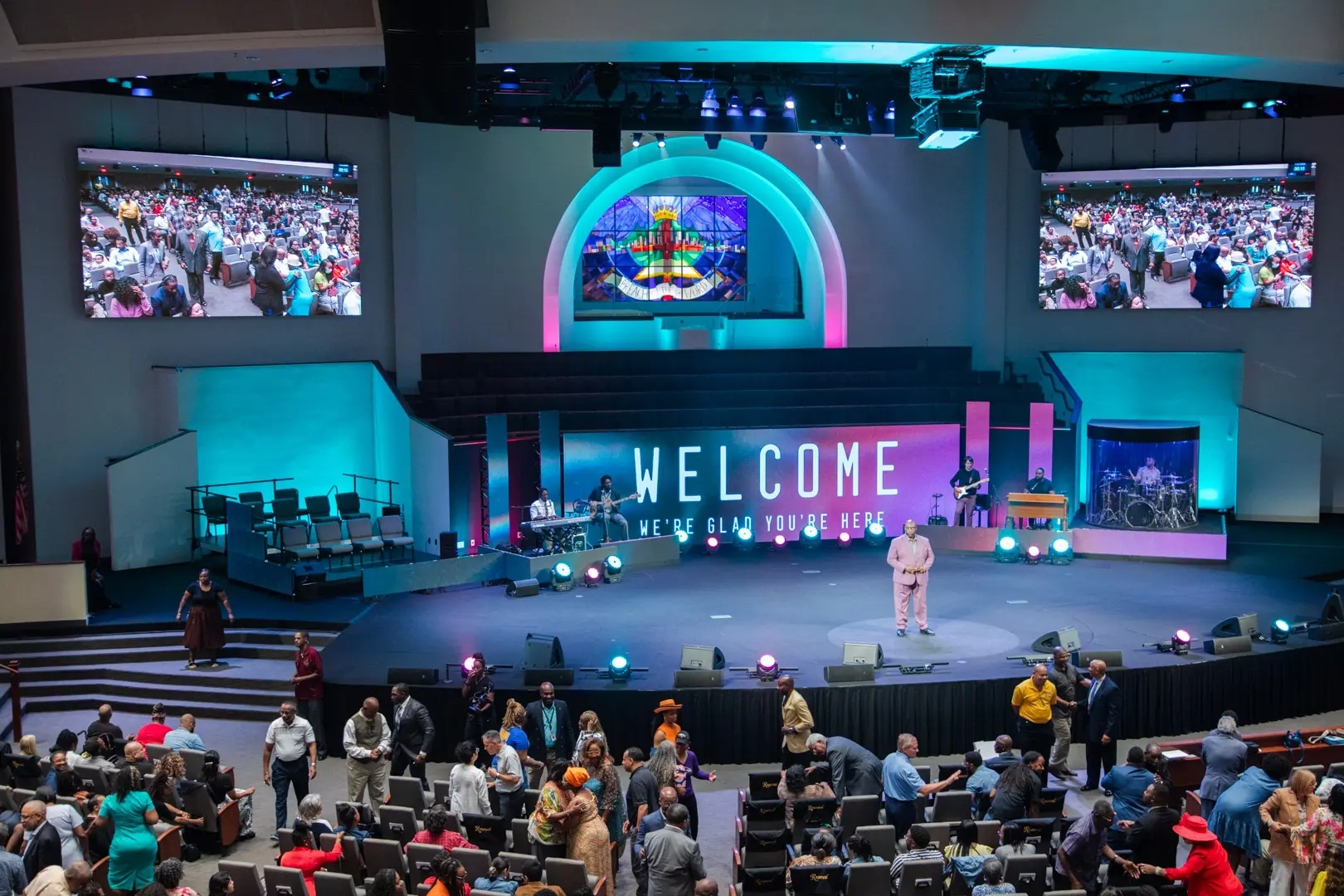
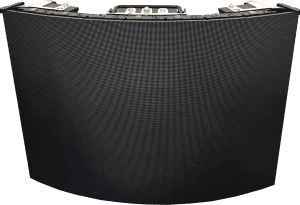
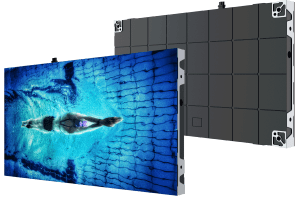
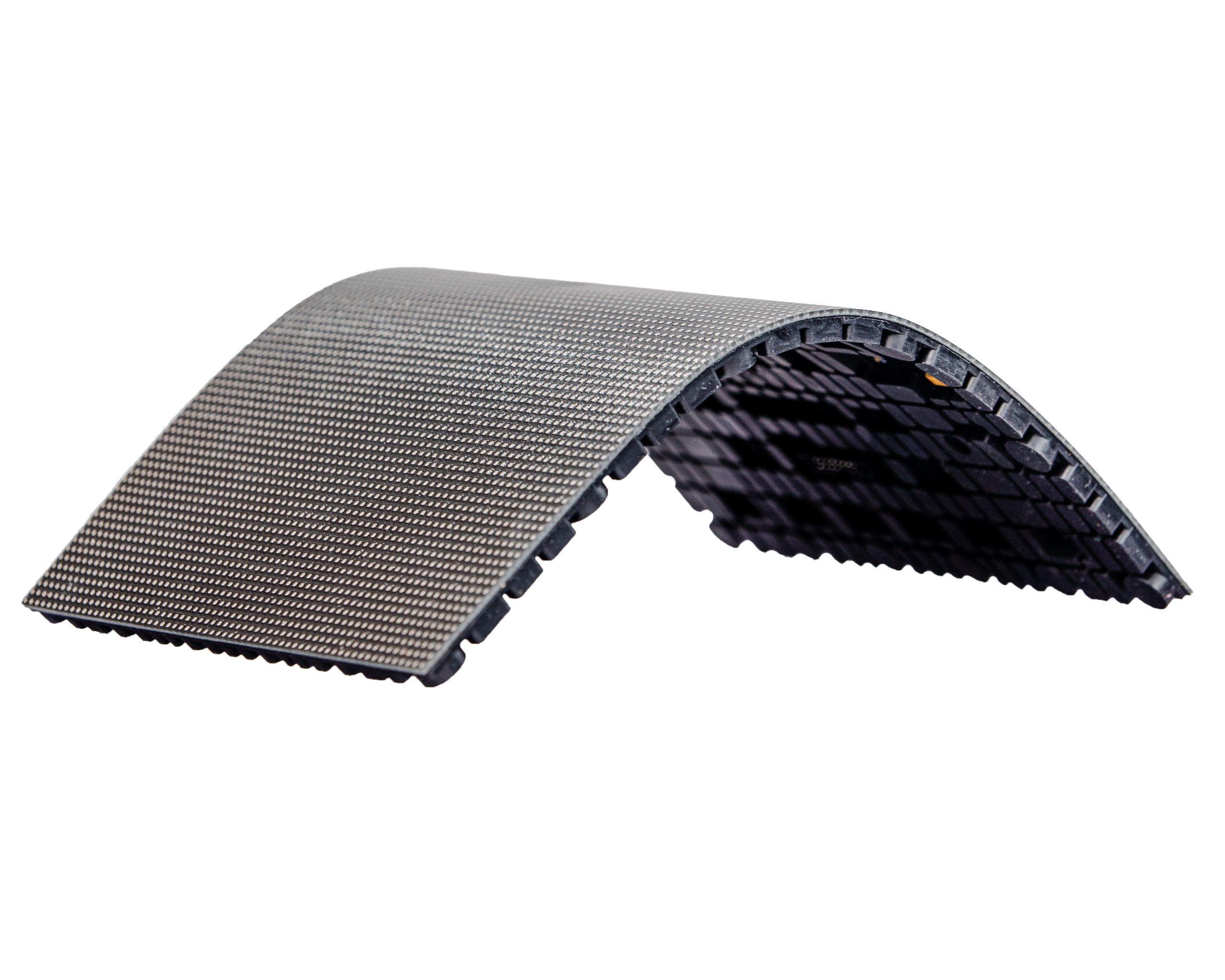
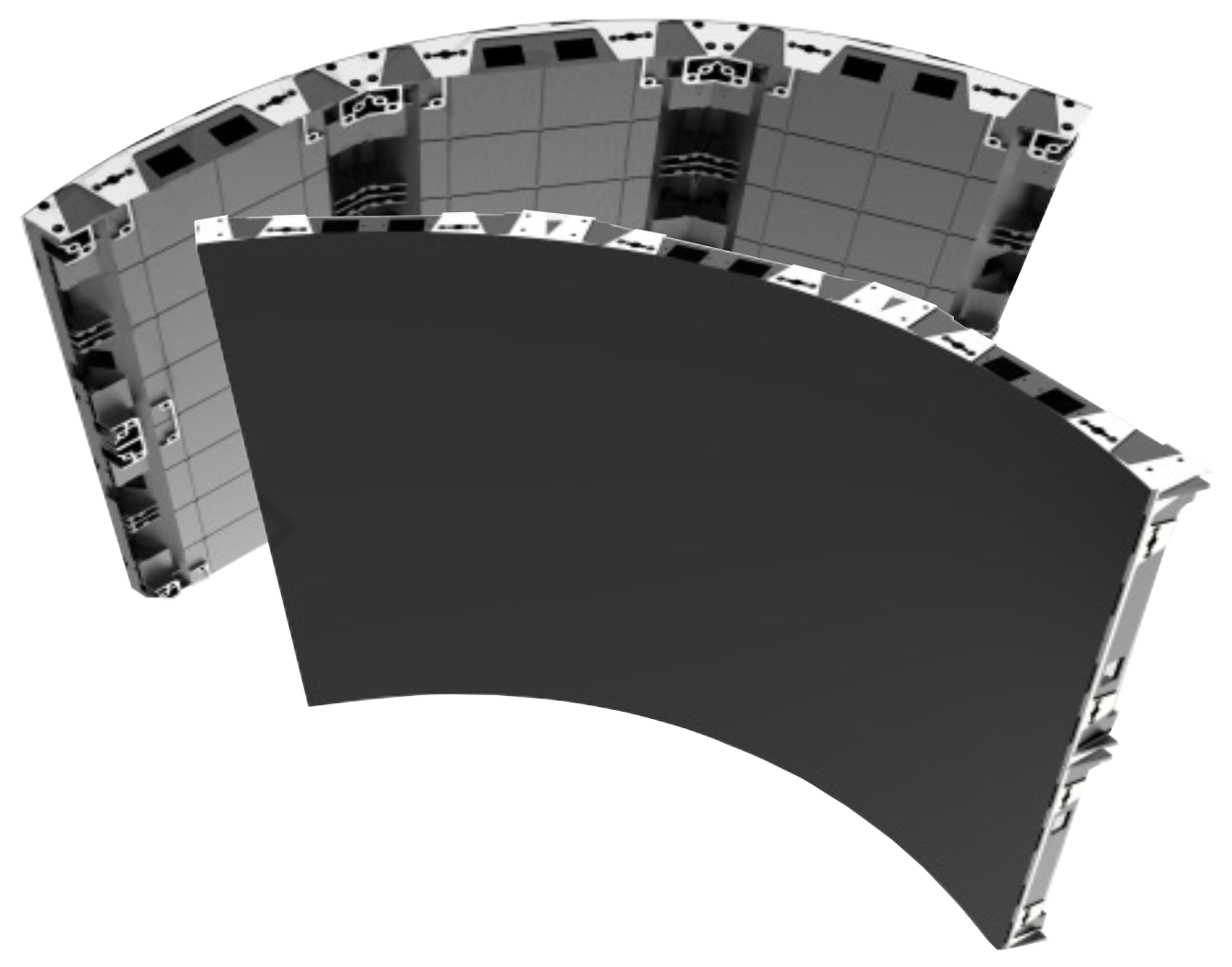
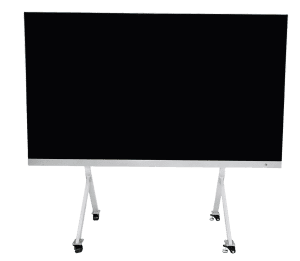
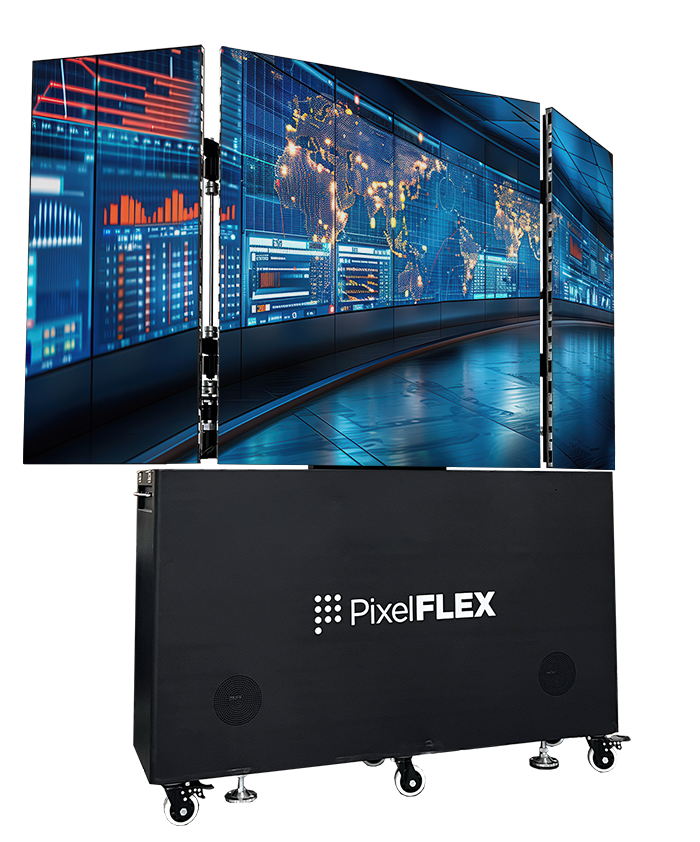
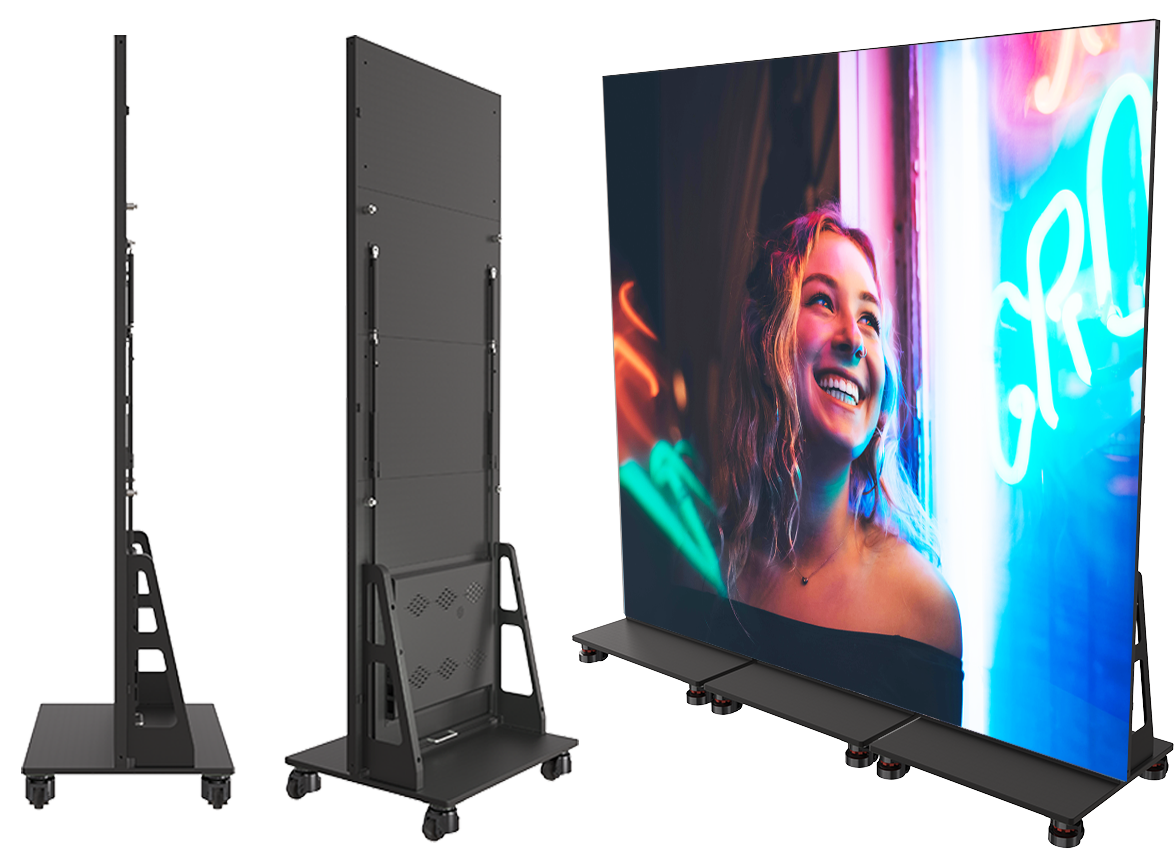
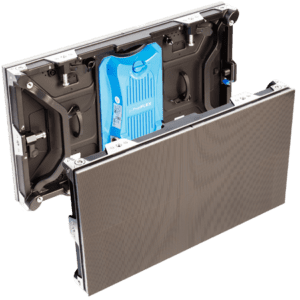
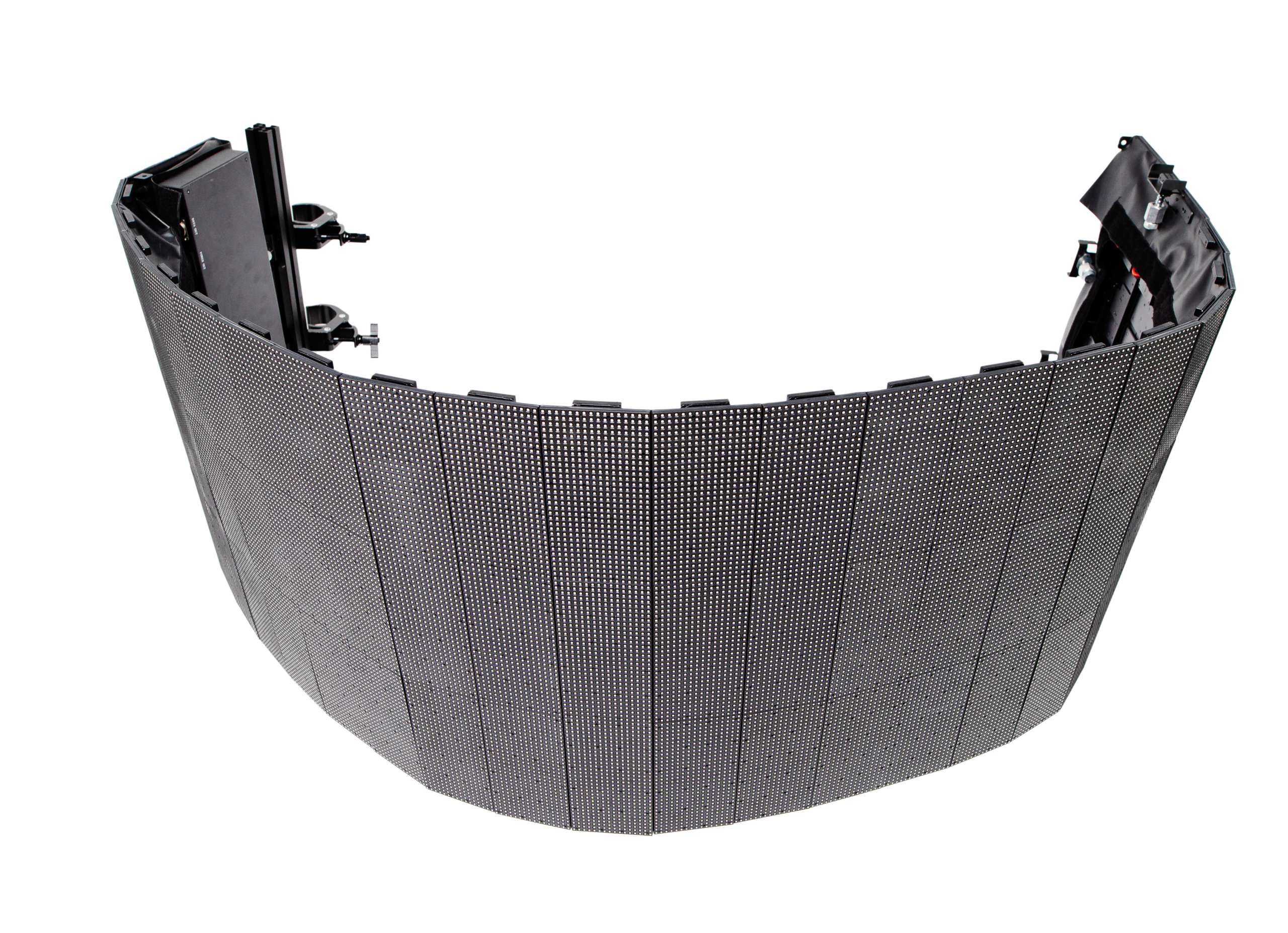
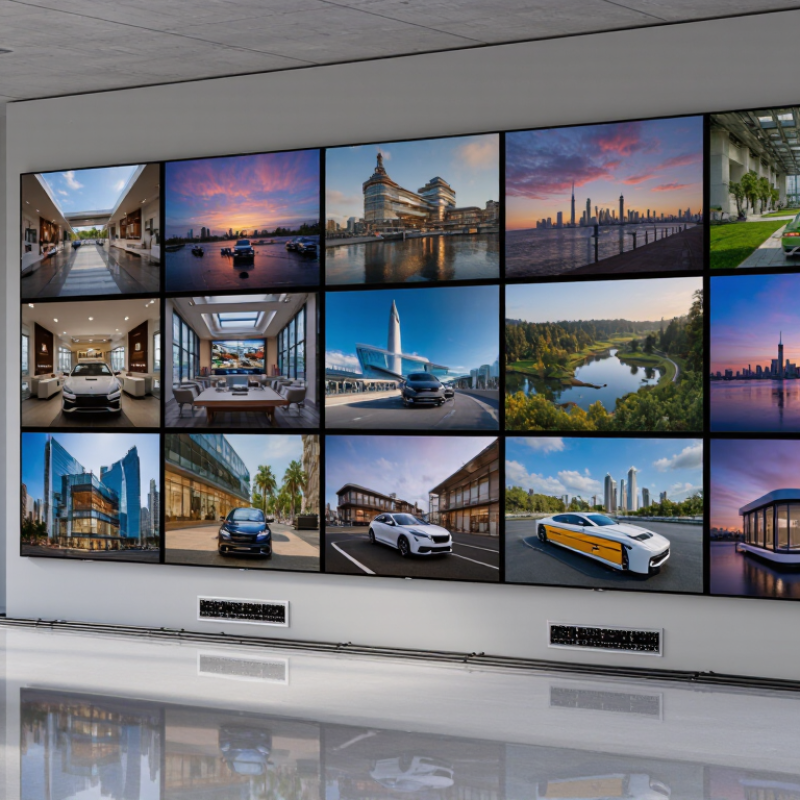
Communicate worship schedules and sermon messages while engaging your congregation with visual technology.
View More
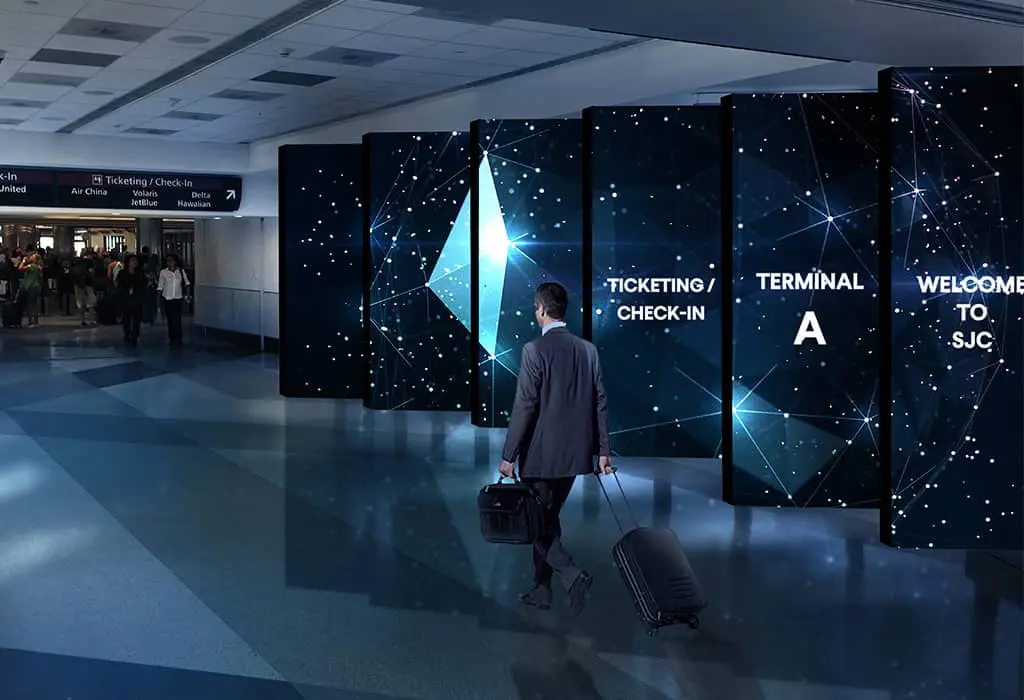
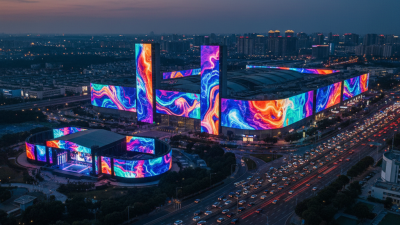
LED displays in transportation settings, such as airports, train stations, and bus terminals, serve as dynamic platforms for real-time information, advertising, and wayfinding, enhancing passenger experience with clear, up-to-date travel details and announcements.
View More
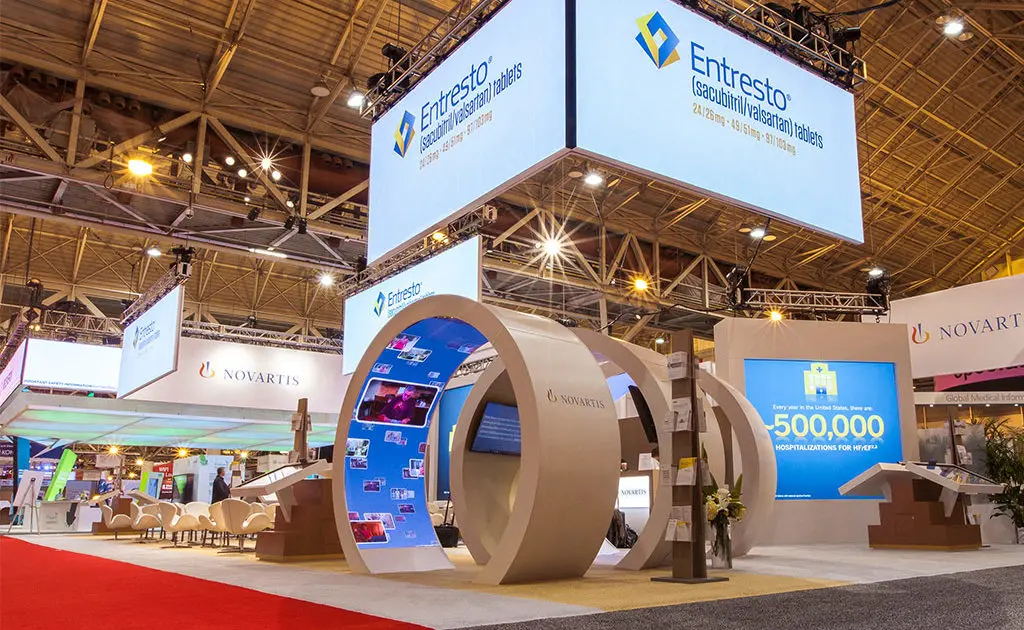
Differentiate yourself from the competition by incorporating a digital experience in your booth with our trade show LED displays.
View More
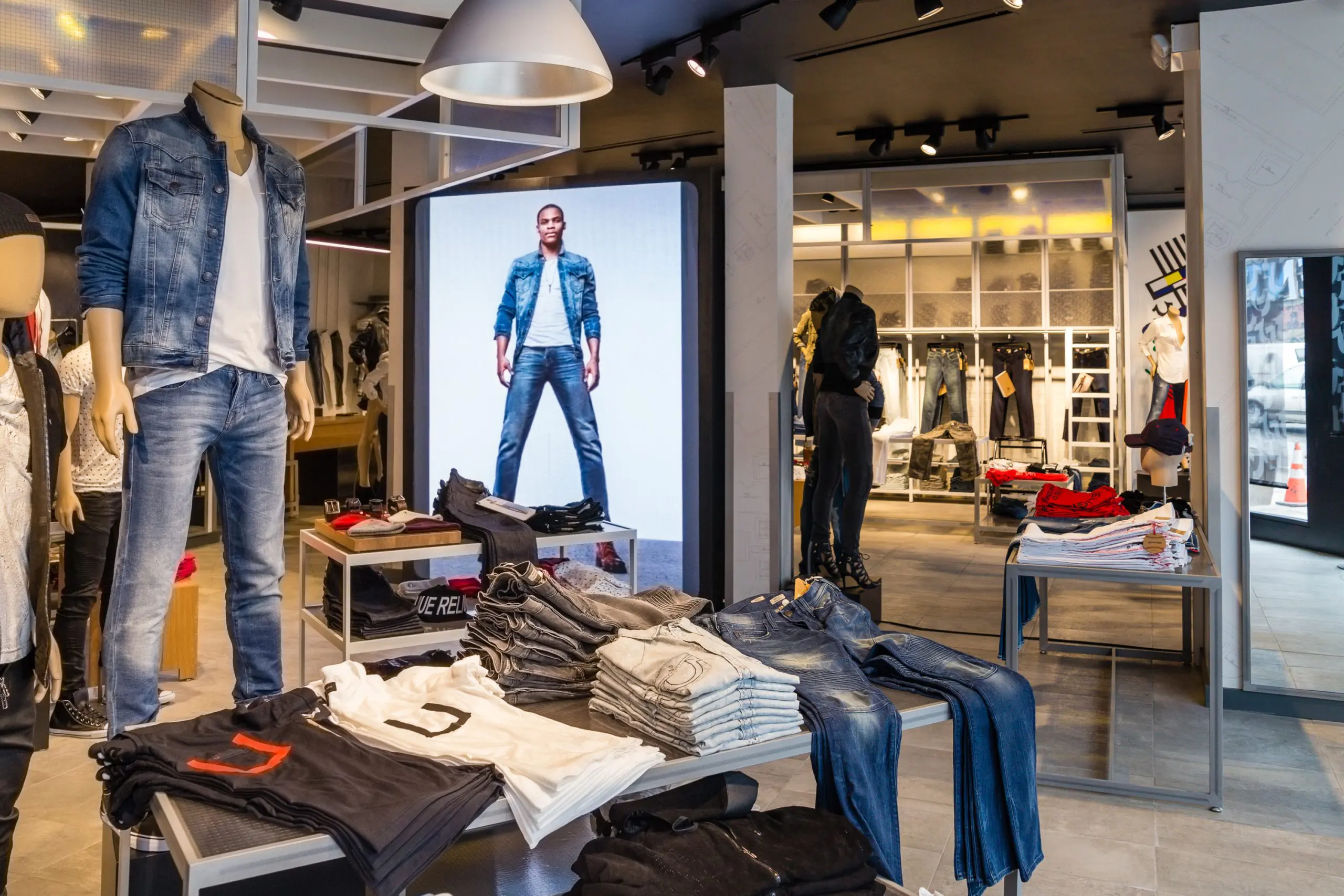
Communicate your brand’s message, stand out from the competition and engage your target market with LED digital signage.
View More
We offer creative solutions at cost-effective rates. You will be able to deliver your sermons more effectively and engage your congregation through one-of-a-kind lyric video walls and house of worship LED displays.
View More
Enhance ambiance, display interactive directories and wayfinding displays, and promote amenities and events to elevate the guest experience.
View More
Incorporate digital displays to enhance your students’ learning experience and market to prospective students and donors.
View More
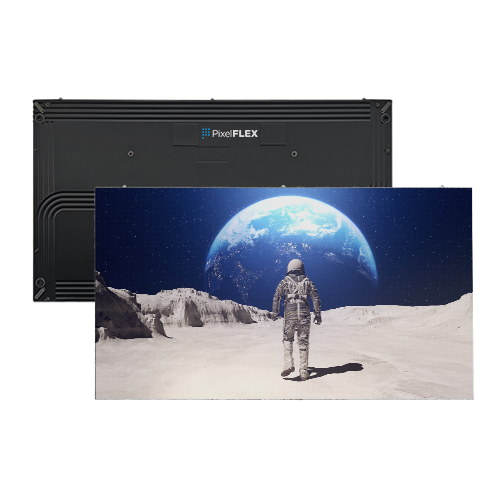
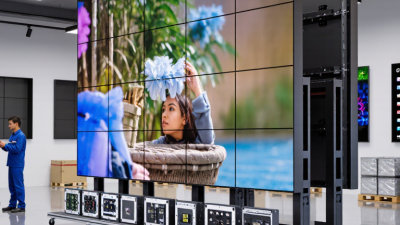
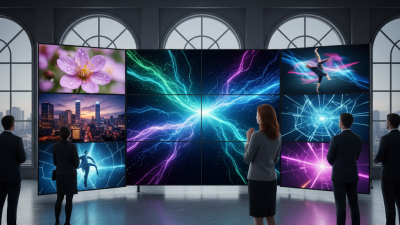
Transform your corporate spaces with PixelFLEX LED video displays. Enhance communication, elevate branding, and create dynamic environments.
View MoreChoosing video wall panels in 2026 involves more than comparing screen sizes or headline resolution. A narrow bezel can reduce visible gaps, while pixel pitch helps determine how crisp content appears from a given viewing distance. Brightness, color consistency, and heat output also matter, especially when displays run for long hours in retail spaces, control rooms, or conference venues. Small details become obvious on a large wall.
No panel is perfect. The best choice depends on the room, content, budget, and support available after installation. A specification sheet may list impressive brightness, but it cannot show how a display handles reflections from nearby windows or subtle color shifts across multiple screens. Those details deserve a closer look.
This guide compares ten options through practical buyer considerations, including image quality, reliability, connectivity, installation needs, warranty coverage, and total cost of ownership. It also considers how panels perform as part of a complete video wall, rather than as isolated screens. Buyers should verify current specifications and service terms with manufacturers or authorized suppliers, since models and regional availability can change during 2026. There is no universal winner; a strong shortlist starts with clear requirements and honest trade-offs. One caveat: published figures rarely tell the whole story. Testing samples in the intended environment, where possible, can reveal issues that a product page misses.
Video wall panels use different display technologies, and each changes how an image looks in a real room. LCD panels create images with liquid crystals and backlighting. They suit control rooms and meeting spaces where viewers sit close. Bezel width matters because the borders form visible lines across the image. A small seam can distract.
Direct-view LED panels use tiny light-emitting diodes, with pixel pitch indicating the distance between pixels. Smaller pitch usually gives sharper images at close range, but costs more and may complicate maintenance. OLED can deliver deep blacks, though long static images may require careful management. No technology is perfect for every installation.
Compare specifications under realistic conditions. Brightness, measured in nits, should match ambient light; excessive brightness can cause eye fatigue. Contrast and color uniformity affect whether large areas look consistent from panel to panel. Check refresh rate and processing compatibility, especially for motion-heavy content. Also review viewing angle, input options, heat output, and expected operating hours. A specification sheet cannot predict every room. Sunlight, wall alignment, and calibration can change the result, so test a sample panel when possible. Calibration takes time.
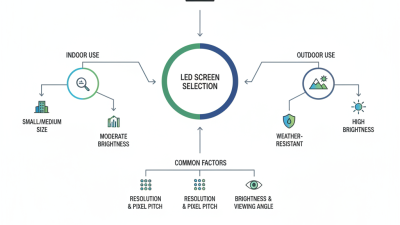
A sound 2026 purchase starts with the room, not the product sheet. Measure viewing distance, wall dimensions, ambient light, and available power before comparing panels. Pixel pitch should suit the closest viewer; a fine-pitch display can look sharp up close but may add unnecessary cost in a large lobby. Test it live. Use the same video content buyers expect to show, including small text and dark scenes.
Compare brightness and contrast under the room’s actual lighting, not only in a dim showroom. Check bezel width, color matching, refresh performance, and how the system handles uneven source signals. Ask who will calibrate the wall and how often. A bright panel can still look inconsistent if neighboring units drift in color. Also inspect access for maintenance: can a technician replace one panel without dismantling the whole structure? The answer matters after installation.
Look beyond the panel price. Include mounting, control equipment, cabling, installation, calibration, and ongoing service in the budget. Request written warranty terms and confirm that replacement parts will remain available. A practical evaluation should include a site survey and a short operating trial. No specification sheet tells the whole story. I would not treat a single showroom visit as proof; it is easy to miss glare, fan noise, or awkward service access until the wall is running in its intended space.
This shortlist compares common video-wall panel configurations by use case and key specifications. It is a category-level buying guide, not a ranking of specific products; actual specifications vary by model and installation.
| Rank | Panel Configuration | Typical Key Specifications | Main Advantages | Points to Evaluate | Best-Fit Use Case |
|---|---|---|---|---|---|
| 1 | Indoor fine-pitch LED, 0.9 mm | Pixel pitch: 0.9 mm; typical indoor brightness: about 600–1,000 nits; seamless image surface | High pixel density supports detailed imagery at close viewing distances, without the visible panel borders of a tiled LCD wall. | Check viewing distance, calibration, service access, power requirements, and the supplier’s stated pixel-defect policy. | Premium control rooms, broadcast environments, and close-viewing applications. |
| 2 | Indoor fine-pitch LED, 1.2 mm | Pixel pitch: 1.2 mm; typical indoor brightness: about 600–1,000 nits; modular cabinet construction | Balances detailed imagery with a seamless appearance and is generally less demanding than ultra-fine-pitch LED. | Compare module and cabinet tolerances, front- or rear-service options, refresh performance, and calibration support. | Corporate experience centers, studios, and higher-resolution command spaces. |
| 3 | Indoor fine-pitch LED, 1.5 mm | Pixel pitch: 1.5 mm; typical indoor brightness: about 600–1,000 nits; seamless modular display | A practical middle ground for image detail, viewing distance, and system cost. | Confirm the intended viewing distance and whether the content source can deliver enough resolution for the full canvas. | Meeting spaces, retail displays, and medium-sized control rooms. |
| 4 | Indoor LED, 1.9 mm | Pixel pitch: 1.9 mm; typical indoor brightness: about 600–1,200 nits; seamless image surface | Suitable for larger screens viewed from farther away, with fewer pixels per area than finer-pitch options. | Assess ambient light, viewing distance, wall size, and the minimum content resolution needed. | Auditoriums, lobbies, event spaces, and larger presentation walls. |
| 5 | Indoor LED, 2.5 mm | Pixel pitch: 2.5 mm; typical indoor brightness: about 800–1,500 nits; seamless modular display | Often a cost-conscious choice for large indoor images viewed at a distance. | Fine text and small details may appear less sharp at close range; request a viewing-distance demonstration. | Large venues, public spaces, and event backgrounds. |
| 6 | 46-inch LCD video-wall panel, narrow bezel | Typical resolution: 1,920 × 1,080 per panel; typical brightness: about 500–700 nits; narrow bezel options vary by model | Established display technology with predictable image geometry and broad availability of wall-mounting systems. | Check the exact bezel-to-bezel gap, panel-to-panel color matching, replacement-panel availability, and wall alignment. | 24/7 monitoring walls and control rooms where a tiled LCD layout is acceptable. |
| 7 | 49-inch LCD video-wall panel, narrow bezel | Typical resolution: 1,920 × 1,080 per panel; typical brightness: about 500–700 nits; bezel width depends on the model | Larger panels can reduce the number of displays needed for a given wall size. | Compare total wall dimensions, bezel visibility, heat output, and the cost of service or replacement over the planned operating life. | Security operations, transportation monitoring, and business dashboards. |
| 8 | 55-inch LCD video-wall panel, narrow bezel | Typical resolution: 1,920 × 1,080 per panel; typical brightness: about 500–700 nits; multi-panel wall mounting | Large panel size can simplify wall planning and support clear viewing from moderate distances. | Check viewing angles, reflections, bezel appearance, mounting depth, and whether the intended wall layout matches the source resolution. | Meeting centers, retail environments, and larger monitoring installations. |
| 9 | Outdoor LED, approximately 3.9 mm | Pixel pitch: about 3.9 mm; outdoor models commonly offer brightness in the several-thousand-nit range; weather protection is model-specific | Designed for bright environments and larger images that need to remain visible in daylight. | Verify the published ingress-protection rating, temperature range, viewing distance, wind-load requirements, and maintenance access. | Outdoor signage, building entrances, and event screens viewed from moderate distances. |
| 10 | Outdoor LED, approximately 6.7 mm | Pixel pitch: about 6.7 mm; outdoor models commonly offer brightness in the several-thousand-nit range; weather protection is model-specific | Coarser pixel pitch can be appropriate for large displays viewed from farther away. | Assess viewing distance, sunlight exposure, local weather, structural support, power consumption, and service access. | Large outdoor advertising, stadium perimeters, and roadside displays. |
Buying note: Brightness, resolution, bezel dimensions, ingress protection, and operating-life claims are model-specific. Request current datasheets and verify them against the installation environment. For LED walls, pixel pitch affects image detail and suitable viewing distance; for LCD walls, the combined bezel gap is a key factor in how visible the grid will be.
A practical 2026 shortlist of video wall panels includes fine-pitch LED, COB LED, SMD LED, microLED, narrow-bezel LCD, commercial LCD, OLED, rear-projection cubes, outdoor-rated LED, and transparent LED. These are not interchangeable winners. Fine-pitch LED suits close viewing in control rooms, while COB panels can offer a smooth, protected surface in busy public spaces. SMD LED remains a flexible option for large indoor displays. MicroLED promises excellent contrast, but budgets and availability may limit buyers.
Narrow-bezel LCD panels can make sense where sharp text and predictable operating costs matter. Commercial LCD models are often easier to source, though their visible seams may distract in full-screen content. OLED delivers deep blacks, but static imagery deserves careful assessment. Rear-projection cubes remain relevant in specialized monitoring rooms, despite their depth and maintenance needs. Outdoor-rated LED handles bright sunlight; transparent LED serves storefronts where visibility through the screen matters.
Compare more than the panel type. Check pixel pitch against viewing distance, brightness in the actual room, refresh behavior, calibration consistency, and front- or rear-service access. Ask for a long-run demonstration, not only a vivid showroom clip. That matters. Specifications can look excellent on paper, yet uneven color between panels may appear after installation. A small sample wall helps, but it cannot fully predict a large display’s performance.
For 2026 buyers, the best video wall panel depends on viewing distance, ambient light, and budget. Narrow-bezel LCD panels suit control rooms, where close viewing and steady operation matter. High-brightness LCD handles sunlit lobbies, while 4K LCD works well for detailed dashboards. OLED offers rich blacks for premium indoor spaces, but static images can raise burn-in concerns. Fine-pitch LED delivers seamless images in large rooms; its upfront cost is usually higher. COB and GOB LED designs add surface protection, though repairability and service access deserve careful checks.
Outdoor LED panels prioritize brightness and weather resistance. Rental LED favors quick assembly and frequent transport. Transparent LED preserves sightlines in retail windows, but sacrifices image contrast. Interactive LCD supports touch-led collaboration at smaller wall sizes. AVIXA’s 2024 Industry Outlook and Trends Analysis forecasts professional audiovisual revenue reaching $325 billion by 2029, with a 3.9% five-year compound annual growth rate. That signals a growing AV market, not a guarantee that any panel type will pay back. The figures are imperfect proxies.
Compare total installed cost, not panel price alone: processors, mounts, power, calibration, and replacement access add up. Ask for measured brightness, pixel pitch, warranty terms, and a live demo under your room’s lighting. Measure the room. A detail often missed: service downtime can cost more than a modest price difference.
Comparing representative panel types by brightness, relative cost, and typical use case
Bars show representative brightness specifications in nits—not a performance ranking. Actual specifications vary by model and operating mode. LCD walls are often a lower-cost choice for control rooms and meeting spaces, while fine-pitch LED typically has a higher upfront cost but creates a seamless image for close viewing. Larger-pitch and outdoor-rated LED are commonly used for big venues and bright environments. Compare installation, processing, maintenance, and power costs before buying.
Choosing a video wall panel starts with the room, not the specification sheet. In 2026, buyers should compare viewing distance, ambient light, content type, and available wall space. A bright lobby may need higher brightness than a dim control room. Stand where viewers will actually stand. Test it there.
Panel size and resolution affect how clear text and fine details appear. For close viewing, tighter pixel spacing can reduce visible gaps between pixels, but it may increase project cost. Check bezel width, color consistency, brightness uniformity, and supported input signals. Ask for a demonstration using your own content, such as a floor plan or live data dashboard. A showroom video can hide uneven tones. It happens.
Deployment planning deserves equal attention. Measure the mounting surface, confirm its load capacity, and leave room for cables and service access. Verify that the display panels, controller, and signal sources work together before installation. Plan power, ventilation, cable routes, and calibration; a warm, tightly enclosed space can affect performance over time. A frequent planning miss is access: replacing one panel should not require dismantling half the wall. Even a careful plan can overlook a small constraint, so inspect the site again before ordering. After installation, test the full wall with real content and viewing positions, then document settings for future maintenance.