Why Choose an LED Display Panel for Your Business?
A business display has only a few seconds to earn attention. A bright storefront, a clear menu, or a well-placed screen can help people notice useful information without stopping to search for it. That is one reason many businesses consider an LED display panel. It can present changing content in a vivid, visible format, both indoors and outdoors, when the equipment is chosen for the setting.
The right choice depends on more than brightness. Viewing distance, ambient light, screen size, installation location, and content type all affect readability. For example, a panel viewed from across a parking lot may need different pixel spacing from one used near a reception desk. Power use, weather protection, maintenance access, and total ownership costs also deserve attention. Small details matter.
An LED display is not automatically the best solution for every business. A screen that is too bright, poorly positioned, or difficult to update may create more trouble than value. Careful planning helps match the technology to real communication needs, rather than treating the display as a decorative upgrade. Some decisions may still require adjustment after installation; that is worth acknowledging. This guide explores why businesses choose LED displays, what practical benefits they can offer, and which questions to ask before investing.
What an LED Display Panel Is
Why Choose an LED Display Panel for Your Business?
What an LED Display Panel Is
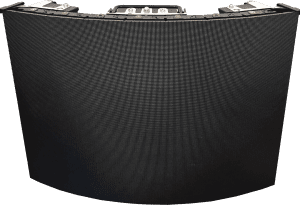
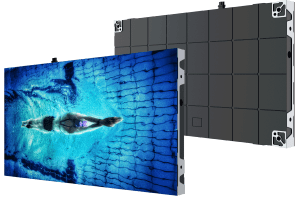
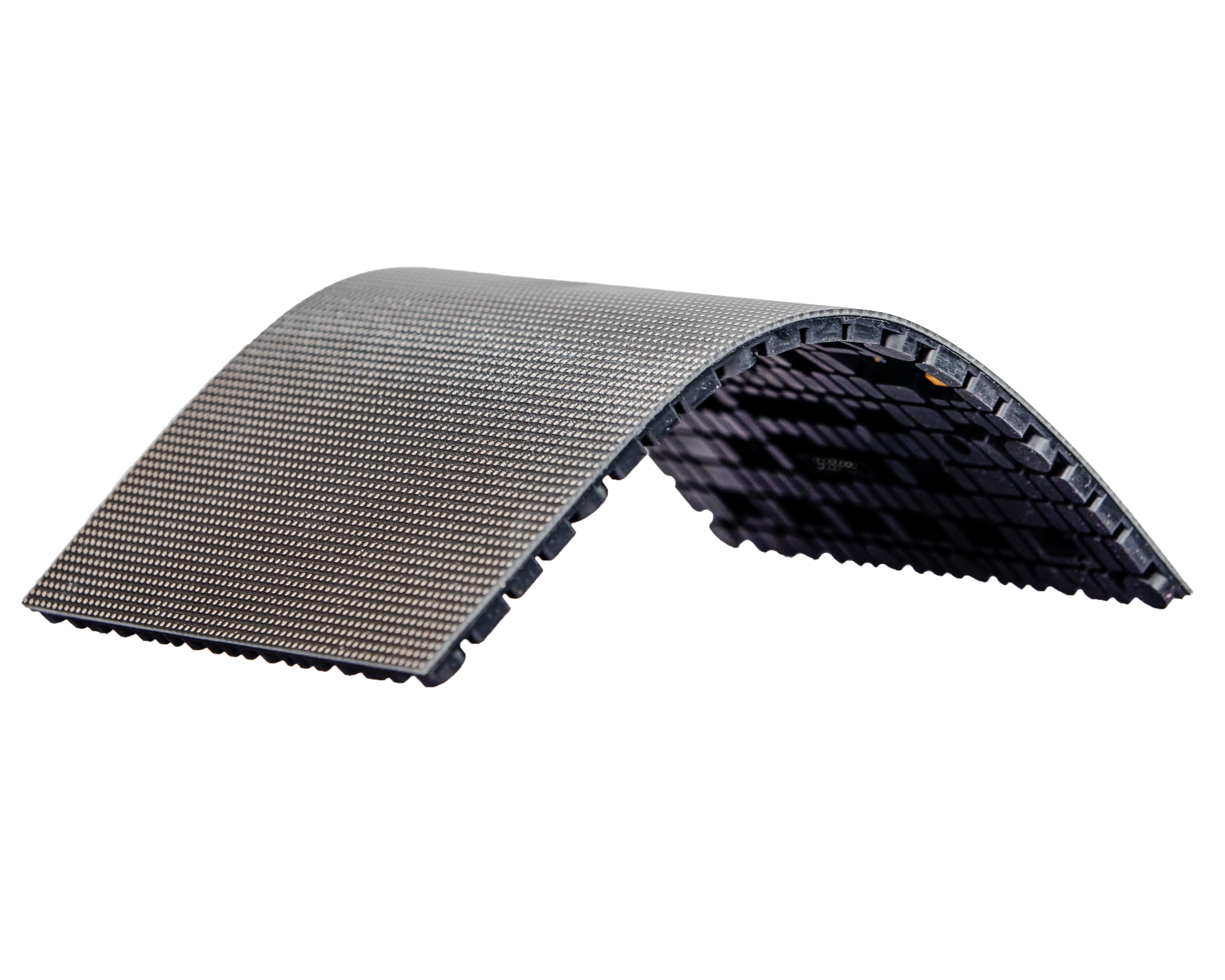
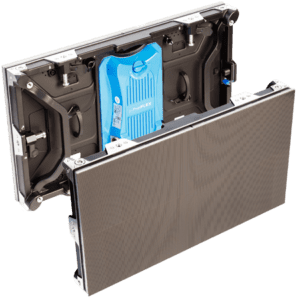
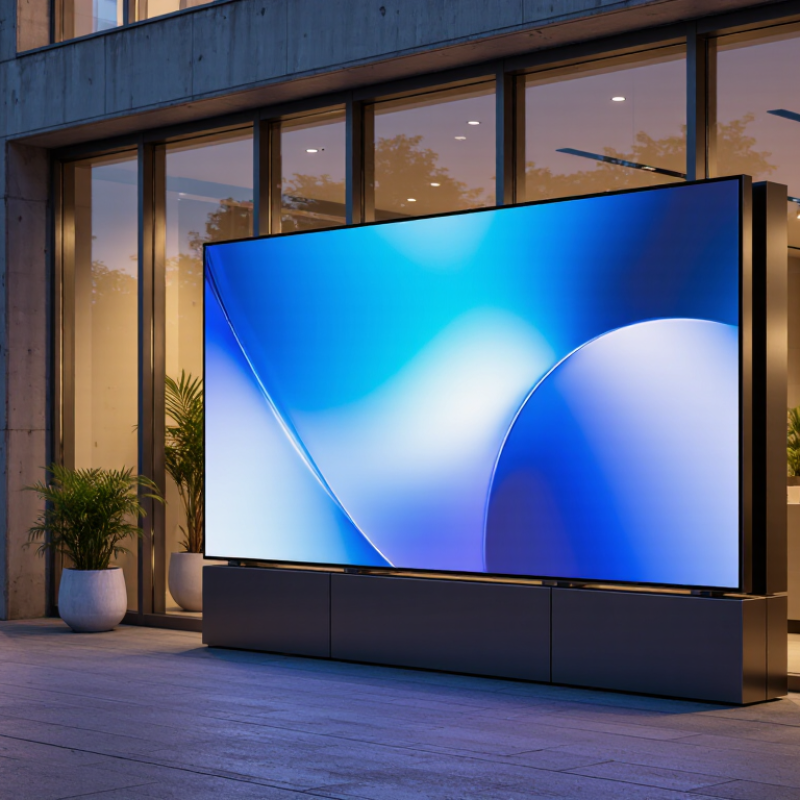
An LED display panel is a screen made from many small light-emitting diodes. Each diode produces light, and groups of red, green, and blue diodes combine to create images, text, and video. From a distance, the individual lights blend into a single picture. Up close, you can see the tiny points that form it.
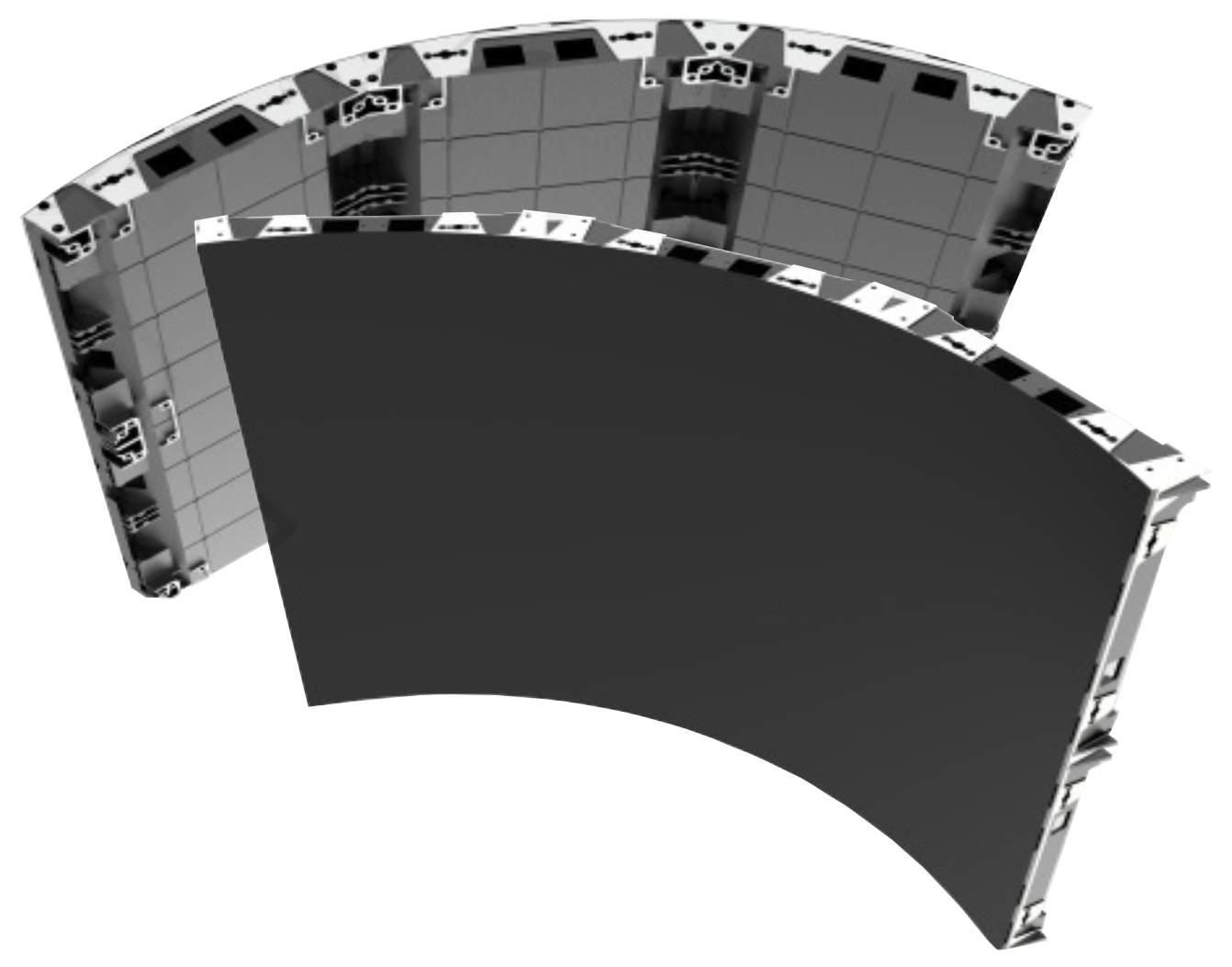
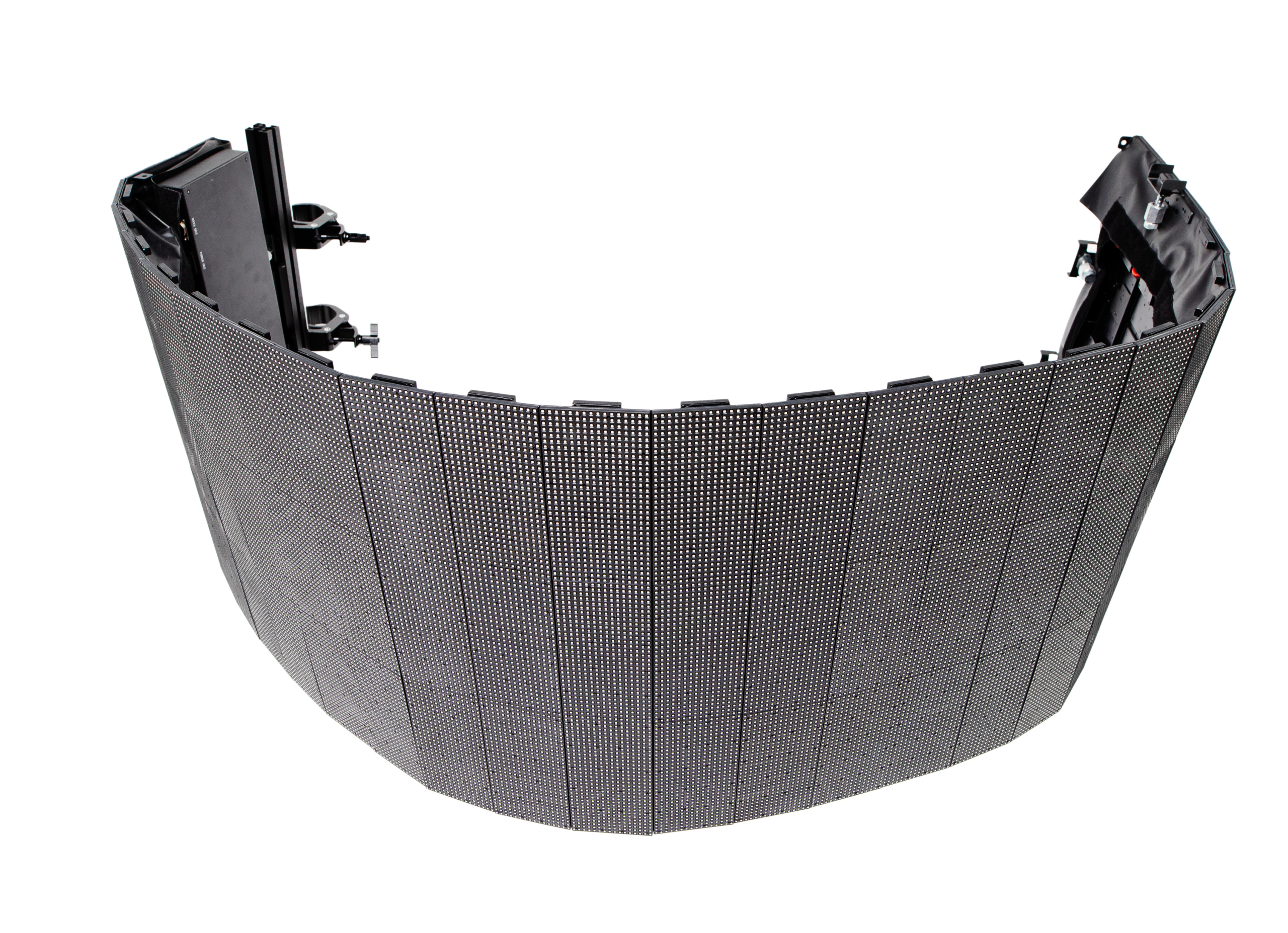
Panels are assembled into larger displays, so businesses can choose a size and shape suited to a storefront, reception area, or event space. Pixel pitch—the distance between neighboring pixels—affects how sharp the image looks at different viewing distances. A finer pitch is often useful when people stand close, while a larger pitch may work for a screen viewed across a street. Brightness, viewing angle, and indoor or outdoor construction also matter. Small details count.
For example, a shop window facing direct sunlight needs a panel designed to remain visible in bright conditions. A lobby screen may need less brightness, but clearer text for visitors standing nearby. Installation and upkeep deserve attention too: panels need suitable mounting, power, ventilation, and access for servicing. LED technology can be practical, but it is not automatically the right choice for every space. I would check viewing distance and ambient light before comparing display sizes; guessing here can lead to a screen that feels either cramped or unnecessarily imposing.
Why Choose an LED Display Panel for Your Business? — What an LED Display Panel Is
| Dimension |
What It Means |
Business Relevance |
| Definition |
An LED display panel is a screen made from an array of light-emitting diodes (LEDs) that create images, text, and video. |
It can present promotional content, announcements, wayfinding, or live information in a visible format. |
| Pixel pitch |
Pixel pitch is the distance between the centers of neighboring pixels, usually measured in millimeters. A smaller pitch generally supports clearer viewing at shorter distances. |
Choose pitch based on typical viewing distance and content; closer audiences usually benefit from finer pixel spacing. |
| Brightness |
Brightness is commonly specified in nits (cd/m²). Required brightness depends on ambient light, installation location, and screen content. |
Displays designed for bright outdoor settings generally need higher brightness than screens used in controlled indoor environments. |
| Indoor or outdoor use |
Indoor panels are intended for interior conditions. Outdoor models are designed for exposure to weather and changing light, with protection specified by the product’s enclosure rating. |
Matching the panel to its environment helps support reliable operation and clear visibility. |
| Viewing angle |
Viewing angle describes how far to the side viewers can move while still seeing the image clearly. |
A broad viewing angle can help serve customers approaching from different directions. |
| Content flexibility |
Digital content can be updated to show different messages, images, or video without replacing printed signage. |
Businesses can adjust promotions and announcements as schedules or priorities change. |
| Screen size and layout |
LED panels can be assembled into displays of different sizes and aspect ratios, depending on the system design. |
This can help fit signage to storefronts, lobbies, event spaces, and other installation areas. |
| Power and maintenance |
Power use and maintenance needs vary with screen size, brightness, operating hours, and product design. |
Review the specifications, installation requirements, service access, and expected operating schedule before purchase. |
How LED Display Panels Produce Visual Content
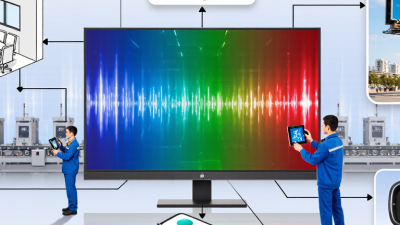
An LED display panel creates images from thousands of tiny light-emitting diodes. Each pixel usually contains red, green, and blue elements. By adjusting their brightness, the panel blends colors into text, photographs, and motion. Up close, the image can look like a field of colored dots. Step back, and those dots form a clear picture.
A media player or computer sends digital content to a controller, which maps the image onto the panel. Driver circuits then update the pixels repeatedly, making video appear smooth to viewers. The panel’s pixel pitch—the distance between neighboring pixels—affects how close people can stand before individual dots become noticeable. A tighter pitch often suits reception areas, where visitors may view content from a few feet away. Larger pitches can work well on walls seen from across a room. It is easy to overlook viewing distance.
Brightness and color calibration also shape the result. A panel facing bright windows needs enough output to remain readable, while excessive brightness can feel harsh indoors. Installers may adjust color balance so skin tones and product images look natural. Even careful settings are not perfect; lighting changes throughout the day, and content designed on a laptop may appear different on a large panel. Testing real images in the actual space helps reveal those differences.
Key Benefits of LED Displays for Businesses
Key Benefits of LED Displays for Businesses
An LED display can make a storefront message visible from across a busy street. Bright, high-contrast images help customers notice promotions, opening hours, or wayfinding details. Unlike printed posters, digital content can be updated without reprinting materials. That is useful when prices or schedules change. Indoor panels can also support clear presentations in meeting rooms, where text and charts need to remain readable from the back row. Results depend on viewing distance, brightness, and installation quality; a screen that is too bright can feel harsh.
Tips: Match pixel pitch to the audience’s distance. Check the screen at different times of day, not just during installation. Keep text short and choose strong contrast.
LED panels can display motion, which may draw attention to a new product or a time-sensitive offer. They can also reduce repeated printing, though electricity use and maintenance still matter. Ask for power and service details before choosing a panel. A sensible content plan is just as important as the hardware: changing visuals constantly can distract rather than inform. And sometimes a simple, static message works better. A small test screen or a short trial period can reveal whether customers actually notice and understand the content.
Factors to Consider When Choosing an LED Panel
Choosing an LED display panel starts with its job. A bright storefront facing afternoon sun needs more brightness than a screen in a dim meeting room. Check viewing distance, too: fine pixel spacing keeps text and product details clear up close, while larger spacing may suit a distant wall. Measure the installation area before comparing specifications. A panel that looks impressive in a showroom can feel oversized above a narrow counter.
Consider operating conditions and ongoing costs. Ask about indoor or outdoor suitability, heat management, maintenance access, and the availability of replacement modules. Power use matters when a display runs for long hours; request figures for typical operation, not only peak brightness. Look at the control system, too. Staff should be able to update content without a complicated process. Test the interface if possible. Small details count.
Installation deserves equal attention. Confirm the wall or support can carry the panel, and plan cable routes before work begins. Check how the display handles glare, color consistency, and changing content in the actual space. A short trial can reveal issues that a specification sheet misses. It may not catch everything. Ask for clear warranty terms and technical support arrangements, then compare them against your expected use. Sometimes the cheapest panel is the wrong fit; sometimes a premium feature will never be used. Decide based on the conditions your business actually has.
Why Choose an LED Display Panel for Your Business?
Pixel pitch is the distance between neighboring LED pixels. A common planning rule of thumb estimates a comfortable minimum viewing distance in meters as roughly equal to pixel pitch in millimeters. Actual results depend on content, audience, and installation.
Use pixel pitch and viewing distance as starting points when selecting a panel. Also consider brightness, resolution, installation environment, power use, and maintenance access.
Common Business Uses for LED Display Panels
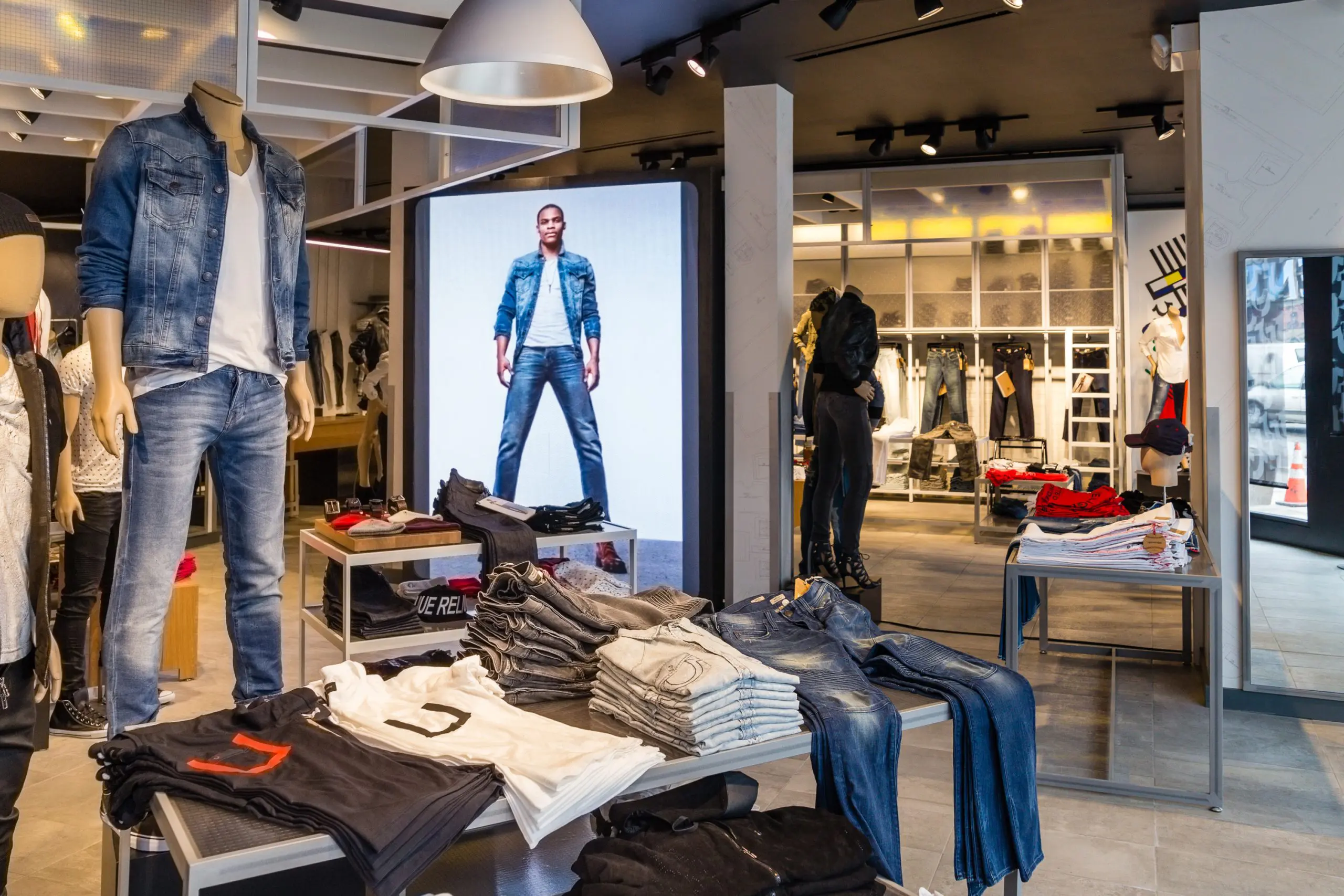
LED display panels serve different purposes across business settings. In a retail shop, a bright screen near the entrance can show daily offers, product demonstrations, or opening hours. Inside, smaller panels can guide customers toward service desks or seasonal displays. Content is easy to update, but frequent changes only help when the message stays readable from the viewing distance.
Hotels and office buildings often use LED panels in lobbies for welcome messages, event schedules, and wayfinding. A visitor can check a meeting room number without asking staff. Restaurants may display menus near the counter, where clear text and strong contrast matter more than decorative effects. Keep key details large. Small text can disappear in glare.
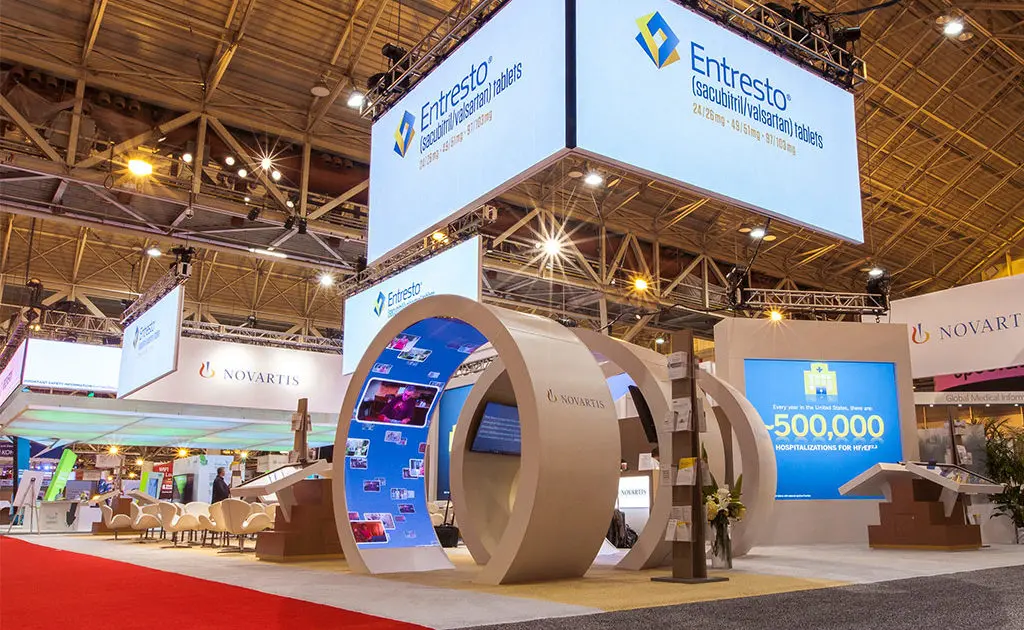
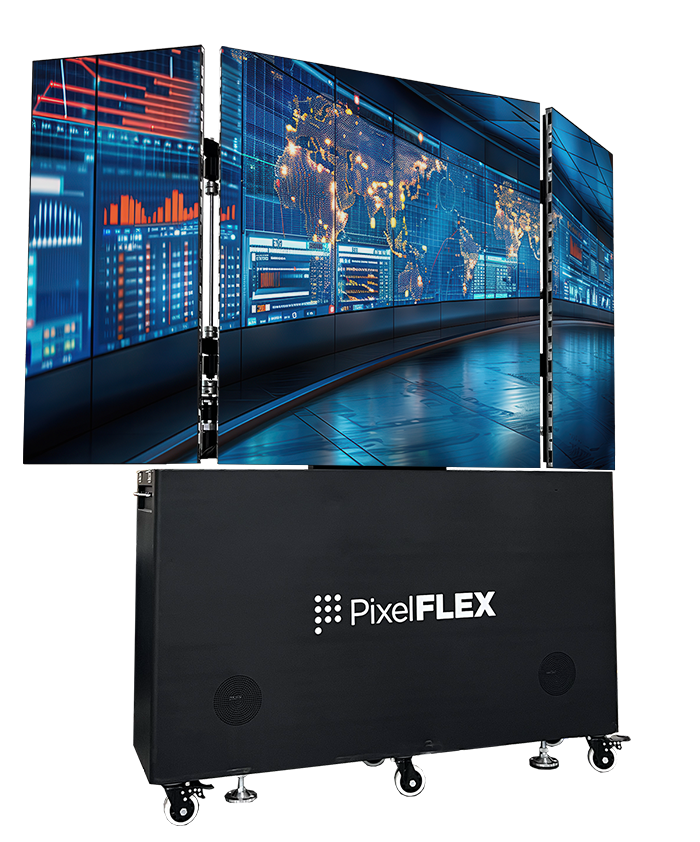
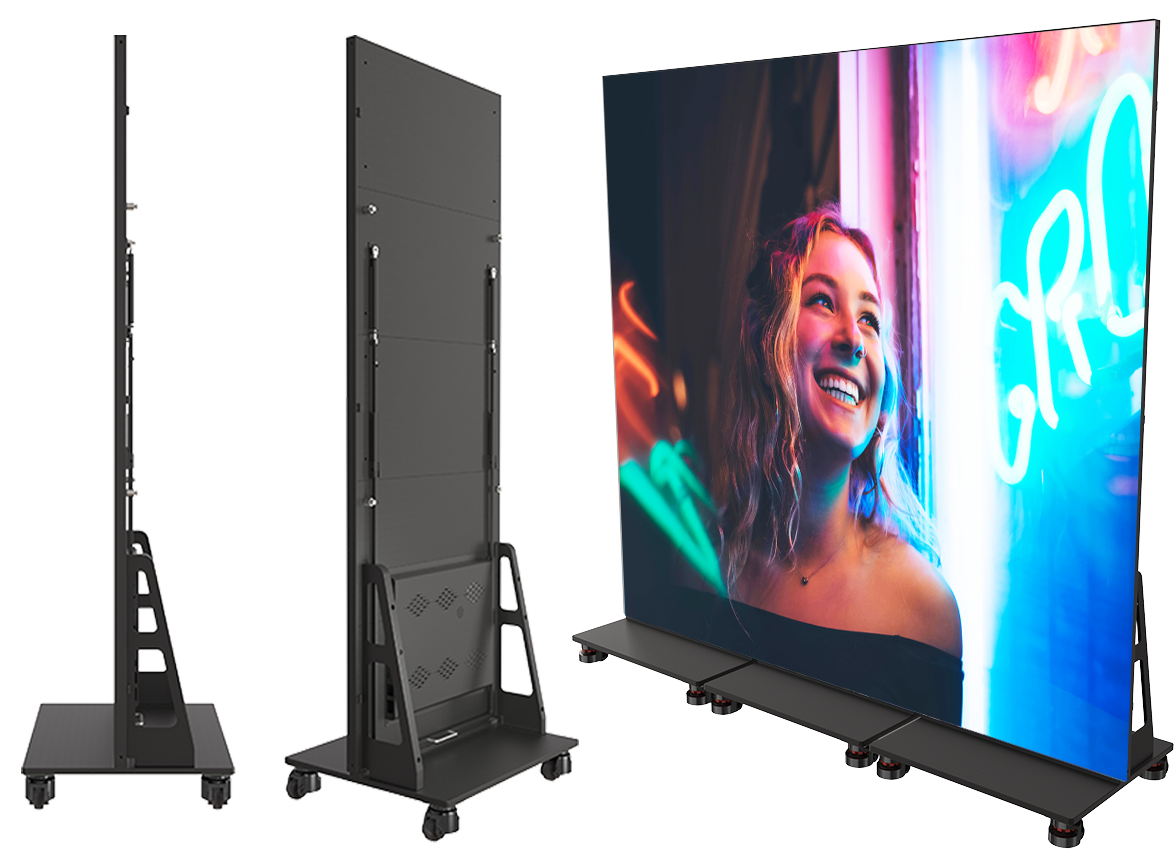
For trade shows and public events, modular LED panels can form a wide backdrop or a compact information screen. They work well for schedules, speaker names, and live visuals, though the setup needs careful planning. Measure the space, check ambient light, and consider how close people will stand. A screen that looks impressive in a showroom may feel overwhelming in a narrow lobby. That is easy to overlook. Not every business needs a large display; sometimes a modest panel near the point of decision is more useful.


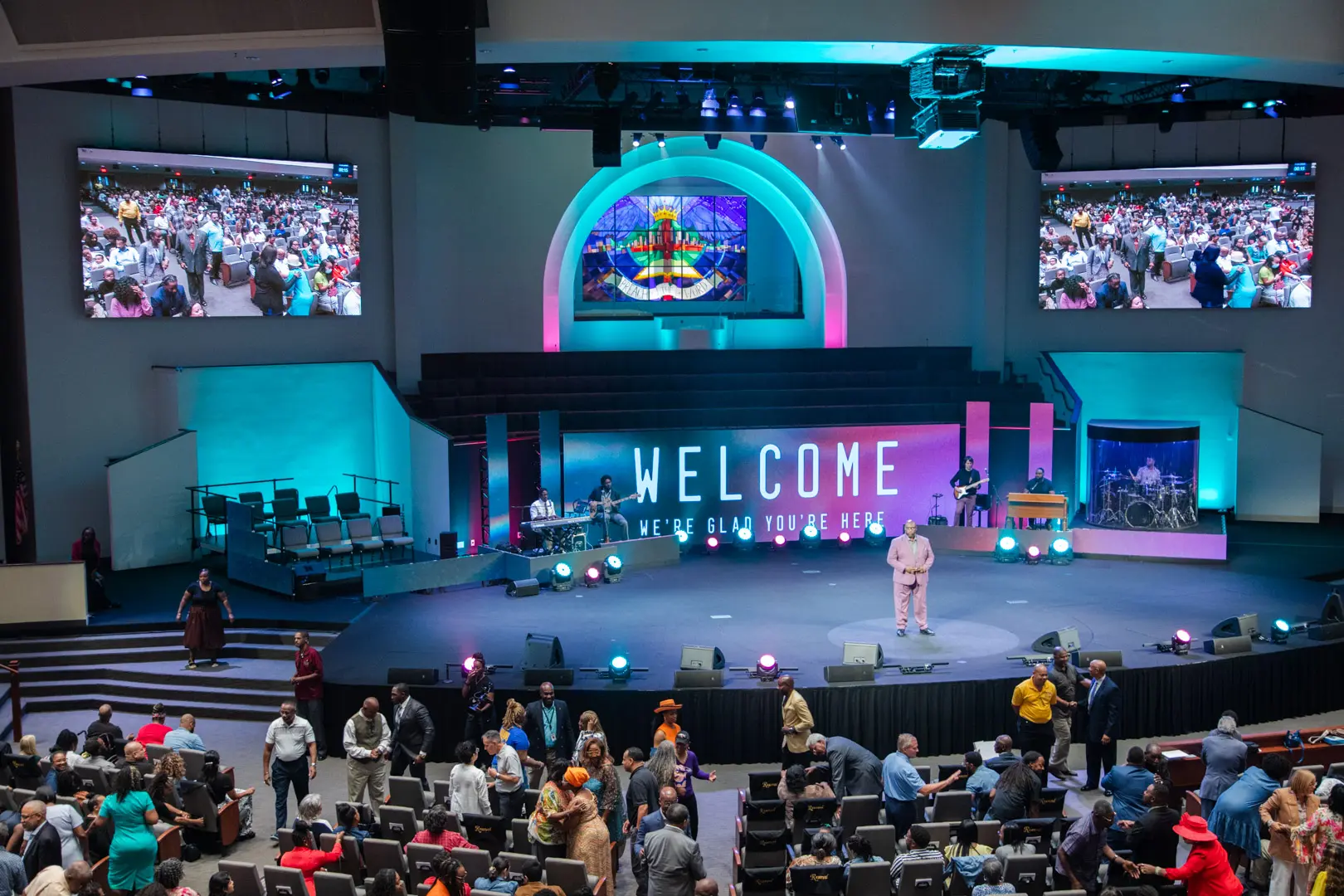
 House of Worship
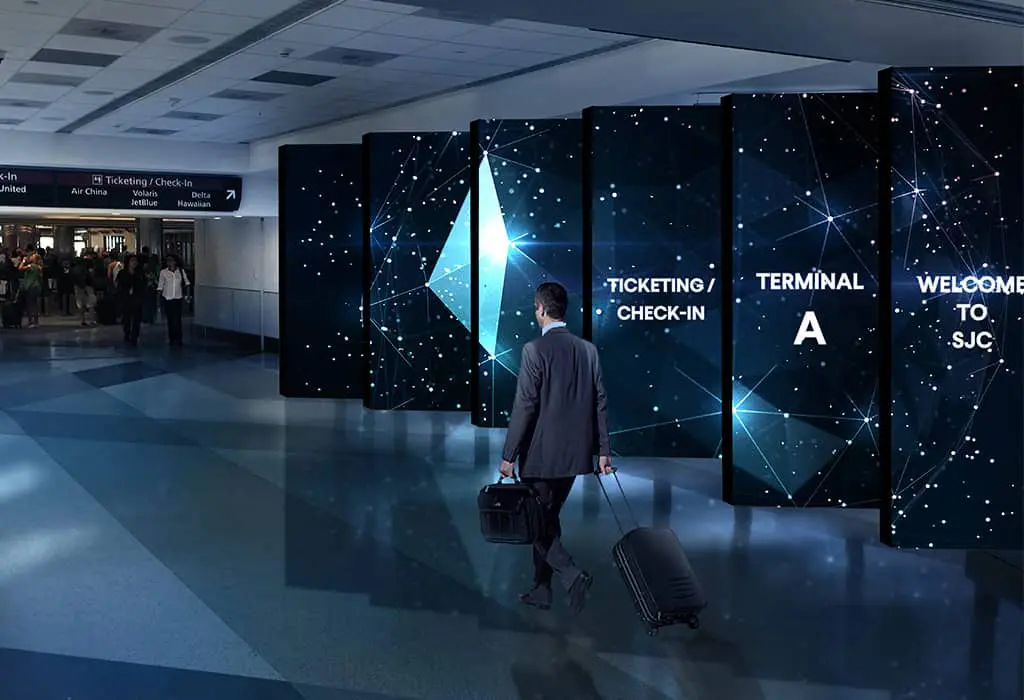
 Transportation
 Trade shows led display
 retail
 Creative Led Solutions
 Hospitality
 Higher Education
 Corporate LED